3130
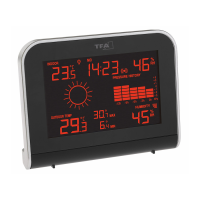
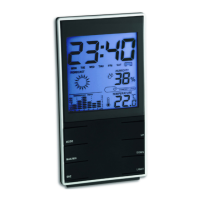
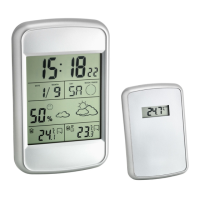
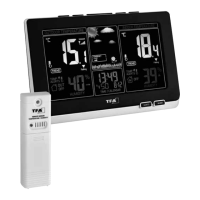
VIEW - Wireless weather station
VIEW - Wireless weather station
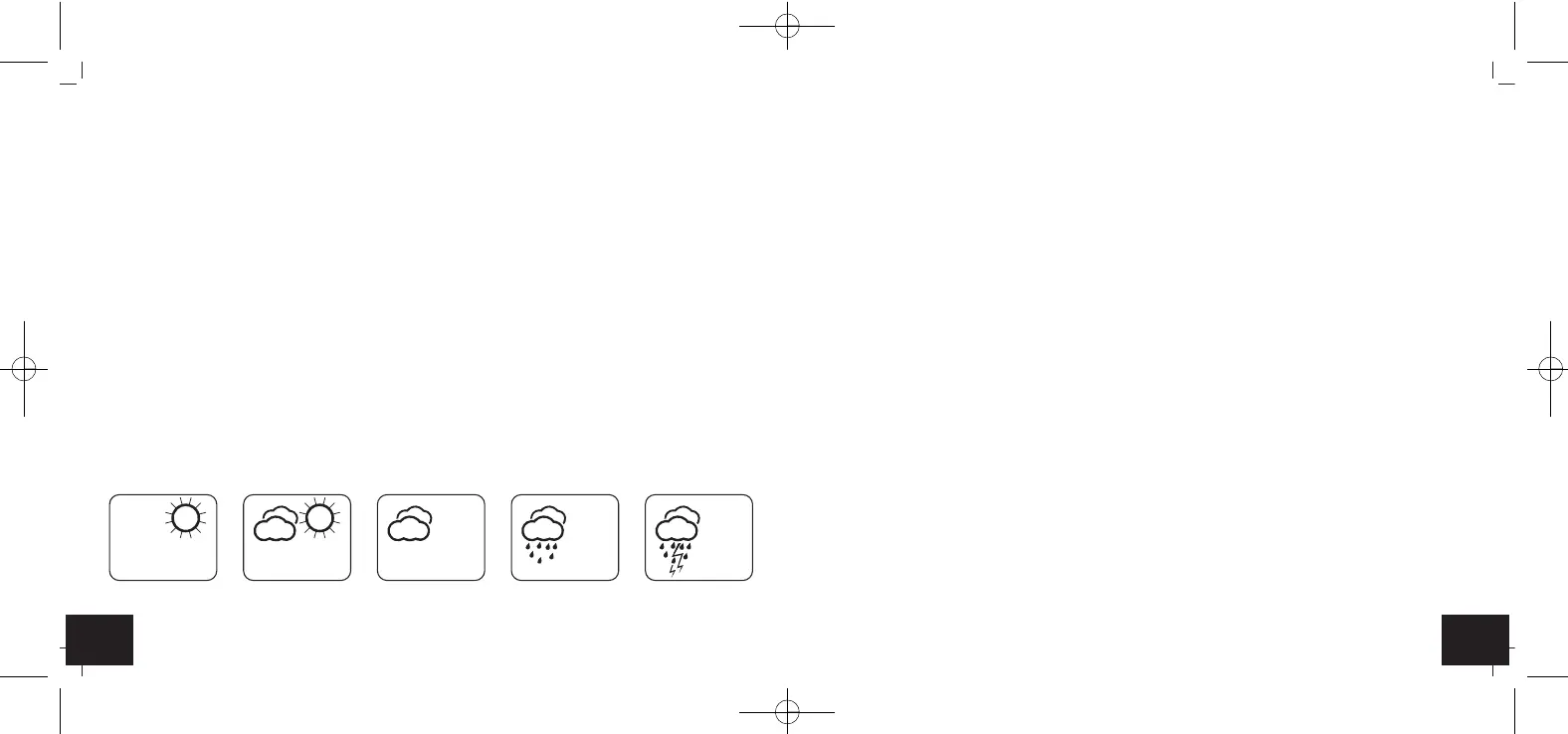
• The weather station has five different weather symbols (sunny, slightly cloudy, cloudy, rainy,
stormy).
• The weather forecast covers a range of 12 hours and indicates only a general weather trend. For
example, if the current weather is cloudy and the rain symbol is displayed, it does not mean the
product is faulty because it is not raining. It simply means that the atmospheric pressure has
dropped and the weather is expected to get worse but not necessarily rainy. The accuracy is about
70 %.
• The sun symbol also appears on a starry night.
Note!
• Please note that the forecast symbol will become more defined in the course of operation. The fore-
cast symbol is active right from the start, however, the reliability of the forecasts increases with the
amount of data collected.
7.4 Temperature and humidity
7.4.1 Maximum and minimum values
• Press the MAX / MIN button in normal mode.
• MAX appears on the display.
• You can now get the indoor and outdoor highest values for the temperature and humidity displayed
since the last reset.
• Press the MAX / MIN button again.
• MIN appears on the display.
• You can now get the indoor and outdoor lowest values for the temperature and humidity displayed
since the last reset.
• Press the MAX / MIN button once more, to go back to the current values display.
• Press and hold the MODE button.
• The alarm symbol will appear and the hour digit will be flashing. The alarm is activated.
• Press the +/°C °F or -/RCC button to adjust the hours.
• Confirm the setting with the MODE button and set the minutes in the same way.
• Press the MODE button again.
• The current time and the alarm symbol appear on the display.
• When the adjusted alarm time is reached, the alarm will ring.
• The alarm symbol will be flashing.
• If the alarm is not stopped manually, the ascending alarm tone automatically turns off after two min-
utes and will be reactivated at the same set time.
• Press any button (except SEARCH / SNZ) and the alarm will stop.
• Press SEARCH / SNZ button to activate the snooze function.
• Once the snooze function is activated, Zz will be flashing on the display.
• The alarm will be interrupted for 10 minutes.
7.2.1 Activate/turn off alarm
• Press the +/°C °F or -/RCC button in alarm mode to activate or deactivate the alarm function.
• The alarm symbol appears/disappears.
7.3 Weather forecast
Sunny Slightly cloudy Cloudy Rainy Stormy
TFA_No. 35.1142_Anleitung_04_17 05.04.2017 14:58 Uhr Seite 16



 To Next Page