1514
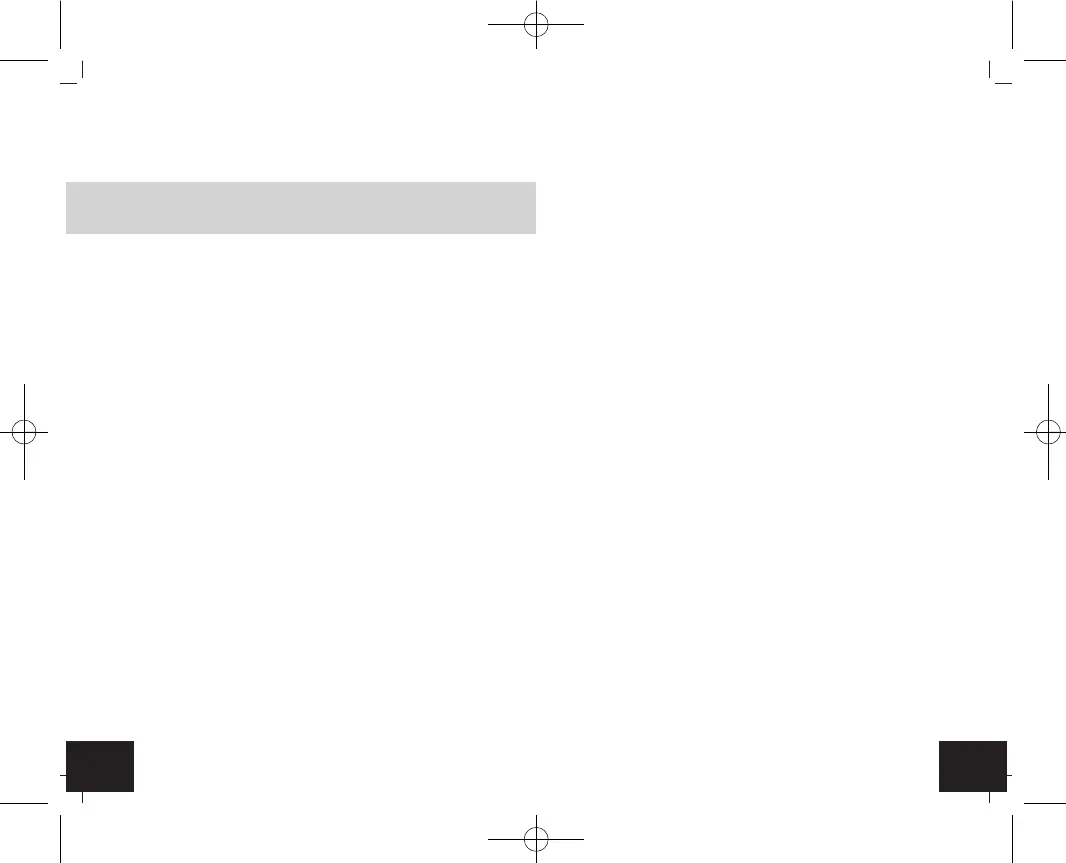
Alarm clock with indoor climate
•
Unauthorized repairs, modifications or changes to the product
are prohibited.
Caution!
Risk of injury:
•
Keep this instrument and the batteries out of reach of children.
•
Batteries contain harmful acids and may be hazardous if swal-
lowed. If a battery is swallowed, this can lead to serious inter-
nal burns and death within two hours. If you suspect a battery
could have been swallowed or otherwise caught in the body,
seek medical help immediately.
• Batteries must not be thrown into a fire, short-circuited, taken
apart or recharged. Risk of explosion!
• Low batteries should be changed as soon as possible to pre-
vent damage caused by leaking. Never use a combination of old
and new batteries together, nor batteries of different types.
• Wear chemical-resistant protective gloves and safety glasses
when handling leaking batteries.
Important information on product safety!
•
Do not expose the device to extreme temperatures, vibrations
or shocks.
•
Protect it from moisture.
5. Elements
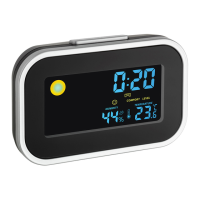
A: Display (Fig. 1)
:
A 1: Time/date/alarm time
A 2: Weather symbol
A 3: Alarm symbol
A 4: Day of the week
Alarm clock with indoor climate
A 5: Comfort level
A 6: Humidity
A 7: Temperature
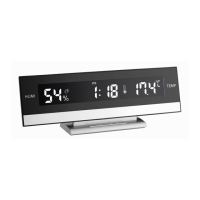
B: Buttons (Fig. 2)
:
B 1: MODE button
B 2: UP button
B 3: DOWN button
B 4: MAX/MIN button
B 5: LIGHT/SNZ button (on the top)
C: Housing (Fig. 2)
:
C 1: Battery compartment
6. Getting started
•
Open the battery compartment and insert three new batteries
1,5 V AAA. Ensure that the battery polarities are correct.
•
The device will alert you with a beep and all LCD segments will
be displayed for a short moment.
6.1 Note:
•
For better adjustment of the device, press the
LIGHT/ SNZ
button
to turn on the backlight for 8 seconds.
•
As soon as the backlight turns off, first press the
LIGHT/ SNZ
button and then the setting button.
7. How to operate
7.1 Setting of the clock
•
Press and hold
MODE
button for three seconds in the time
mode.
•
The hour digits will be flashing.
TFA_No. 60.2015_Anl_03_21 24.03.2021 18:07 Uhr Seite 8


 To Next Page