2524
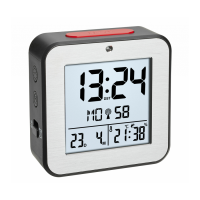
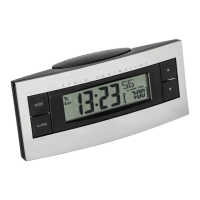
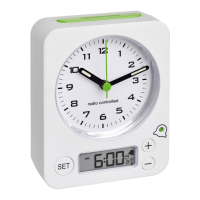
Radio-controlled alarm clock
C: Housing (Fig. 2):
C 1: Battery compartment
4. Getting started
• Open the battery compartment and insert two new AAA
1,5 V batteries. Make sure the polarity is correct.
• Close the battery compartment again.
• The device will alert you with a beep and all segments
will be displayed for a short moment.
• The clock will now scan the DCF frequency signal and
the DCF symbol will be flashing on the display.
When the time code is successfully received after 3-7
minutes, the radio-controlled time, the date and the
DCF symbol will be shown steadily on the display.
Radio-controlled alarm clock
• The DCF reception always takes place daily at 1:00
o'clock in the morning. If the reception fails, it will
repeat again 5 times every hour.
• Press and hold the WAVE button for three seconds and
start the initialisation manually.
• To end the DCF reception attempt, press the WAVE but-
ton again.
• If the clock cannot detect the DCF-signal (e.g. due to
interference, transmitting distance, etc.), the time can
be set manually. The clock will then work as a normal
quartz clock. (see: Manual settings).
Radio-controlled time reception
The time base for the radio-controlled time is a caesium
atomic clock operated by the Physikalisch Technische Bun-
desanstalt based in Braunschweig (Brunswick), Germany.
TFA_No. 60.2545_Anleitung 14.03.2018 14:35 Uhr Seite 13



 To Next Page