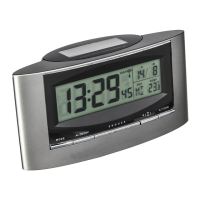
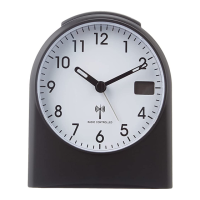
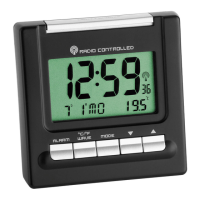
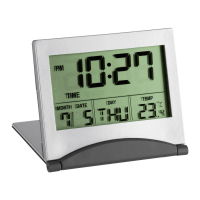
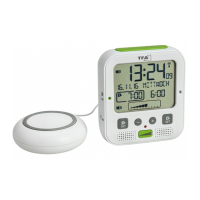
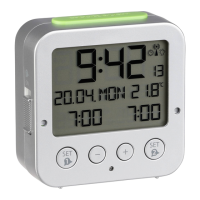
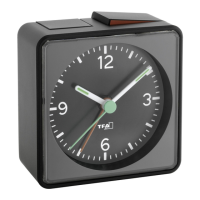
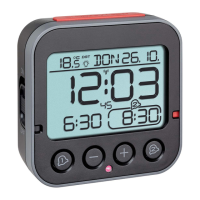
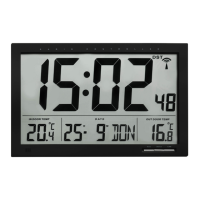
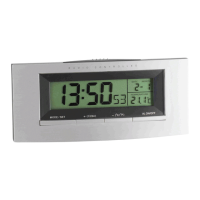
Radio-controlled alarm clock
with thermometer
Radio-controlled alarm clock
with thermometer
1918
➜ Restart the device
according to the manual
➜ Set the clock manually
Incorrect indication ➜ Replace the batteries
If your device fails to work despite these measures
contact the supplier from whom you purchased it.
11. Waste disposal
This product and its packaging have been manufac-
tured using high-grade materials and components
which can be recycled and reused. This reduces waste
and protects the environment.
Dispose of the packaging in an environmentally friend-
ly manner using the collection systems that have been
set up.
Disposal of the electrical device
Remove non-permanently installed batter-
ies and rechargeable batteries from the
device and dispose of them separately.
This product is labelled in accordance with
the EU Waste Electrical and Electronic
Equipment Directive (WEEE).
Please do not dispose of this product in
ordinary household waste. As a consumer,
you are required to take end-of-life devices
to a designated collection point for the dis-
posal of electrical and electronic equip-
ment, in order to ensure environmentally-
compatible disposal. Observe the current
regulations in place!
Disposal of the batteries
Never dispose of empty batteries and re-
chargeable batteries with ordinary house-
hold waste. They contain pollutants which,
if improperly disposed of, can harm the
environment and human health.
• Press the “SNOOZE/LIGHT” button when alarming
to activate the snooze alarm. The alarm will stop for
8 minutes, then it alarms again.
7.4 Temperature display
• Press the “-(C/F)”- button to change between °C or
°F as temperature unit.
8. Backlight
• Press the top button “SNOOZE/LIGHT”. The back-
light will light for 5 seconds.
9. Care and maintenance
• Clean it with a soft damp cloth. Do not use solvents
or scouring agents.
• Remove the batteries if you do not use the product
for a lengthy period.
• Keep the instrument in a dry place.
9.1 Battery replacement
• Replace the batteries when the display becomes
weak or the alarm level declines.
10. Troubleshooting
Problems Solution
No indication ➜ Ensure batteries
polarities are correct
➜ Replace the batteries
No DCF reception ➜ Press and hold the
“+(12/24)”- button
and the “-(C/F)”- button
for 3 seconds
➜ Wait for attempted
reception during the
night
➜ Choose another place
for the instrument
➜ Check if there is any
source of interference
TFA_No. 98.1030_Anleit_09_21 17.09.2021 10:22 Uhr Seite 10


 To Next Page