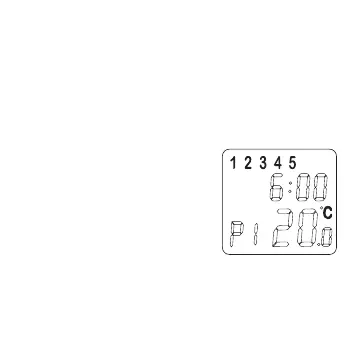
1. After power up or reset, press P button to view the
prerecorded programs. All the programs are factory
preset at the above values.
2. Press P button again will scroll weekday (P1 - 4),
Saturday (P5 - 6) and Sunday (P7 - 8) programs.
3.The program is set as a sequence:
P1 » P2 » ... » P8 » P1 » ...
4.2 Program Modification
The pre-recorded programs could be
modified. Follow the instructions
shown below.
1. Press P button to select program
(P1 - P8).
2. Press H button to set the hour
indicator.
3. Press M button to increase the minute indicator
setting by 15 minutes each time.
4.Press ▲ or ▼ button to adjust to your desired set
13


 To Next Page