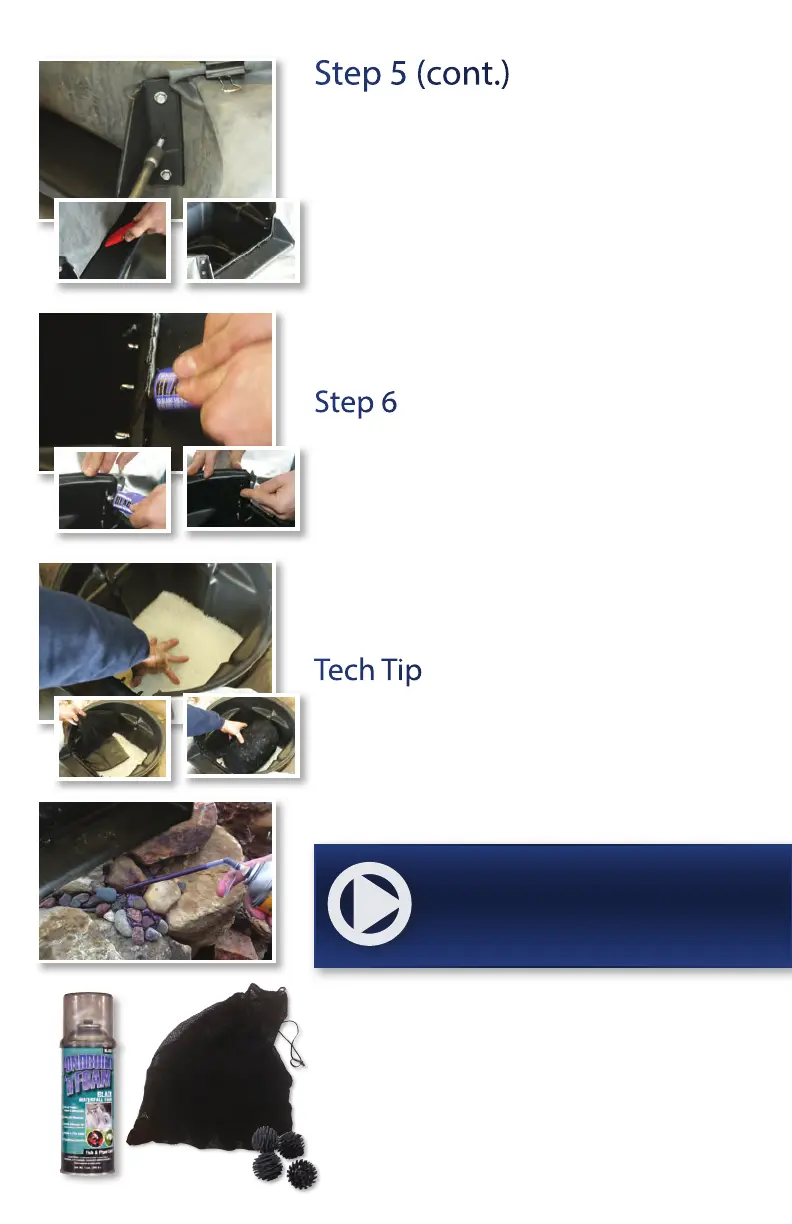
Step 5 (cont.)
Carefully trim out the section of liner inside of the
waterfall area to open the channel where the water
will ow through.
Use the remaining silicone to run an additional bead
along the joint where the waterfall box, liner, and weir
come together. Smooth out the bead using your nger.
From inside the waterfall box, place a small amount
of silicone to the end of each screw. Then place a black
screw cap on each screw.
Step 6
Install Filter Media
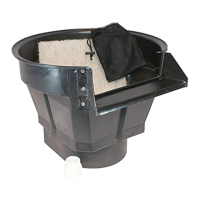
Position the lter mat horizontally in the bottom of the
waterfall box. The ClearSpring™ Pro Waterfalls include
one white mat.
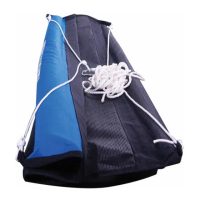
Fill the media bag(s) with biological media (not included)
and position on top of the lter mats. We recommend
using BioBalls (Item #110540) in the media bag(s) of the
ClearSpring™ Pro waterfalls.
Tech Tip
Use Waterfall Foam (Item #170132) to ll in the gaps of the
rockwork leading up to the waterfall box. The foam will
force the water on top of the rockwork rather than around
and behind it where it can’t be seen. This will give you a
much more dramatic waterfall display!
For additional installation instructions
view the Instructional Video @
www.thepondguy.com/clearspringpro
The Pond Guy® recommends the following products for use
with ClearSpring Pro Waterfall Filters:
BIOBALLS (ITEM #110540)
BLACK WATERFALL FOAM (ITEM #170132)
4


 To Next Page