EasyManua.ls Logo

The Singing Machine SML-383 - User Manual

The Singing Machine SML-383
44 pages
Print Icon
To Next Page IconTo Next Page
Loading...
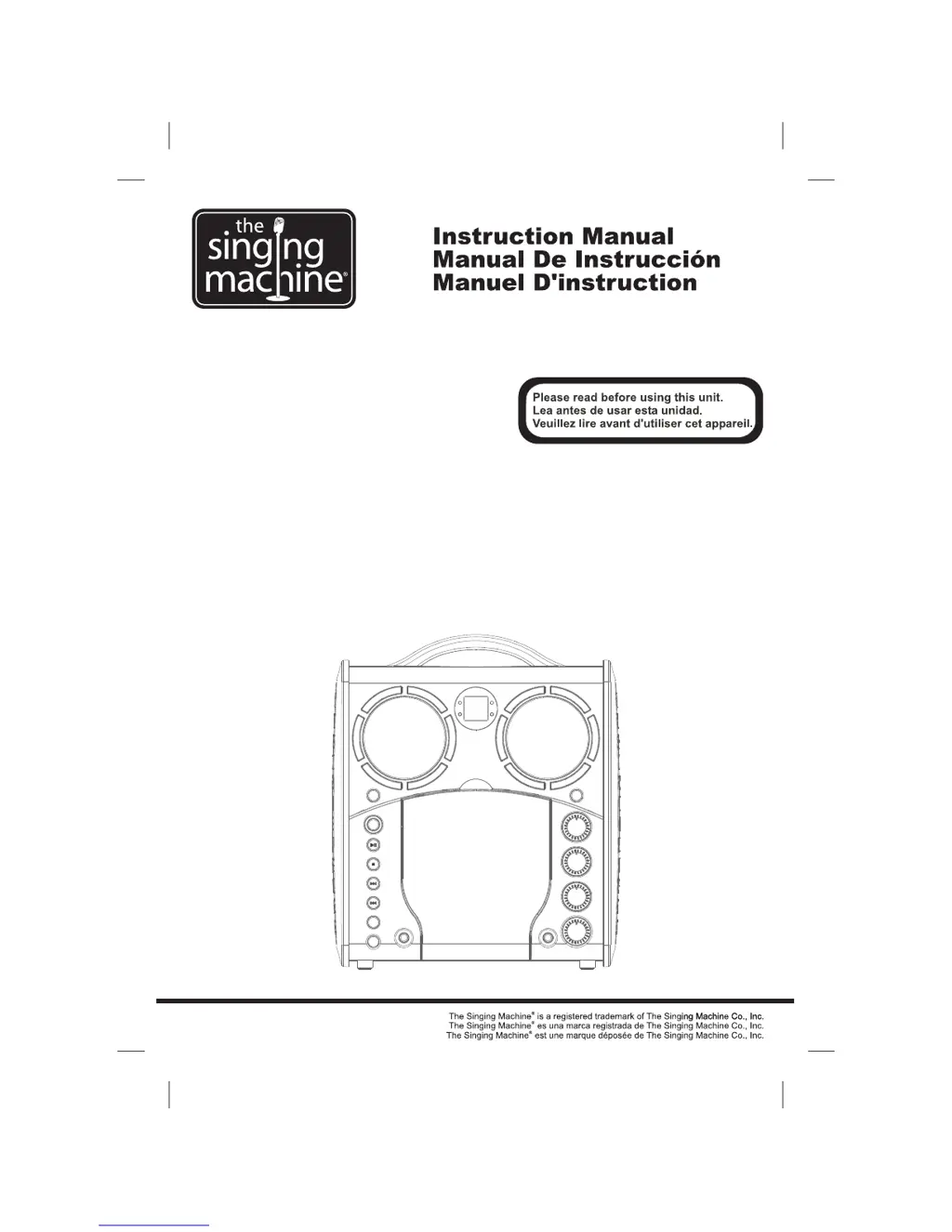
SML-383
Portable CD + Graphics
with Built-In Disco Light
Karaoke Center
Centro karaoke
portátil de CD+Gráficos
con iluminación disco integrada
CD + Graphiques
Portable avec centre karaoké
Disco Light intégré

Other manuals for The Singing Machine SML-383

Questions and Answers

  • K
    Kim PaulJul 26, 2025
    Why is there no sound coming from The Singing Machine Karaoke System?
    • C
      Cynthia CombsJul 26, 2025
      If you're experiencing no sound with The Singing Machine Karaoke System, first, check that the volume control is not set to the minimum; increase the volume. If you're using a TV or PA system, ensure its volume is also turned up and that it's powered on. Also, verify that the AUX OUT jacks are correctly connected, following the ‘Audio Connection’ instructions.
  • V
    Veronica OlsonJul 30, 2025
    What to do if The Singing Machine Karaoke System has no power when plugged in?
    • Y
      yvaldezJul 30, 2025
      If The Singing Machine Karaoke System has no power when plugged in, first verify that the AC outlet is working by testing it with another electrical appliance. Also, make sure the AC plug is securely connected to the back of the unit.
  • G
    Glenn ClarkAug 3, 2025
    How to fix CD player if it doesn't work normally on The Singing Machine Karaoke System?
    • T
      tbrandtAug 3, 2025
      If the CD player on The Singing Machine Karaoke System isn't working correctly or shows errors on the LED, ensure the disc is inserted correctly (label side up) and is clean. If the disc is scratched or warped, use a new one. Only use discs with a standard logo. Try using a CD lens cleaner. If moisture has formed inside the CD deck, wait 20-30 minutes for it to dry. As a last resort, disconnect the machine from the power source for 30 seconds to reset it.
  • S
    Stephanie StewartAug 8, 2025
    How to fix no sound from the mic on The Singing Machine Karaoke System?
    • V
      vlucasAug 8, 2025
      If there is no sound from the microphone when using The Singing Machine Karaoke System, first, adjust the mic volume to the maximum level and then readjust to a comfortable level. Also, check the ON/OFF switch located on the microphone to ensure it is turned on.
  • G
    Gregory VargasAug 12, 2025
    What to do if no song lyrics appear on The Singing Machine Karaoke System?
    • M
      michaelclarkAug 13, 2025
      If no song lyrics appear on the TV screen when using The Singing Machine Karaoke System, ensure the video cable is correctly connected from the Karaoke System's VIDEO OUT to the TV VIDEO IN. Also, use your TV remote to select the correct VIDEO input. If your TV lacks a video line input, connect the system's VIDEO OUT to the VIDEO IN on your VCR, or use an RF Modulator connected to the TV cable input. Finally, confirm that the loaded disc is a clean CDG.
  • R
    Richard Fernandez MDAug 16, 2025
    What to do if The Singing Machine Karaoke System has no power when ON/OFF button is on?
    • G
      ggarciaAug 16, 2025
      If The Singing Machine Karaoke System has no power when the ON/OFF button is activated, make sure the power plug is properly inserted into the AC outlet.
  • K
    katherine95Aug 21, 2025
    Why is there no sound when The Singing Machine Karaoke System is connected to TV?
    • E
      Erika RogersAug 21, 2025
      If you're not getting sound when The Singing Machine Karaoke System audio is routed through a TV, VCR, or home stereo, ensure that the source selection on your TV, VCR, or home stereo is correctly set to AUX IN. Also, be sure that your system is properly connected to the stereo system or PA, consulting the ‘Audio Connection’ instructions for guidance.

Summary

Warnings and Safety

Electrical and Product Safety Warnings

Covers risks of electric shock, non-serviceable parts, rain/moisture, ventilation, and modifications.

Important Safety Instructions

Further Safety Instructions

Control Locations - Front View

Front Panel Controls and Indicators

Identifies and describes the controls and indicators on the front panel.

Control Locations - Rear View & Battery

Rear Panel Ports and Compartment

Identifies and describes the ports and compartment on the rear panel.

Battery Usage Guidelines

Provides essential guidelines for safe and correct battery usage.

Making the Connections - Power & Video

Power Connection and DC Operation

Details connecting AC power, storing the cord, and operating the unit with batteries.

Making the Connections - Audio & Source Selection

CD or CD+G Operation - Playback

CD or CD+G Operation - Features

Troubleshooting Guide

Troubleshooting Guide (Continued)

The Singing Machine SML-383 Specifications

General IconGeneral
BrandThe Singing Machine
ModelSML-383
CategoryKaraoke System
LanguageEnglish

Related product manuals