— E14 —
Operation
Playing Songs from the USB (Continued)
10
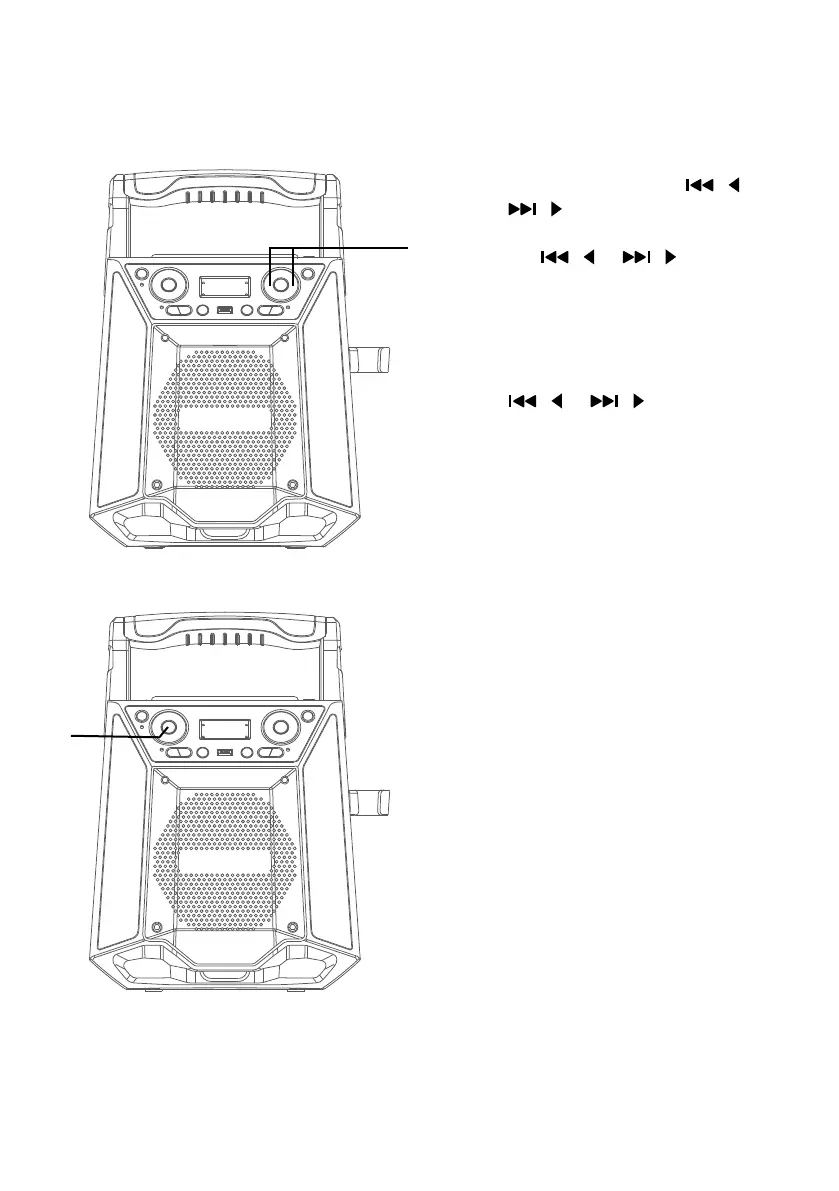
SKIP: Advance or go back one
track by pressing the / or
/ buttons. When playing any
audio from the USB, press and hold
the / or / buttons. The
USB will search at high speed in
the forward or backward direction.
Normal play will continue when
you release the during Stop mode
you can also use the navigation
/ or / buttons to scroll
right/left and up and down to
select a folder or a certain track.
11
REPEAT: During playback, press
the REPEAT/PROG button once
to repeatedly play the selected
song; the repeat indicator will
blink slowly. Press the REPEAT/
PROG button a second time
to repeatedly play the selected
folder; the repeat indicator will
blink rapidly. Press a third time
to repeatedly play the USB; the
repeat indicator will light solid.
Press it again to cancel Repeat
function; the indicator will turn
off.
ak
at















 To Next Page