— E21 —
W
V
Operation
Using the LINE IN Jack (Continued)
7
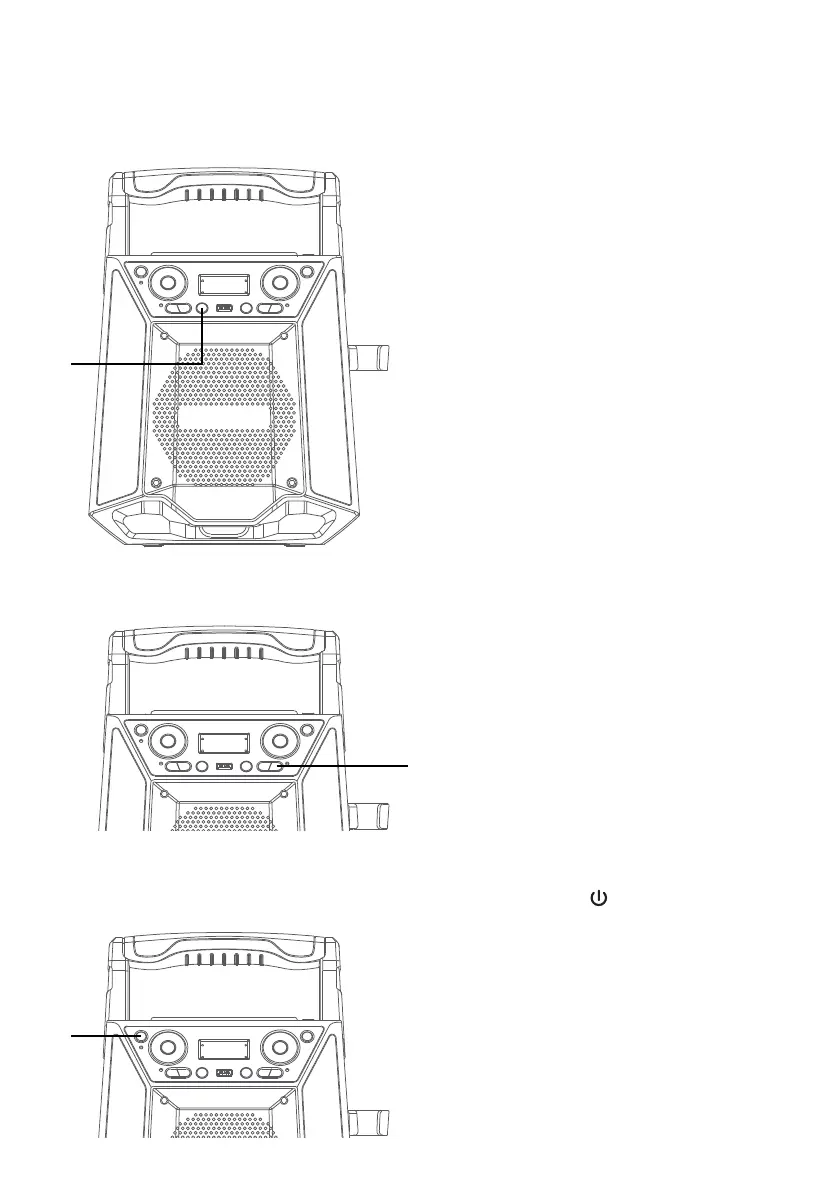
SING-ALONG WITH BUILT-IN
VOICE CHANGERS
There are 6 built-in voice changers
in this unit. Repeatly press the FX
button to select different vocal
effects.
Display will show:
EF0 - NONE
EF1 - ECHO
EF2 - FEMALE
EF3 - MALE
EF4 - CHIPMUNK
EF5 - ROBOT
EF6 - RADIO
8
RECORD YOUR VOCAL
PERFORMANCE:
To record your singing as well as
the music, press the REC button.
Recording will begin and the
record indicator will light solid.
When done recording, press the
REC button again; the record
indicator will turn off.
Notes:
• A USB drive (not included) must be
inserted into USB slot to record.
• The recorded audio file will record onto
the USB drive.
• See section “Playing Songs from the
USB” to play back your recorded files.
9
Press the button to turn the
unit off.
X















 To Next Page