— E11 —
Playing Songs from the USB (Continued)
Notes:
• Press and hold the PROG/REPEAT button
to stop and clear the program.
• If more than 20 tracks are attempted to
be programmed, “FUL” will appear in the
display.
11
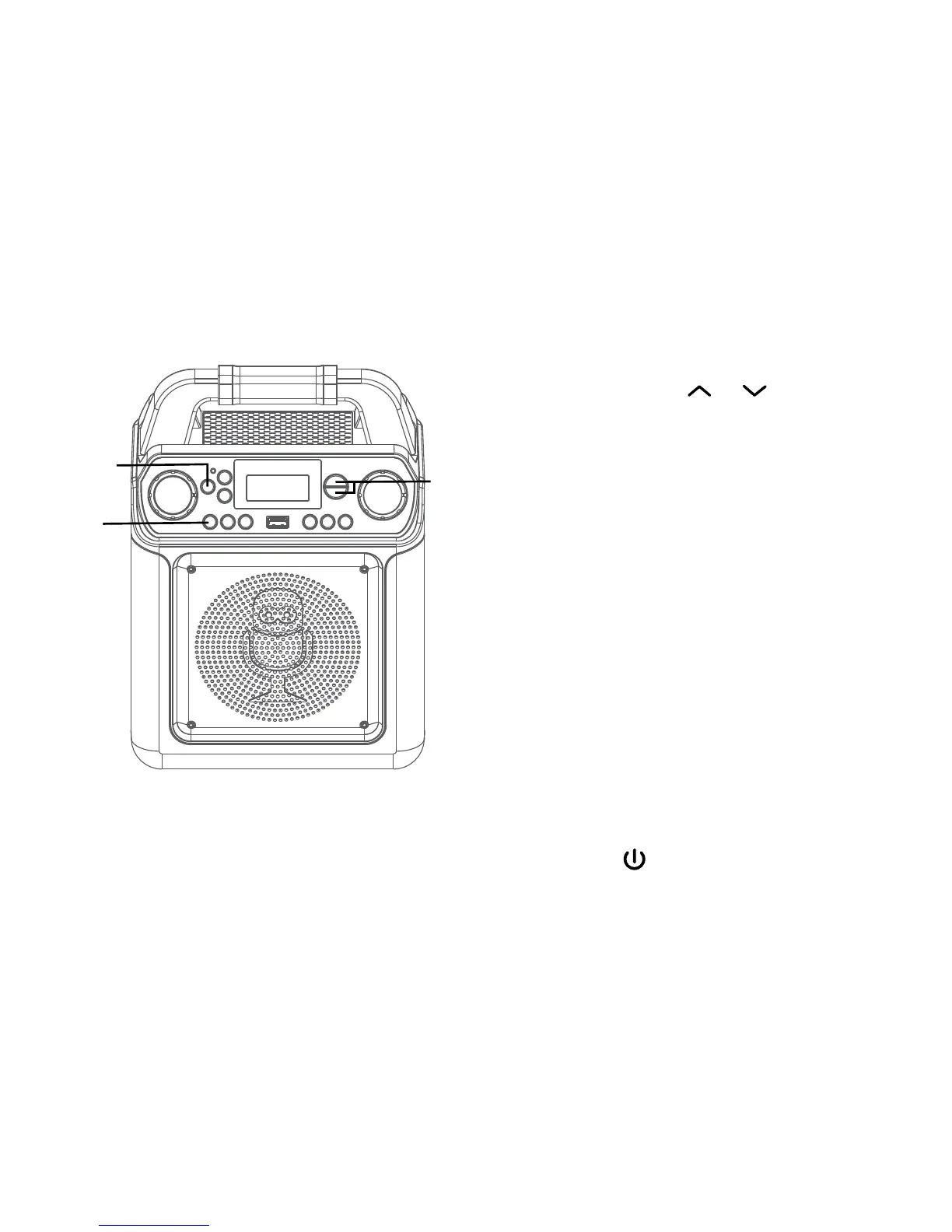
SOUND EFFECT: Repeatedly press the
VOICE EFFECTS or buttons
to select from ECHO, FEMALE, MALE,
CHIPMUNK, ROBOT or RADIO vocal
effects. Select NONE to sing without
any voice effect.
12
PAUSE: During playback, if you wish
to pause momentarily, press the
PLAY/PAUSE4; button; the Play/
Pause indicator will blink. Press again
to resume normal playback.
13
Press and hold the PLAY/PAUSE4;
button to stop playback.
14
Press the ON/STANDBY button
to turn the unit off.
Operation
al
ak
an
am














 To Next Page