— E6 —
Connection
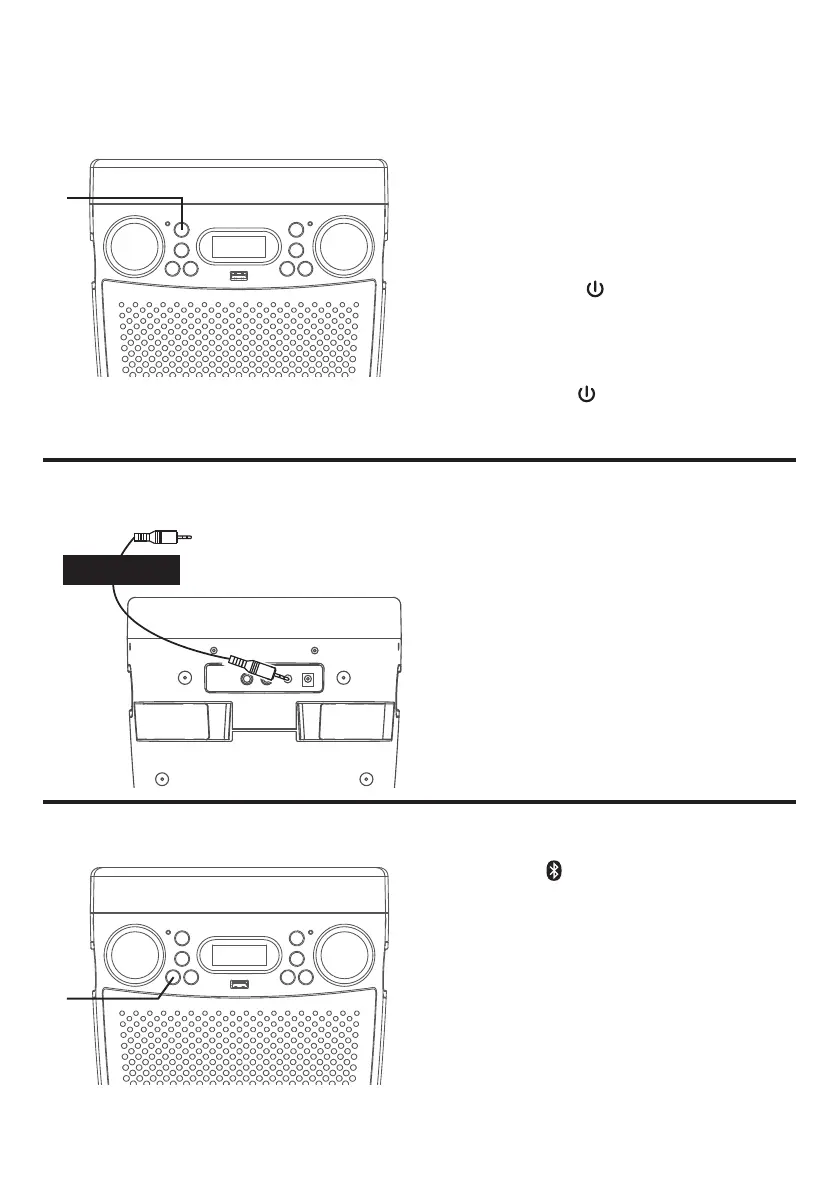
Connecting to AUX In Jack
Connect an external device by using an
appropriate cable (3.5mm audio cable not
included) as shown.
NOTE:
See page E13 to select and use the Line
In function.
To External Unit
AUDIO OUTPUT
/ HEADPHONE JACK
Lights Mode
1
When the unit is turned on, the Light
mode 1 is automatically activated. The
lights will light up and will synchronize
with sound when you speak or sing
into the microphone.
Press the /LIGHTS button for
Light mode 2 which will display the
light show but will not respond to the
microphone.
Press the /LIGHTS button for a
third time to turn off the Lights.
u
Press the button to easily set the
machine into bluetooth mode.
NOTE: See page E10 for Bluetooth
operation instructions.
Bluetooth Mode
u














 To Next Page