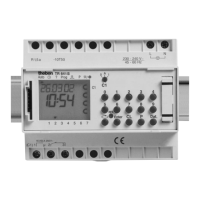
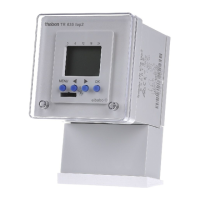
Setting area
12.1 Delayed switch-on:
Switch-on can be delayed by 1 – 59 seconds with an additional OFF pulse com-
mand, e.g. 35 sec. On at 7 AM or for time-offset switch-on of channels.
Interrupting switch-on phases:
Off pulse commands permit brief interruptions of switch-on phases.
13.0 Preselection e. g. C1 On / OFF C1 ... to be pressed
e. g. C2 On / OFF C2 ... to be pressed
Counter-acting program commands annul the
switching preselection.
14.0 Permanent control: e. g. C2 permanent control ON/OFF/Autom.
m keep pressing C2 > C2 > C2
• On • OFF AUTO
• Point indicates permanent control of the
channel
15.0 Recall e. g. C2 recall starting from Monday.
v
...? (free memory locations are displayed)
C2 > d > Enter > Enter ... End
if necessary to switch-over to other channels by
pressing C1 or C3. Flashing arrows indicate
identical commands (block commands) on other
weekdays.
16.0 Clearance The indicated wrong switching command can
be cleared by simultaneously pressing the
keys h + m to be cleared
16.1 Total clearance of all d + h + m to be pressed simultaneously
switching commands
Attention!
This action deletes all stored switching times!
17.0 Holiday program e. g.: all channels to be switched-off after
3 days for a period of 14 days
Start and End respectively at 00 00 h.
h keep pres. d ... 3 (max. 21) > m .. 14
(max. 42).
Delete by pressing forward to 00 00.
18.0 Summer-/Wintertime adjustment
18.1 Checking the date
If (no) automatic summer/winter time adjustment has been selected (no),
the time can be corrected manually. First press the button v and the d button
d. Hold down both buttons for approx. 2 sec. The set summer/winter time adjust-
ment rule (e. g dat) will then appear in the LCD display. If you now press the Enter
button, the year will appear, followed by the date if pressed again. Press the Enter
button to return to the automatic program.
18.2 Selection table for automatic summer/winter time adjustment
18.3 See Captur 7.0 / setting / changing the current time
Select the required automatic adjustment from the selction table in chapter
18.2. First press the button v , and then button d. The set summer/win-
ter time adjustment rule will then appear in the LCD display (e.g. dat). To
change the automatic S/W adjustment, press the button C1 and then store the
setting via the Enter button.
You can then change the year using button d
and store it by pressing the
Enter button. The current day can then be changed with button d and the
month with button m. Again, store by pressing the Enter button.
18.4 Changing the automatic summer / winter time adjustment
Programmation only possible, if no automatic summer / winter time adjust-
ment as selected!
press h > Enter
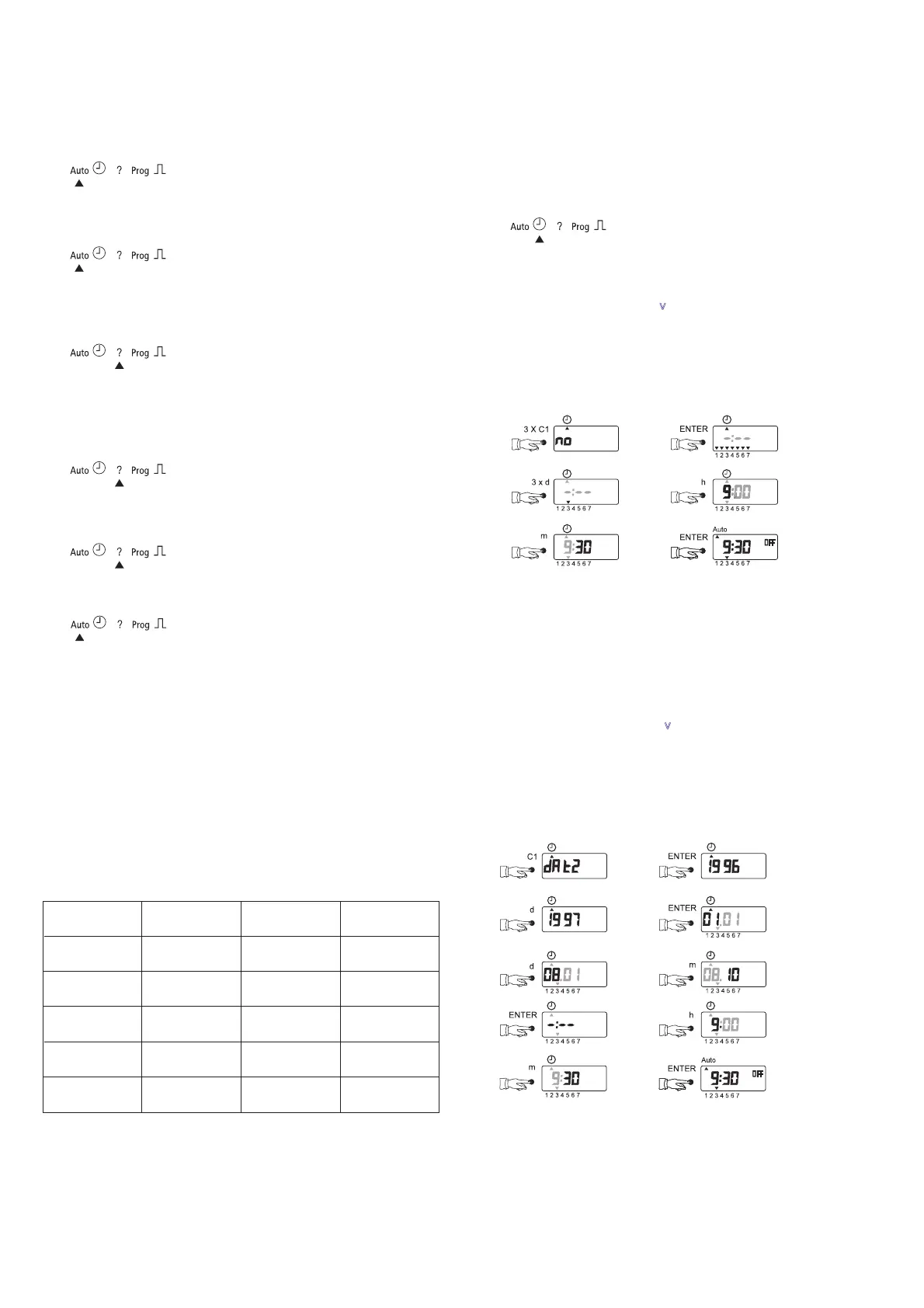
18.5 Initial start-up without automatic summer / winter time
adjustment with week program
At first: RESET = press buttons
v
+ C1 simultaneously
Example TR 651 S:
Selected adjustment rule: no
Current day of the week: wednesday
Programing time: 9.30 AM
18.6 Initial start-up with automatic summer / winter
time adjustment with week program
The button C1 can be used ot set the required time adjustment rule from the
table in chapter 18.2.
At first: RESET = press buttons
v
+ C1 simultaneously
Example TR 651 S:
Selected adjustment rule: dat 2
Programing Date: 8. 10. 1997
Programing time: 9.30 AM
dat 1
from 1/96
dat 2
dat 3
no
Beginning of
summer time
Last Sun.
in Oct.
Last Sun.
in Oct.
Last Sun.
in Oct.
No
adjustment
EU
GB
North
Last Sun.
in March
dat
up to 12/95
Last Sun.
in Sept.
EULast Sun.
in March
Last Sun.
in March
1st. Sun.
in April
No
adjustment
Beginning of
winter time
Area


 To Previous Page
 Loading...