EasyManua.ls Logo

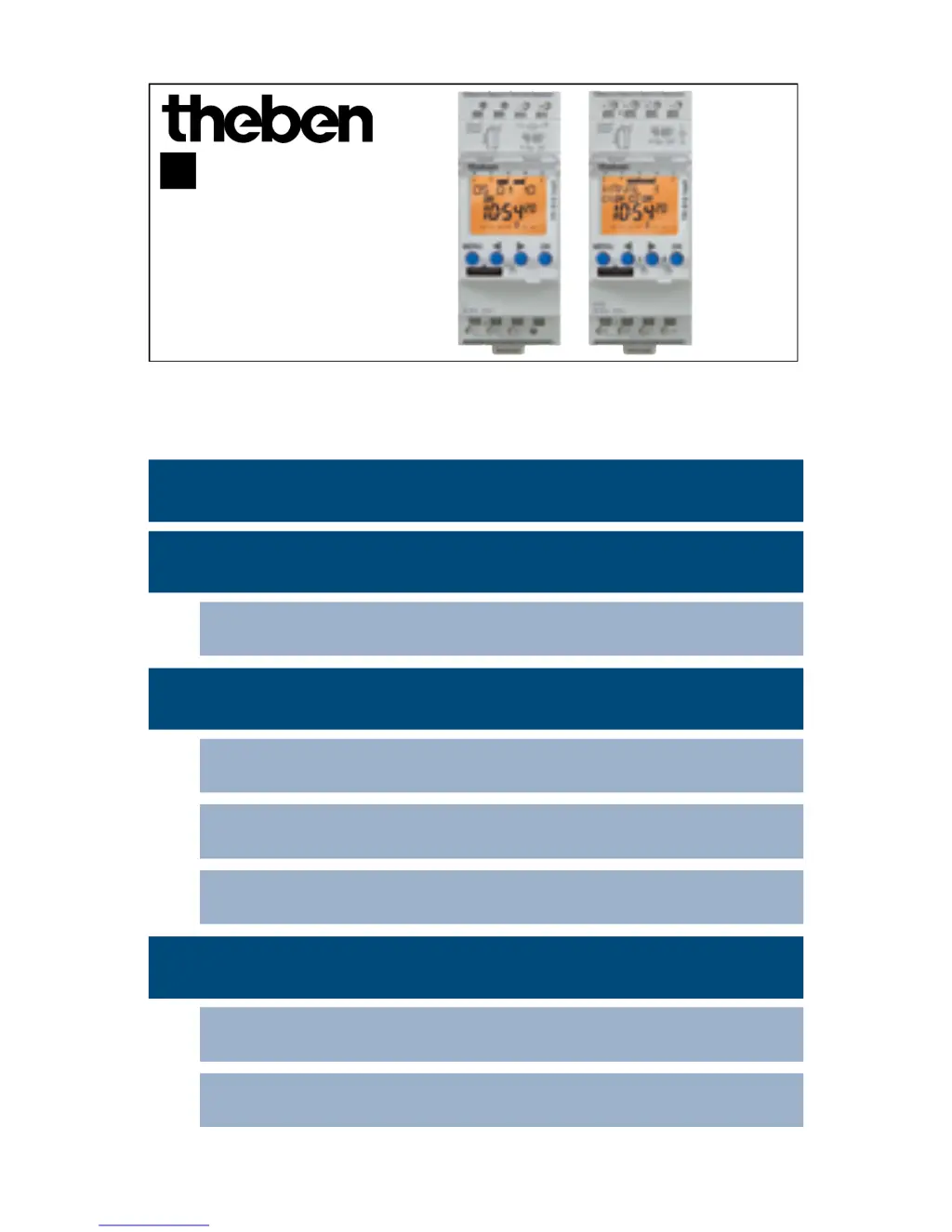
Theben TR 610 top2 - User Manual

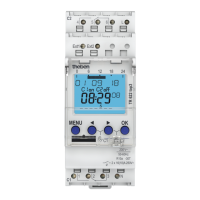
Theben TR 610 top2
19 pages
Print Icon
To Next Page IconTo Next Page
Loading...
1
TR 610 top2
6100100
TR 612 top2
6120100
307070
Time switch
EN
1. Basic safety information 3
2. Proper use 3
Disposal 3
3. Installation and connection 4
Mounting the time switch 4
Connecting the cable 6
Disconnecting the cable 6
4. Device description 7
Display & buttons 7
Operating instructions 8

Other manuals for Theben TR 610 top2

Questions and Answers

  • M
    michael90Jul 27, 2025
    Why does 'SERVICE' flash on the display of my Theben TR 610 top2?
    • D
      davismicheleJul 27, 2025
      The 'SERVICE' indicator flashes on the display because the preset number of operating hours for relay activation has been reached. To resolve this, you need to reset the operating hours counter.
  • B
    Brian RuizAug 1, 2025
    What to do if OBELISK top2 Theben TR 610 top2 Timer does not start when inserting?
    • T
      Travis AllenAug 1, 2025
      The OBELISK top2 might not start due to several reasons. First, check if a PIN is activated and deactivate it. If you have forgotten the PIN number, contact Theben hotline. Second, ensure that the time switch is in auto mode. If not, return to auto mode using the ESC push button.
  • M
    Ms. Kim YoungAug 5, 2025
    What to do if OBELISK top2 displays ERROR on Theben TR 610 top2 before overwriting?
    • J
      James BarnesAug 5, 2025
      The 'ERROR' message appears because the OBELISK top2 is either not programmed for your specific time switch or contains unreadable data. You can rewrite the OBELISK top2 by copying data from the time switch to the OBELISK top2. Alternatively, use the OBELISK top2 software to configure the necessary settings and load a program that matches your time switch type into the OBELISK top2.
  • S
    Scott CookAug 10, 2025
    Why do the switching times entered become active every day at a different time on my Theben TR 610 top2 Timer?
    • P
      pam76Aug 10, 2025
      The switching times may be occurring at different times each day because a random program is activated. This program causes the switching times to be randomly displaced by up to 20 minutes. To fix this, end the RANDOM function in the MANUAL menu.
  • R
    royramosAug 16, 2025
    How to fix sum-win changeover if it does not work correctly in Australia on Theben Timer?
    • R
      Roberto SaundersAug 16, 2025
      The changeovers in the Southern Hemisphere operate in the opposite manner. To correct this, use the free setting. For the sum-win changeover, select a date from the first half of the year (e.g., March). For the win-sum changeover, select a date from the second half of the year (e.g., October).
  • L
    Luis BennettAug 21, 2025
    Why hour setting 11:00 pm for sum-win "free setting" and "fixed date" is not possible on Theben TR 610 top2?
    • K
      kevin27Aug 21, 2025
      The 11:00 pm hour setting isn't possible for the sum-win changeover with "free setting" and "fixed date" because day transfer is not permitted for the sum-win changeover (time change forwards or backwards). As a solution, select sum-win changeover at 10:00 pm or 00:00 midnight.

Theben TR 610 top2 Specifications

General IconGeneral
Timer typeWeekly timer
Control typeButtons
Display typeDigital
CertificationVDE
Product colorBlue, Grey
Clock functionYes
Housing materialThermoplastic
Channels quantity1 channels
Number of programs2
International Protection (IP) codeIP20
Maximum power2600 W
Maximum current16 A
AC input voltage230 - 240 V
AC input frequency50 - 60 Hz
Battery technologyLithium
Power consumption (standby)0.8 W
Operating temperature (T-T)-30 - 55 °C
Weight and Dimensions IconWeight and Dimensions
Depth69.2 mm
Width35.8 mm
Height90.1 mm

Related product manuals