EasyManua.ls Logo

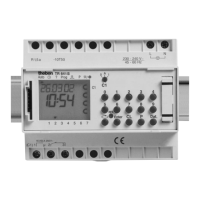
Theben TR 612 top3 - User Manual

Theben TR 612 top3
25 pages
Print Icon
To Next Page IconTo Next Page
Loading...
1
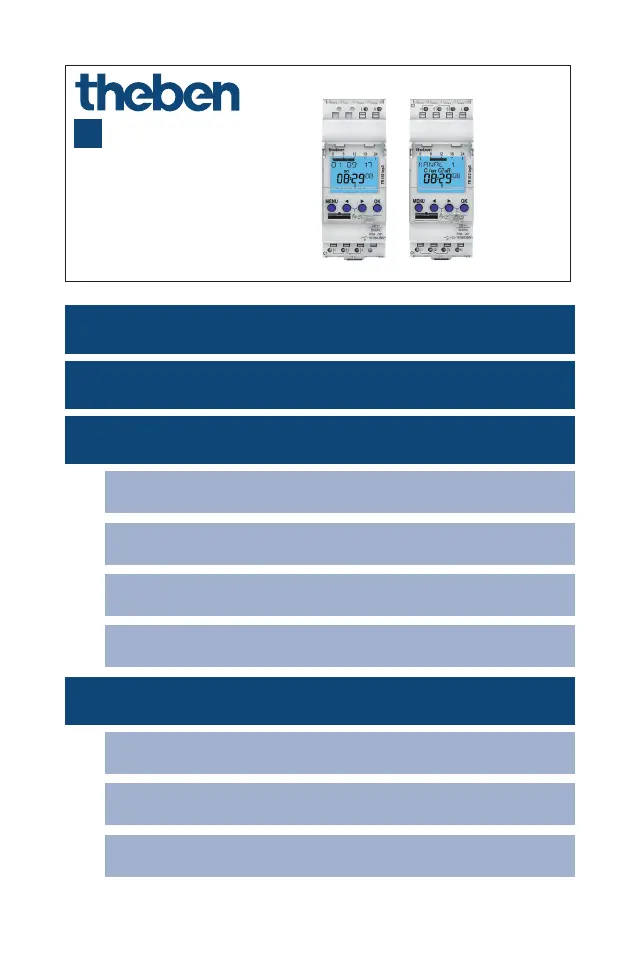
TR 610 top3
6100130
TR 612 top3
6120130
307253 02
03.05.2023
Time switch
EN
1. General information 4
3. Proper use 5
4. Installation and connection 5
Mounting the time switch 5
Connecting the time switch 6
Connecting the cable 7
Disconnecting the cable 7
5. Device description 8
Display & buttons 8
Operating instructions 9
Overview of navigation menu 10

Questions and Answers

  • C
    Claire StevensonAug 7, 2025
    Why does 'SERVICE' flash on the display of my Theben TR 612 top3 Timer?
    • K
      Kevin KnightAug 7, 2025
      The 'SERVICE' indicator flashes on the display because the preset number of operating hours for relay activation has been reached. To resolve this, you need to reset the operating hours counter.
  • A
    angela92Aug 11, 2025
    What to do if OBELISK top2 Theben Timer does not start when inserting?
    • K
      Kristin ChangAug 12, 2025
      The OBELISK top2 might not start due to several reasons. First, check if a PIN is activated and deactivate it. If you have forgotten the PIN number, contact Theben hotline. Second, ensure that the time switch is in auto mode. If not, return to auto mode using the ESC push button.
  • A
    achavezAug 16, 2025
    What to do if OBELISK top2 displays ERROR on Theben TR 612 top3 before overwriting?
    • D
      David WrightAug 16, 2025
      The 'ERROR' message appears because the OBELISK top2 is either not programmed for your specific time switch or contains unreadable data. You can rewrite the OBELISK top2 by copying data from the time switch to the OBELISK top2. Alternatively, use the OBELISK top2 software to configure the necessary settings and load a program that matches your time switch type into the OBELISK top2.
  • L
    lbradleyAug 21, 2025
    Why do the switching times entered become active every day at a different time on my Theben TR 612 top3?
    • M
      Maria BaileyAug 22, 2025
      The switching times may be occurring at different times each day because a random program is activated. This program causes the switching times to be randomly displaced by up to 20 minutes. To fix this, end the RANDOM function in the MANUAL menu.
  • D
    Danielle WilliamsAug 27, 2025
    How to fix sum-win changeover if it does not work correctly in Australia on Theben TR 612 top3?
    • Y
      yreedAug 27, 2025
      The changeovers in the Southern Hemisphere operate in the opposite manner. To correct this, use the free setting. For the sum-win changeover, select a date from the first half of the year (e.g., March). For the win-sum changeover, select a date from the second half of the year (e.g., October).
  • A
    allenkatherineSep 1, 2025
    Why hour setting 11:00 pm for sum-win "free setting" and "fixed date" is not possible on Theben TR 612 top3?
    • S
      Scott WintersSep 1, 2025
      The 11:00 pm hour setting isn't possible for the sum-win changeover with "free setting" and "fixed date" because day transfer is not permitted for the sum-win changeover (time change forwards or backwards). As a solution, select sum-win changeover at 10:00 pm or 00:00 midnight.

Theben TR 612 top3 Specifications

General IconGeneral
Operating voltage230 V AC
Frequency50-60 Hz
Installation typeDIN Rail
Number of channels1
Contact typeChangeover contact
Switching capacity at 250 V AC16 A
Protection classIP20
Text-oriented programmingYes
External inputYes
Pulse programYes
Cycle programYes
Holiday programYes
Automatic summer/winter time changeoverYes
EEPROM program backupYes
Number of Programs56
DisplayLCD
TypeDigital

Related product manuals