Scan the QR code to get started.
Step 2 - Download the Therabody App
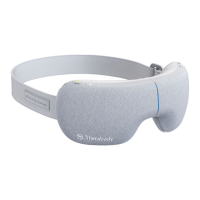
SmartGoggles seamlessly integrate into the Therabody
App via Bluetooth, allowing for deeper customization and
access to TheraMind content created for SmartGoggles
See Warnings for important safety instructions
6. Short Press the Vibration Button to toggle through the three vibration patterns.
Long Press the vibration button to stop the vibration.
7. Short Press the Heating Button to toggle through the three heat settings.
Long Press the heating button to stop the heating.
8. Long press the Power Button to turn o SmartGoggles. Make sure the Battery status
LED is OFF.


 To Next Page