2
Package Contents
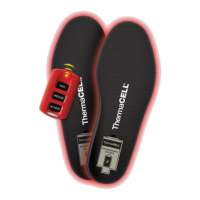
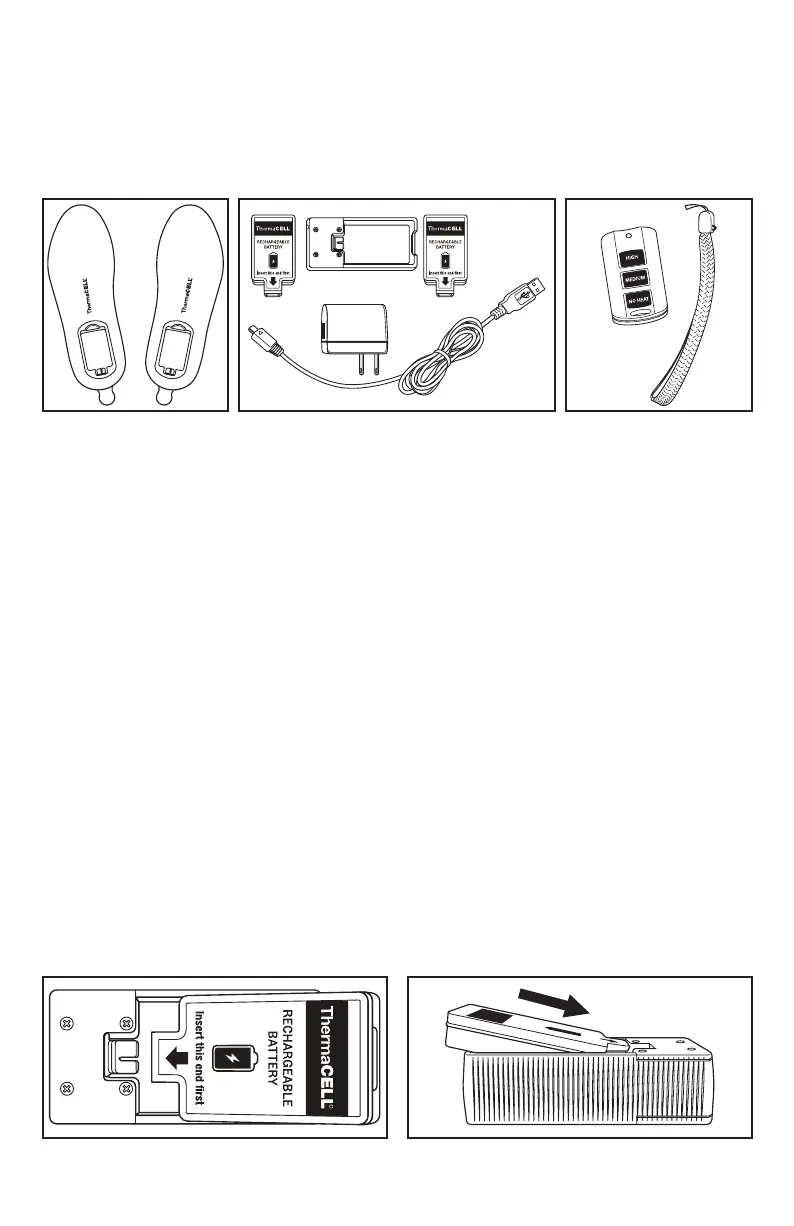
The ThermaCELL Heated Insoles ProFLEX box contains two Heated Insoles (Figure 1), two cushioned
battery packs, one Smart Charging Case, one wall charger, one USB cable (Figure 2), one Remote
Control, one Lanyard (Figure 3), one Drawstring Travel Bag (not shown) and this Instruction Booklet.
Trimming Insoles for Exact Fit
ThermaCELL Heated Insoles ProFLEX may be trimmed to t shoes or boots if needed. If your footwear has
a removable insole, take it out and use it as a cutting guide. Be sure to follow the WARNING statement
printed on the bottom of the Heated Insoles.
WARNING: Cutting beyond solid line may cause damage to heater and will void warranty.
Charging and Recharging Batteries
For best results, ThermaCELL Heated Insoles ProFLEX must be fully charged before use. Charge the batteries
at room temperature. Insoles do not need to be taken out of footwear to remove the batteries. It may take
up to 4 hours to charge. Before proceeding, ensure hands are dry.
Directions:
1. Plug the USB Cable into the Smart Charging Case by inserting the micro USB connector (smaller
end). Then, plug the USB connector (larger end) into the wall charger. Connect the wall charger to
a power outlet. When there are no batteries in the Smart Charging Case, the two LEDs on the side
of the case will glow green.
a. Alternatively, you can plug the USB connector into a powered USB port rather than the
wall charger.
2. Insert the battery into the Smart Charging Case by following these steps:
a. Lay the Smart Charging Case on a at dry surface.
b. Hold the battery with the foam side facing up above the Smart Charging Case.
c. Place the battery inside the Smart Charging Case with the foam side facing up, so the
battery connector is facing the red Smart Charging Case connector (Figure 4). The battery
will be at a slanted position at this point (Figure 5).
Figure 1 Figure 2 Figure 3
ThermaCELL
®
Heated Insoles ProFLEX
Instructions
Figure 4 Figure 5


 To Next Page
 Loading...