4
Removing Batteries from Insoles
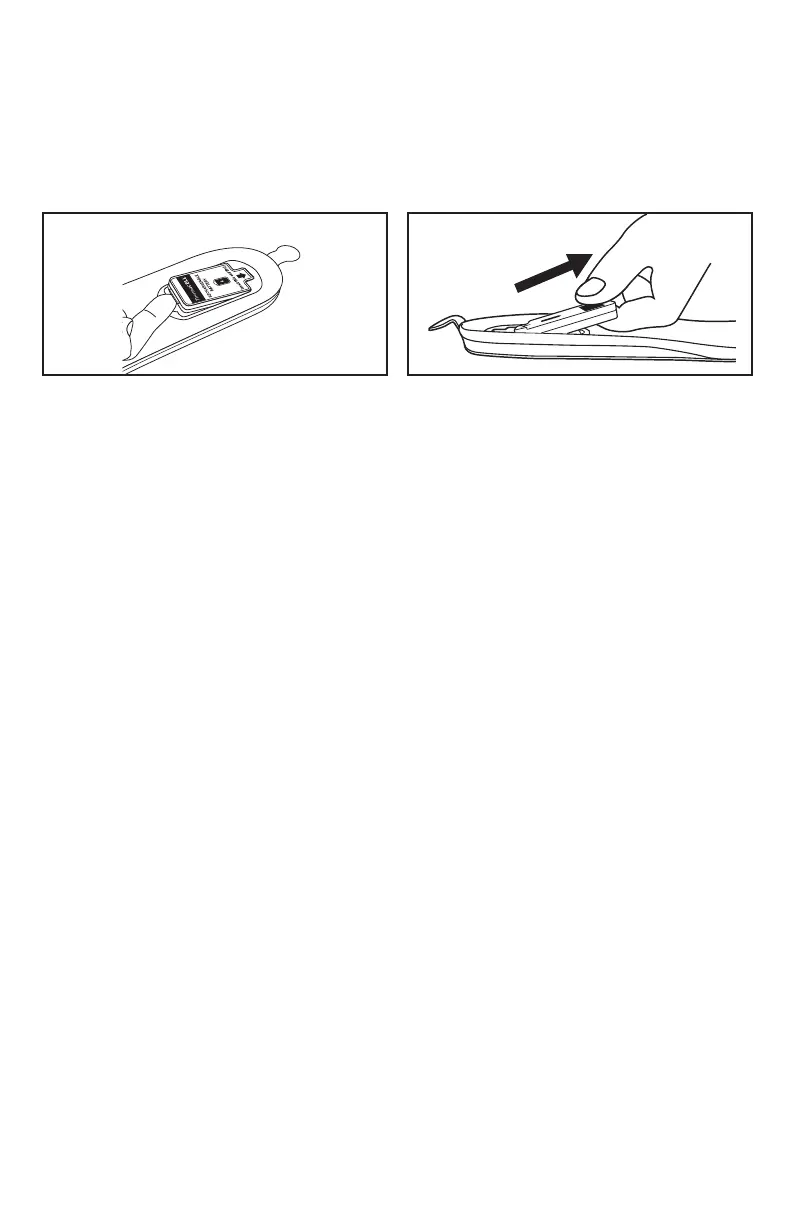
1. Reach with your nger to the front edge of the battery which is closest to the toe of the shoe or boot.
2. Just beyond the front edge of the foam you will feel a thin protruding hard tab on the battery. Lift
the battery by the tab just enough so you can insert the tip of one nger under the battery (Figure
10). Do not lift the battery more than is required to insert a nger underneath the battery to
grasp it. Do not lift the battery up any further until it is disconnected from the Insole's connector.
Do not attempt to lift batteries by grasping the battery's foam cushion as it could tear.
3. Gently pull the battery in a straight line away from the Insole (Figure 11).
Figure 10 Figure 11
Setting the Heat Level with Remote Control
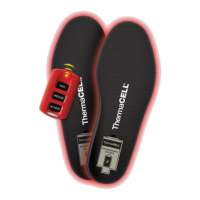
The rst time that you use your ThermaCELL Heated Insoles ProFLEX, you will have to remove the clear
plastic tab from the Remote Control to activate the already installed battery.
1. Insert a battery into the battery compartment in each Insole (see instructions for Inserting Batteries
into Insoles). The Insoles default to the No Heat setting upon insertion of the removable batteries,
and a single ash of a green LED will ash intermittently in the battery compartment between the
battery and the Insole.
2. Select a heat setting by using the buttons on the Remote Control: High (111˚F), Medium (100˚F)
or No Heat (standby). The green LED light in the battery compartment on each Insole will ash
intermittently indicating the heat setting: one ash indicates No Heat, two ashes indicate
Medium Heat, and three ashes indicate High Heat.
3. The LED light on the Remote Control will ash one time to conrm a heat setting has been
transmitted to the Insole. The Remote Control can be used up to 7 feet from the Insoles. It can be
used both before inserting Insoles into footwear and while Insoles are being worn.
Note: The heating element in each Insole extends from the toe area to the ball of the feet. The arch and
heel areas are not heated.
Inserting Insoles into Footwear
Insert into shoes or boots with battery compartment facing up. Trim Insoles to t if needed. Please follow
additional directions on the bottom of the Insoles.
Turning Insoles Off
Long-term: When you are not using your Insoles for a prolonged period of time (many hours or longer),
remove the batteries from the Insoles. This is the only way to completely turn ThermaCELL Heated Insoles
ProFLEX off.
Short-term: When you are not using your Insoles for a short period of time (up to a few hours or when your
feet are warm), use the Remote Control's No Heat setting to put the Insoles into “standby” or “sleep” mode.
This will exhaust the battery at approximately 2% per hour. When heat is needed, simply press the High
or Medium button on the Remote Control to reactivate heat.


 To Next Page
 Loading...