EasyManua.ls Logo

Thermaltake Litepower Series - User Manual

Thermaltake Litepower Series
51 pages
Print Icon
To Next Page IconTo Next Page
Loading...
>> >>>> >>
Litepower Series PSU Litepower Series PSU
ATX12V 2.3 Version ATX12V 2.3 Version
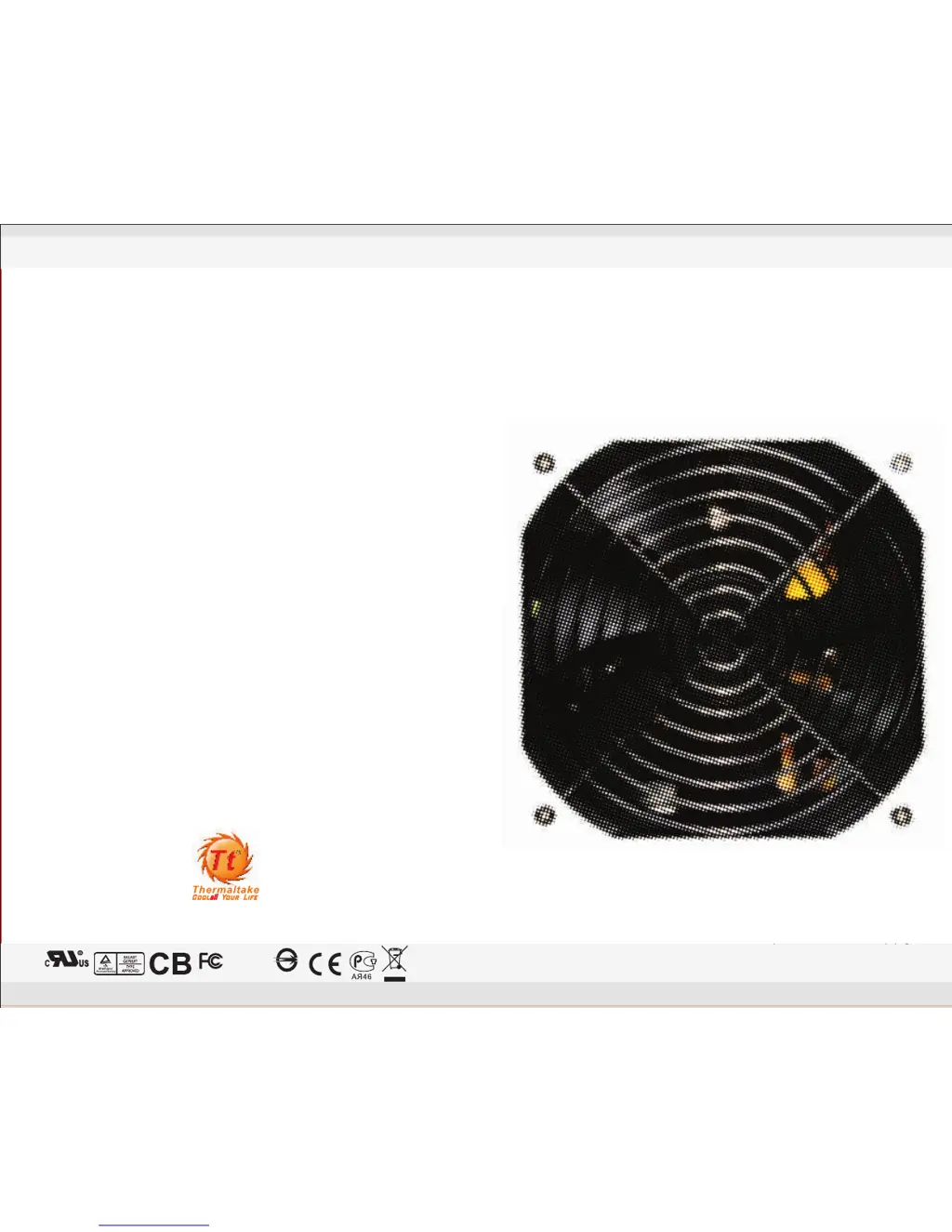
Thermaltake Litepower Power SupplyThermaltake Litepower Power Supply
User's Manual
Thermaltake Litepower Power Supply
Litepower Series
ATX 12V 2.3 Version
www.thermaltake.com thermaltake@thermaltake.com
350W /450W /500W
E190414
R43001
Tested to Comply
With FCC Standards
FOR HOME OR OFFICE USE
170 X 140 mm
W0292~W0294_Litepower_350W~500W_Manual

Table of Contents

Questions and Answers

  • Z
    zdunnJul 27, 2025
    What to do if Thermaltake Litepower Power Supply fails to function properly?
    • M
      maria71Jul 27, 2025
      If your Thermaltake Power Supply fails to function, ensure the power cord is correctly plugged into both the electrical outlet and the power supply AC inlet. Also, verify that the 'I/O' switch on the power supply is in the 'I' position and that all power connectors are securely connected to all devices. If you're using a UPS unit, confirm that it is turned on and properly plugged in.

Summary

1. Warnings and Caution

2. Components Check

3. Power Connector Introduction

4. Installation Steps

5. Product Features

6. Output Specification

7. Total Protection

8. EMI & SAFETY

9. Environments

10. Trouble Shooting

Thermaltake Litepower Series Specifications

General IconGeneral
SeriesLitepower Series
Fan Size120mm
MTBF100, 000 hours
ModularNo
TypeATX
Maximum Power450W, 550W, 650W
PCI-E Connectors1 x 6+2 pin (450W), 2 x 6+2 pin (550W, 650W)
SATA Connectors5
Molex Connectors4
Dimensions150mm x 86mm x 140mm (W x H x D)
Input Voltage100-240V

Related product manuals