64 THERMEX Thermex TX-series M 900212100213112023
ENGLISH
»
OPERATION OF THE DEVICE
Using the hob:
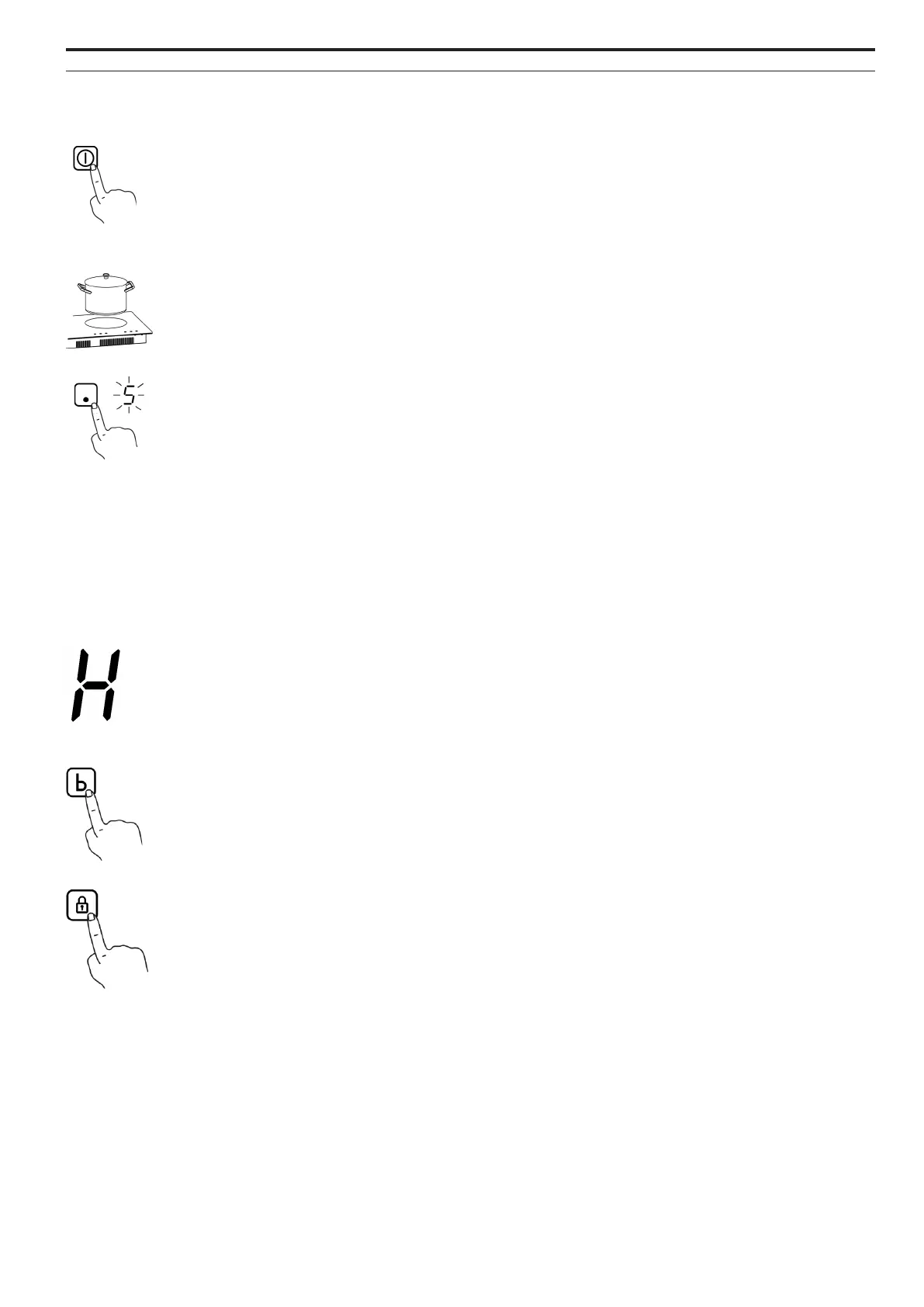
Press the ON/OFF button to activate the hob. All indicators now show “-”
Place a pot/pan on the desired cooking zone. Make sure that the surface of the hob and the un-
derside of the pot/pan are clean and dry.
Press the cooking zone selector and the indicator next to it will start to flash.
Select the desired heat setting using + and -.
If a heat setting is not selected within 1 minute, the hob switches o automatically.
After the use of the hob is finished, there will be excess heat.
When the ”H” icon is displayed, it means that the cooking zone is still hot. When the cooking zone
has cooled down to a safe temperature, ”H” switches o again.
Activate the boost function by pressing ”b”. Boost provides a significant temporary increase in the
heat eciency of the cooking zone.
Boost can be canceled at any time by choosing a dierent speed.
Using the lock function:
Press the lock icon to lock the control panel. The control panel can be unlocked again by pressing
the lock icon for 3 seconds. ON/OFF is still active even when the lock function is active.
HEAT
BOOST
LOCK



 To Next Page