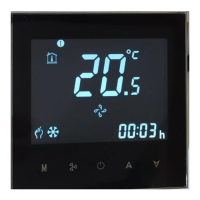
Sul termostato spento, tenere premuta la freccia in giù per 8 secondi. L’icona inizierà a lampeggiare.
Sull’app premere + per aggiungere il termostato. L’app si connetterà in automatico.
On the thermostat off, press and hold the down arrow for 8 seconds. The icon will start blinking
On the app press + to add the thermostat. The app will connect automatically.
A termosztát kikapcsolt állapotában nyomja meg és tartsa lenyomva a lefelé mutató nyilat 8
másodpercig. Az ikon villogni kezd
Az alkalmazásban nyomja meg a + gombot a termosztát hozzáadásához. Az alkalmazás
automatikusan csatlakozik.
Se l’operazione non funziona, ripetere tutti i passaggi dall’inizio
In case of failure, repeat all the operations from the beginning.
Meghibásodás esetén ismételje meg az összes műveletet az elejétől.
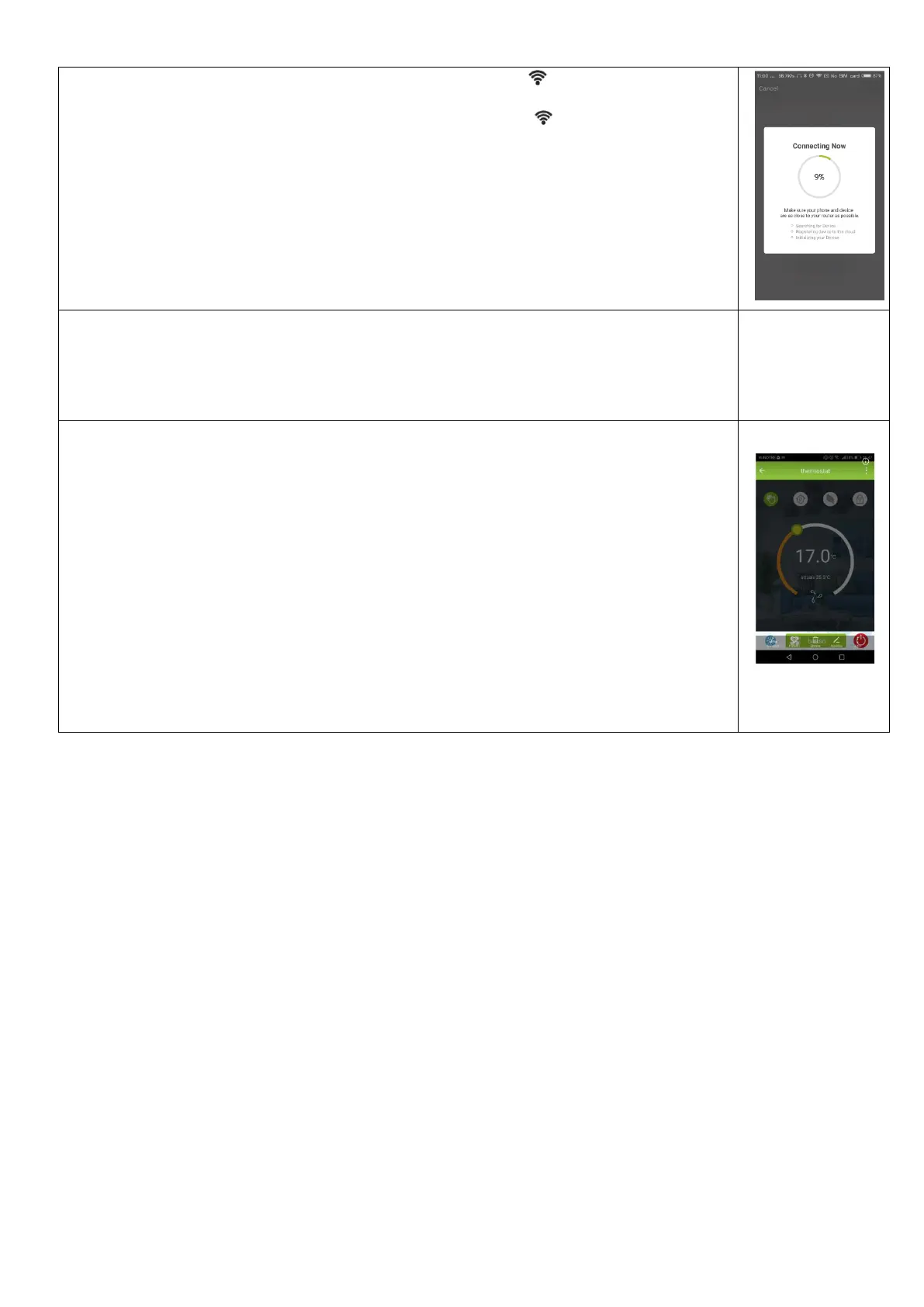
Far partire il software per accendere/spegnere le unità.
Use the APP to turn ON/OFF the units.
Használja az APP-t az egységek BE/KI kapcsolásához.


 To Next Page
 Loading...