4 Operation
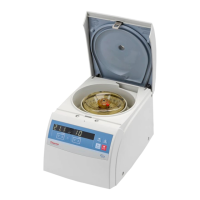
Switch on Centrifuge
4-2
Heraeus Pico 17 / 21
Thermo Scientific
Switch on Centrifuge
1. Switch on the centrifuge.
The centrifuge shows the actual value in the display. Speed and run time show 0. The
display
shows the current temperature of the sample.
Lid Opening
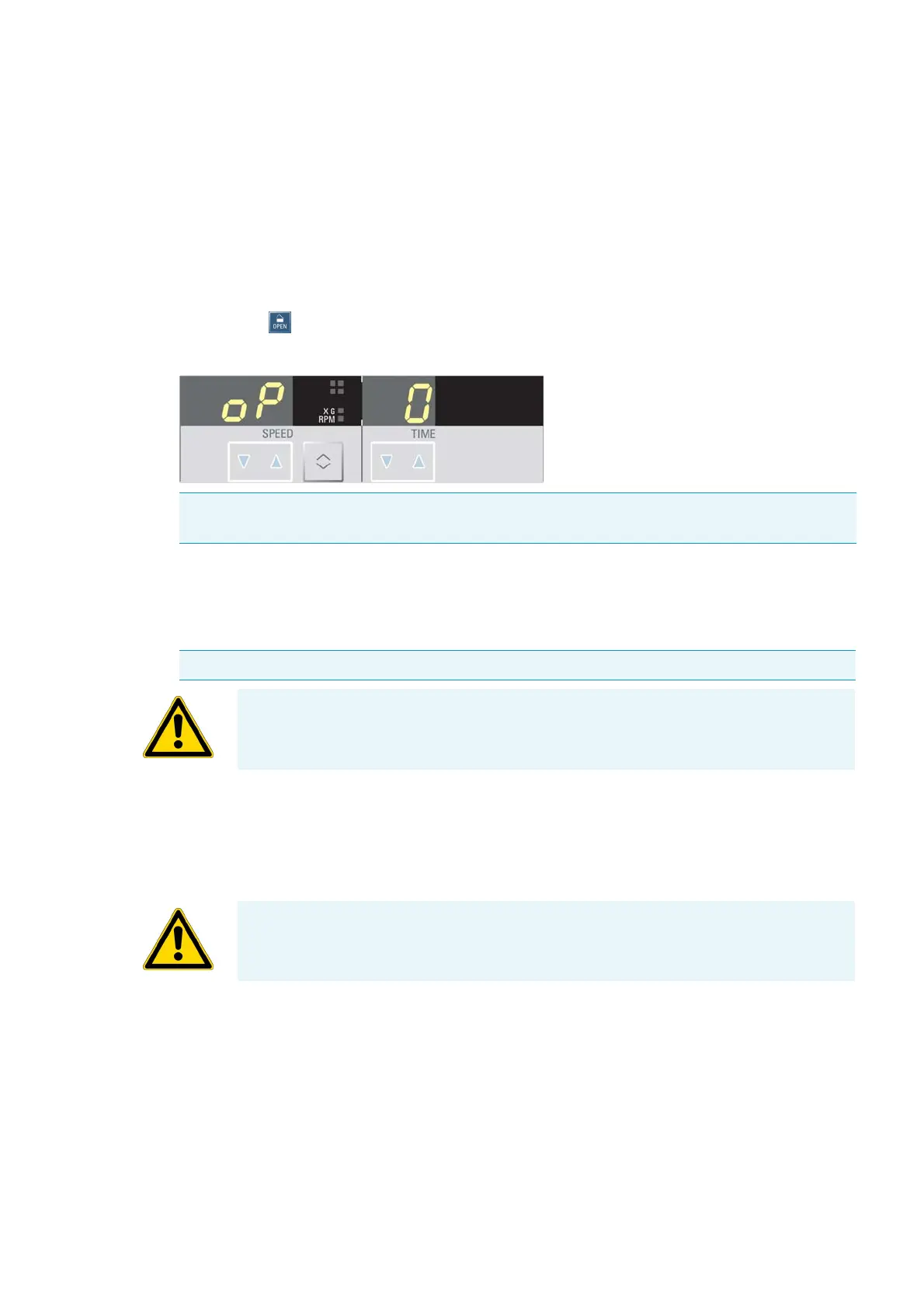
1. Press the key.
The display shows the following message:
Close Door
1. Close the door by pressing down on it lightly in the middle or on both sides of it.
Rotor Installation
The approved rotors for the Heraeus Pico 17 / 21 are listed in section “Rotor Selection” on page
1-5. Use only the rotors and accessories from this list in the centrifuge.
Proceed as follows:
1. Open the door of the centrifuge and if necessary remove any dust, foreign objects or residue from
the chamber.
Thread and o-ring must be clean and undamaged.
Note Use the emergency release only for malfunctions and power failures (see “Mechanical
Emergency Door Release” on page 6-2).
Note The door should audibly click into place.
CAUTION Do not slam the door.
CAUTION Unapproved or incorrectly combined accessories can cause serious damage to
the cent
rifuge.



 To Next Page