© Adolf Thies GmbH & Co. KG · Hauptstraße 76 · 37083 Göttingen · Germany 021690/10/20/short
Phone +49 551 79001-0 · Fax +49 551 79001-65 · info@thiesclima.com ·www.thiesclima.com Page 5 of 16
2.2 Electrical installation / Start-up
1. The connection of the ClimaSensor US to the interface module and power supply unit
differs, depending on the instrument variant. You have to distinguish between the
connection types full-duplex and half-duplex with cable 16pole or resp. 8pole.
Information on the duplex-mode are given by parameter DM on the supplemental
sheet “Factory settings” of the ClimaSensor US.
The following table serves for the circuit diagram selection. The following
assignments apply:
diagram
Table 1: Selection Connection Diagram
2. Connect the supplied 8pole or resp. 16pole cable to the power supply unit
9.3389.20.000, acc. to the connection diagram, see Table 1.
3. Put the plug of the 8pole or resp. 16pole cable into the ClimaSensorUS.
4. Connect the USB/RS485 interface converter to the power supply unit 9.3389.20.000.
5. Connect the 230V / 115V line to the power
supply unit 9.3389.20.000.
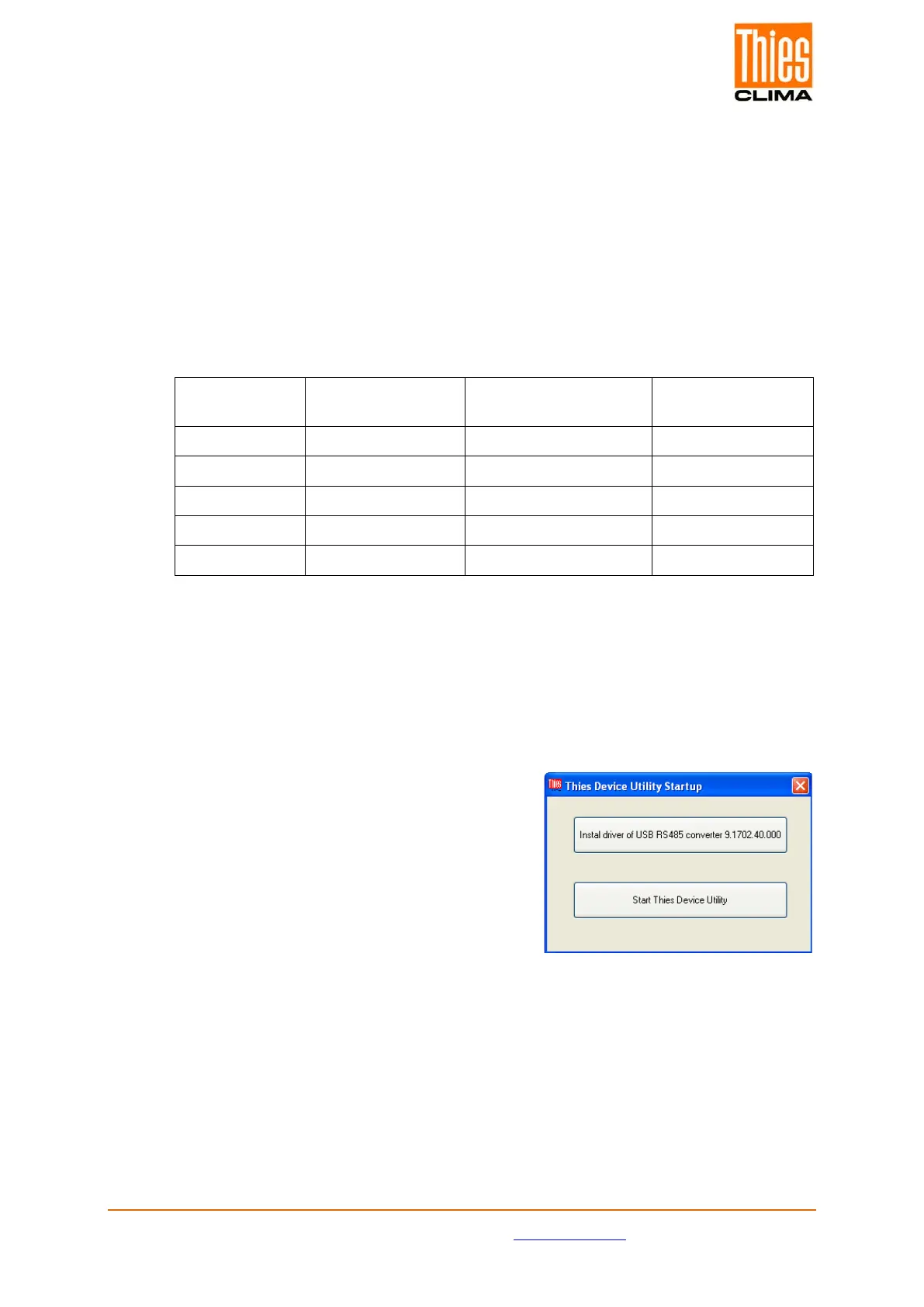
6. Start the program
“ThiesDeviceUtilityStartup.exe” after download.
7. For installation of the interface transducer select
the button “install driver for USB RS485
converter”.
8. Connect the USB/RS485 interface converter
and your PC by means of the included USB-
cable.
9. For starting the program “ThiesDeviceUtility.exe” select the button “Start Thies
DeviceUtility” in the program “ThiesDeviceUtilityStartup”.


 To Next Page