www.thinkcar.com
THINKCAR
23
4.Software Update
4.1 Upgrade all Software
In order to let you enjoy better functions and upgrade services, we recommend you make software
upgrades irregular. When there is a newer software version, the system will remind you to upgrade.
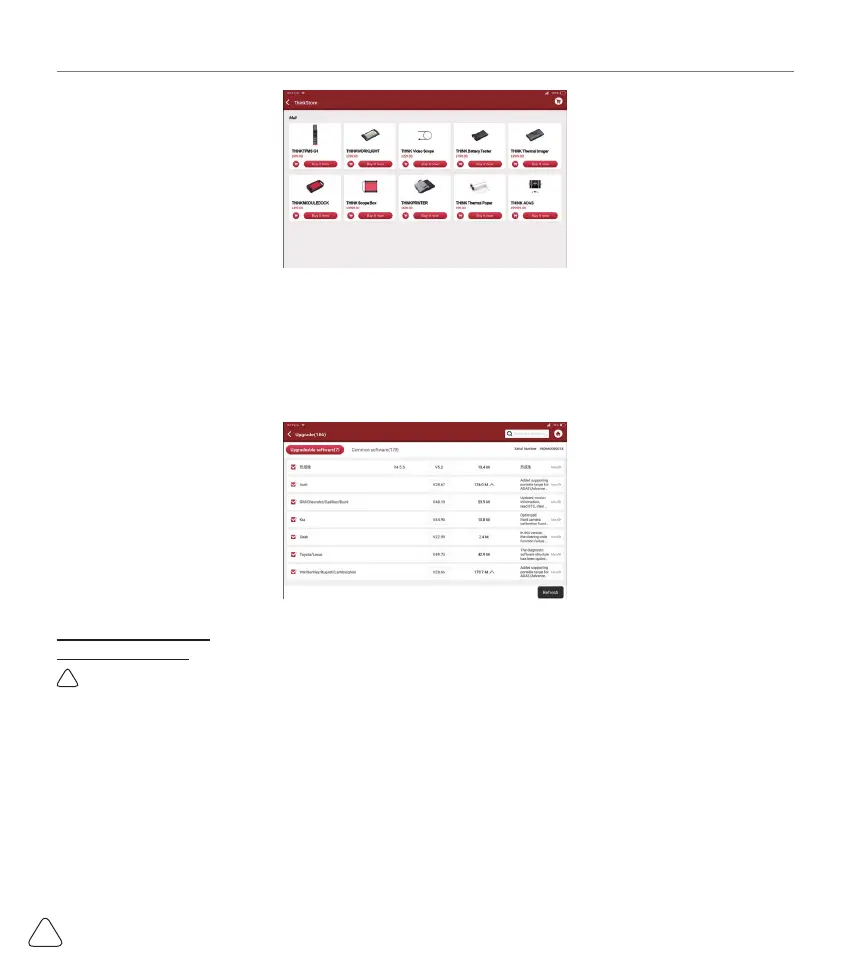
Click "Software Upgrade" to enter the upgrade center. There are two function tabs on the upgrade page:
Upgradeable software: A list of software that can be upgraded to newer versions.
Upgraded software: a list of software that has been downloaded.
!
Note: During the upgrade, please keep normal network connection. Upgrade many software may take a few
minutes, please wait.
If you need to cancel certain software, please enter setting
->
diagnostic software clear
->
remove software
to operate.
5. Set Up
5.1 VCI
If several VCI connectors are registered on this THINKTOOL, this option allows you to choose one from
those.



 To Next Page