•“Computerstopsresponding”onpage131
•“Powerproblems”onpage145
Usingthemulti-touchscreen
Thistopicprovidesinstructionsonhowtousethemulti-touchscreenthatisavailableonsomemodels.
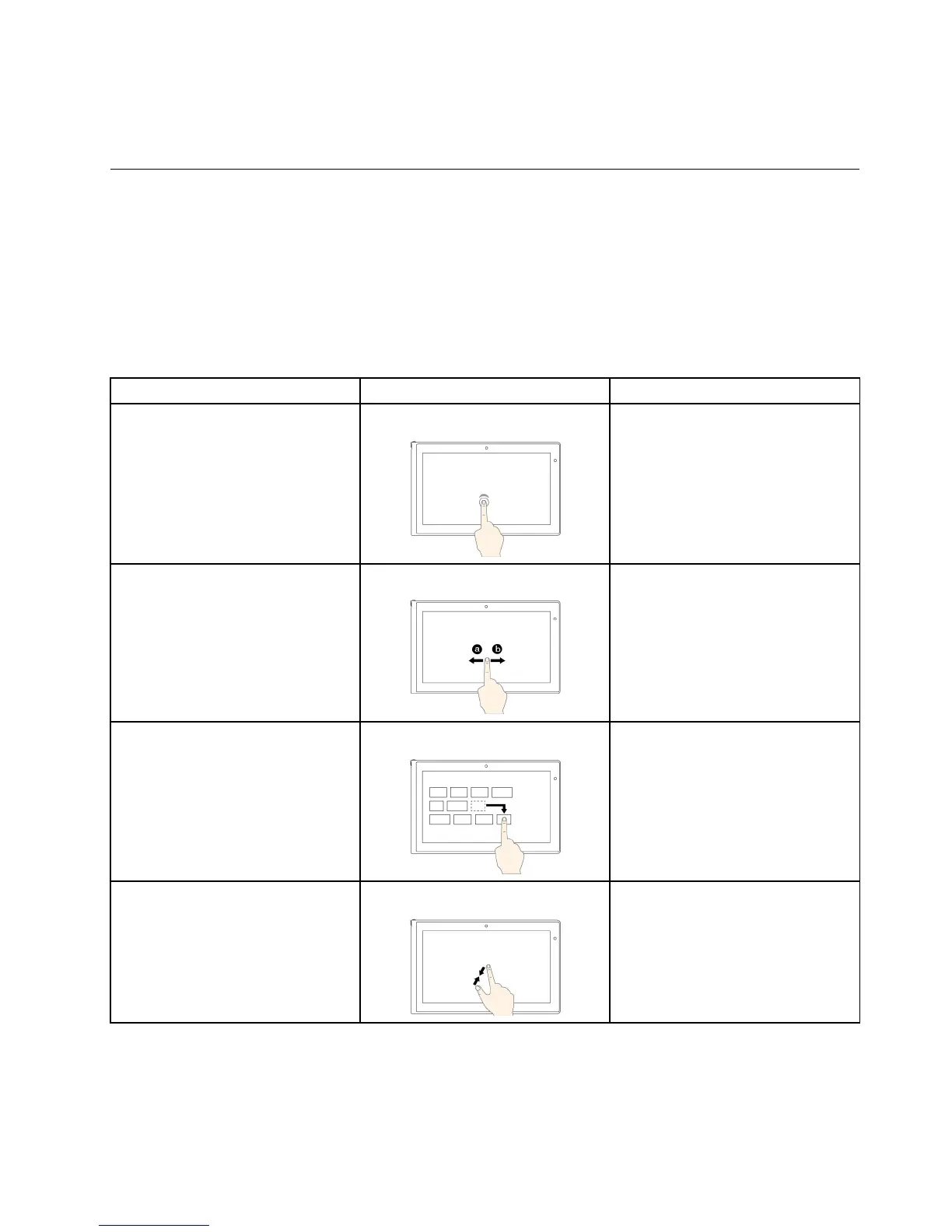
Commontouchgesturesandmouseactions
Thefollowingtablelistssomecommontouchgesturesandthecorrespondingmouseactionsthatis
applicabletotheWindows7operatingsystem,Windows8operatingsystem,andWindows8.1operating
system.
Note:Yourcomputerscreenmightlookdifferentfromthefollowingillustrations.
Tasks
Touchgestures(touchmodelsonly)
Mouseactions
Toopenanapplicationorperform
anactiononanopenapplication,
suchasCopy,Save,andDelete,
dependingontheapplication
Tap.
Click.
Toscrollthroughitems,suchaslists,
pages,andphotos
Slide.Scrollthemousewheel,movethe
scrollbar,orclickthescrollarrow.
TomoveanobjectDraganitemtothedesiredlocation.
Click,hold,anddraganitem.
Tozoomout
Movetwofingersclosertogether.
PresstheCtrlkeywhilescrollingthe
mousewheelbackward.
Chapter2.Usingyourcomputer23



 To Next Page