Installation
22
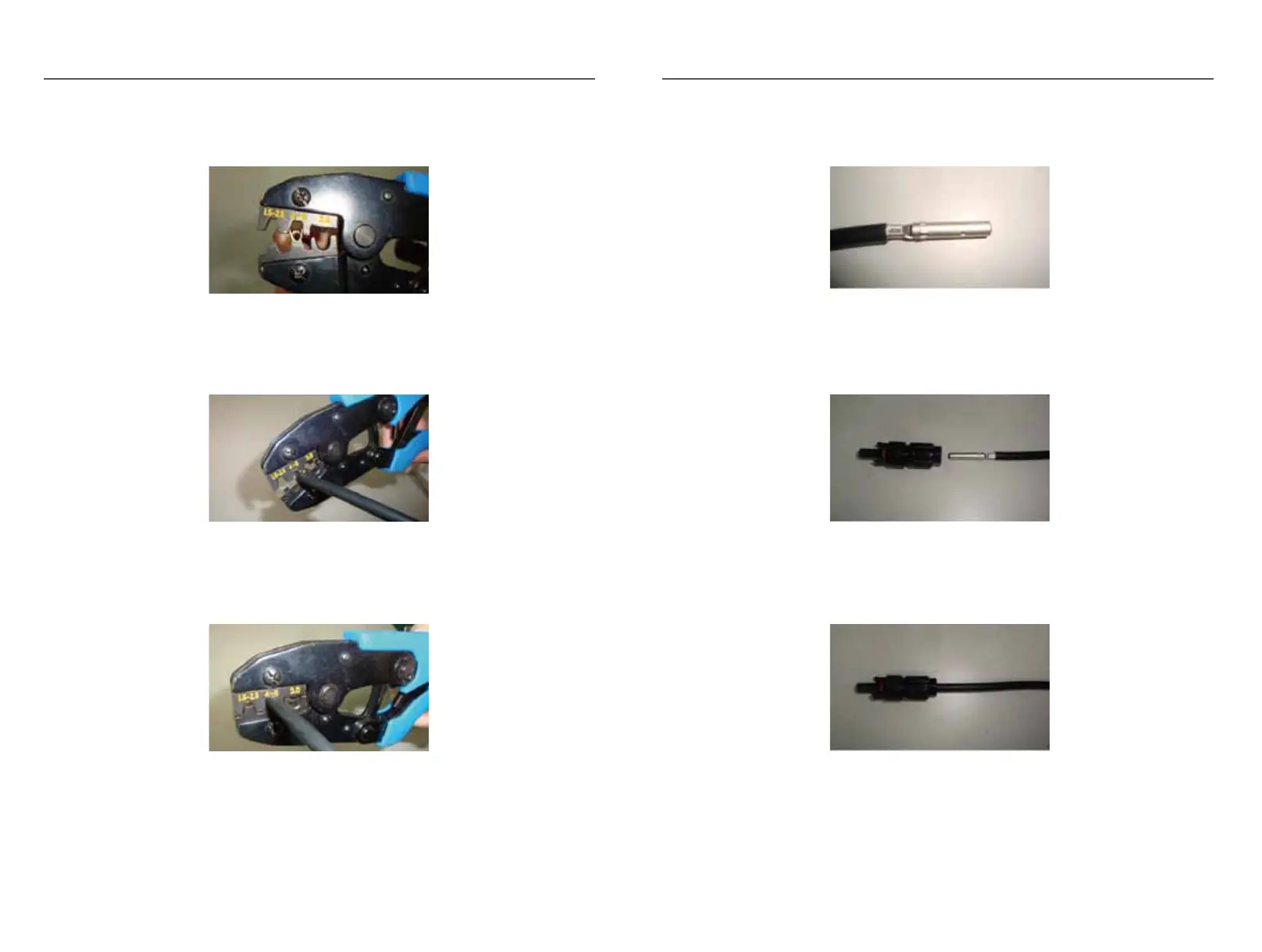
2) Using the crimping tool and put terminal into mold of crimping tool, The terminal size is
4.0mm, so put it into the mold of 4-6mm.
3) Process crimping.
4) Crimp closely between the terminal and PV cable.
5) The terminal is crimped well with PV cable wire.
6) Put terminal into connector.
7) The DC wiring finished.
3.6.4.2 Steps for AC connection
Steps for AC cable wiring:
23
Installation
Fig.3-31
Fig.3-28
Fig.3-29
Fig.3-30
Fig.3-32
Fig.3-33



 To Next Page