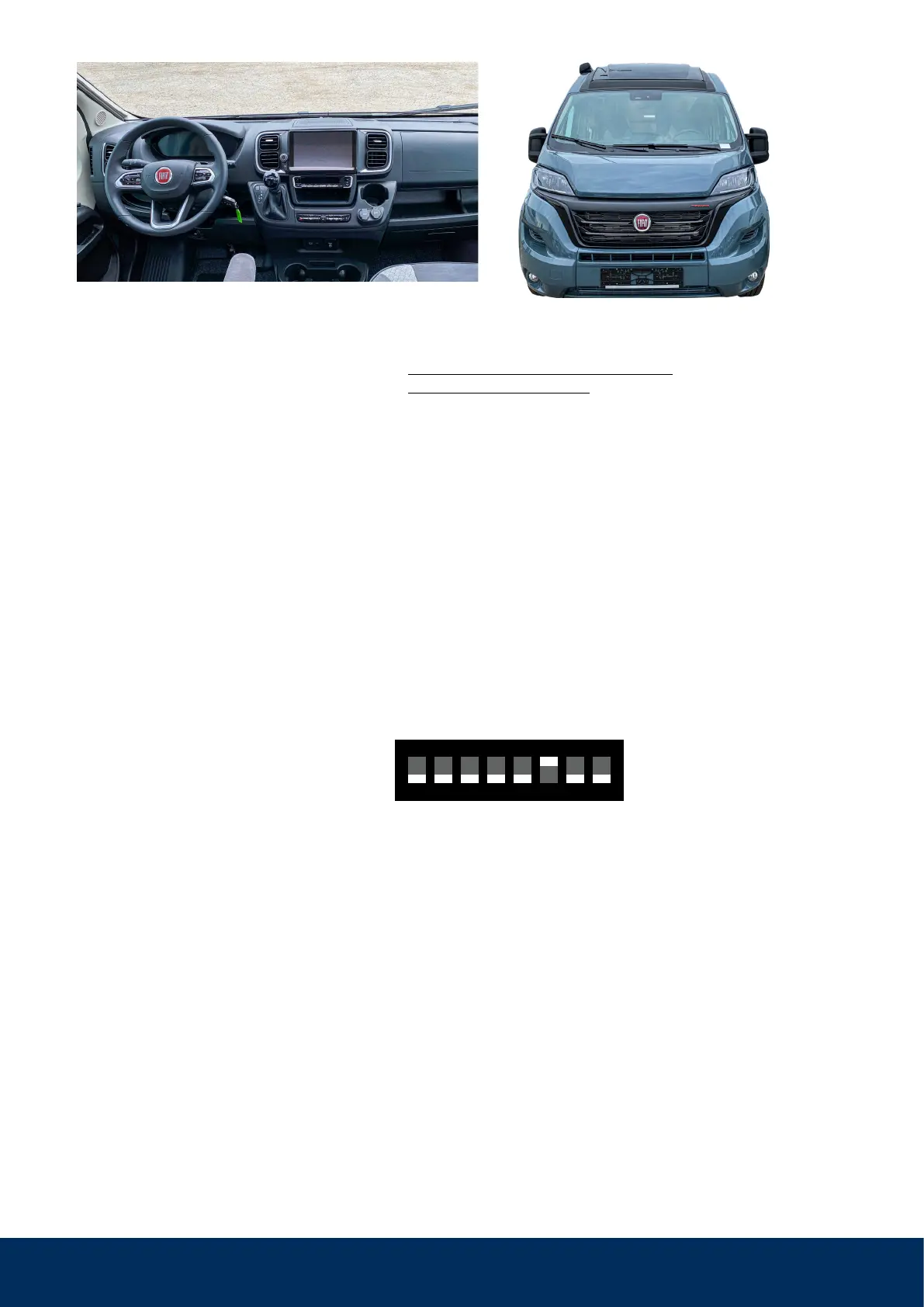
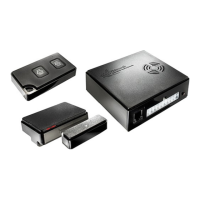
WiPro III safe.lock Installation Manual – Fiat Ducato 8 and identical from model year 2022)2
We recommend a check of the vehicle
conditions:
1. Is a wireless remote control available
for the vehicle and is it working?
It may only be necessary to insert a
button cell to get the vehicle to ‘flash’.
Then the WiPro can be activated/deac-
tivated with it (without safe.lock!).
2. Does the vehicle have a central locking
system and is it working?
3. Make sure that the check mark for
“Flashing lights when locking” is set in
the vehicle settings of the base vehicle.
This can be found in the central display
under Vehicle->Settings.
The menu items could be named
differently.
4. If the car has original doors, open doors
should be indicated on the speedome-
ter during ignition. With fully integrated
motorhomes, the doors/hatches are
also sometimes included on the CAN
bus. In such cases no wireless magnet
contact has to be used there.
5. Is the horn working? Does the vehicle
have electronic (e.g. warning lights,
fault memory) or electrical (e.g. lighting)
faults?
Aids/tools:
• WiPro III safe.lock from serial number
1050-018 Art.Nr. 101050)
• Additional wireless accessories or sirens
• Combination pliers / water pump pliers
• PH2 Phillips screwdriver and/or T25 star
screwdriver
• 10mm box spanner
• 3mm Allen key
• Cordless screwdriver with 8 mm drill bit
for status LED
Setting the CAN bus interface for vehicle
type Ducato:
1. Disconnect the power supply for the
WiPro and open the housing.
2. Set the DIP switch as follows:
3. Close the housing again and continue
with the installation.
1
↑
on
42 5 73 6 8
WiPro III safe.lock


 To Next Page