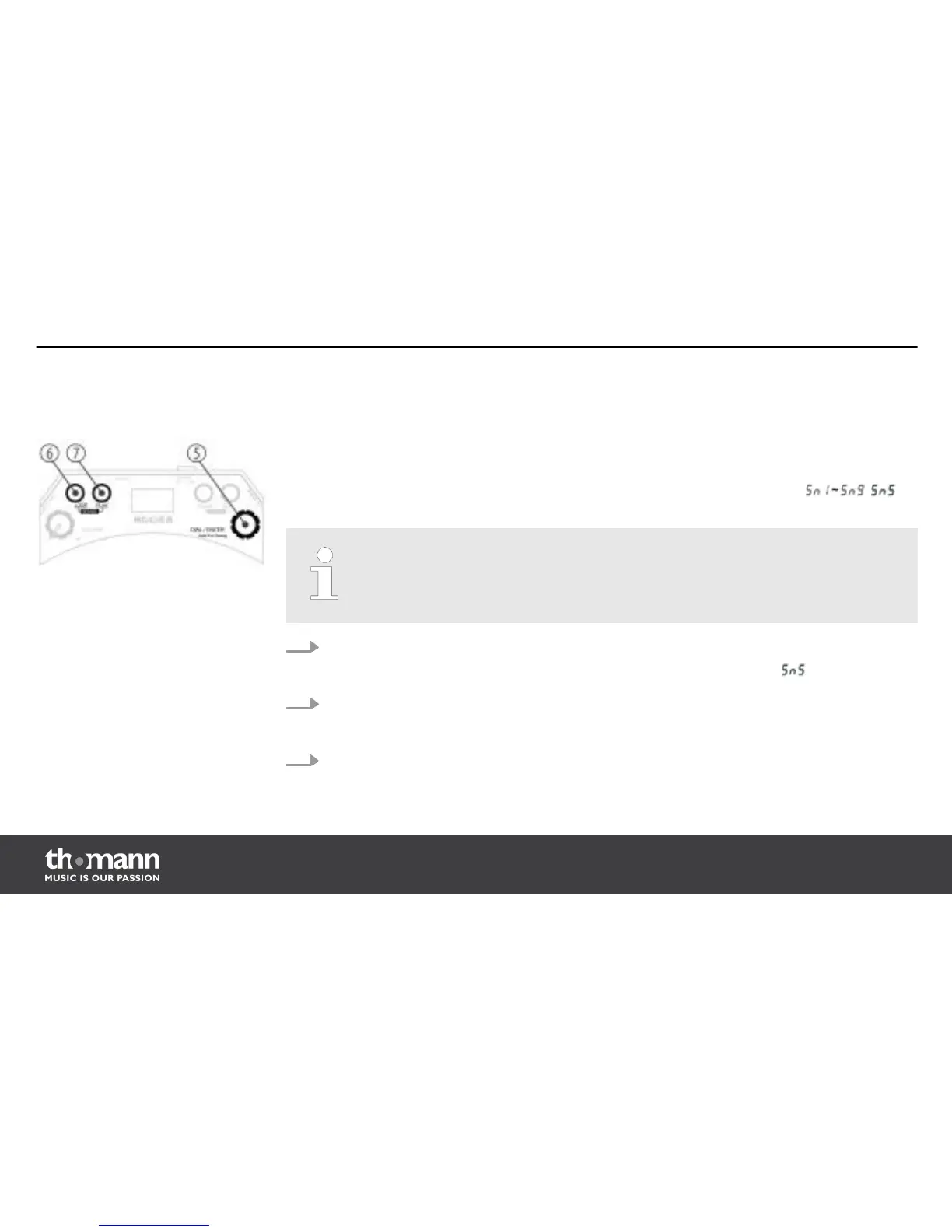
You can select the touch sensitivity for the pad in the sense mode. To activate the sense mode
press the buttons [LOOP] and [PLAY] simultaneously.
You can adjust this parameter from 1 … 9, the LED display shows accordingly: . is
preset as default standard value.
A parameter change in the sense mode also affects the drumhead and hoop area.
1. Turn the [DIAL/ENTER] control to adjust a suitable sensitivity.
ð
The LED display shows the current parameter for sensitivity, e.g. .
2. Now push on the [DIAL/ENTER] knob to confirm this sense selection.
ð
You will now notice a changed responding when striking the drumhead and rim.
3. Press the [PATCH] button to exit the sense mode.
Adjusting touch sensitivity
(SENSE)
The functions of the device
hand-drum pad
20














 To Next Page