WIRELESS WEATHER STATION
9
EN
EN
C - CONFIGURATION
SETTING THE MEASUREMENT UNIT/MIN-MAX
MEMORY
- Press the DOWN button to alternate between
Celsius and Fahrenheit
- Pressing and holding the DOWN button for 3
seconds erases the MIN/MAX values saved.
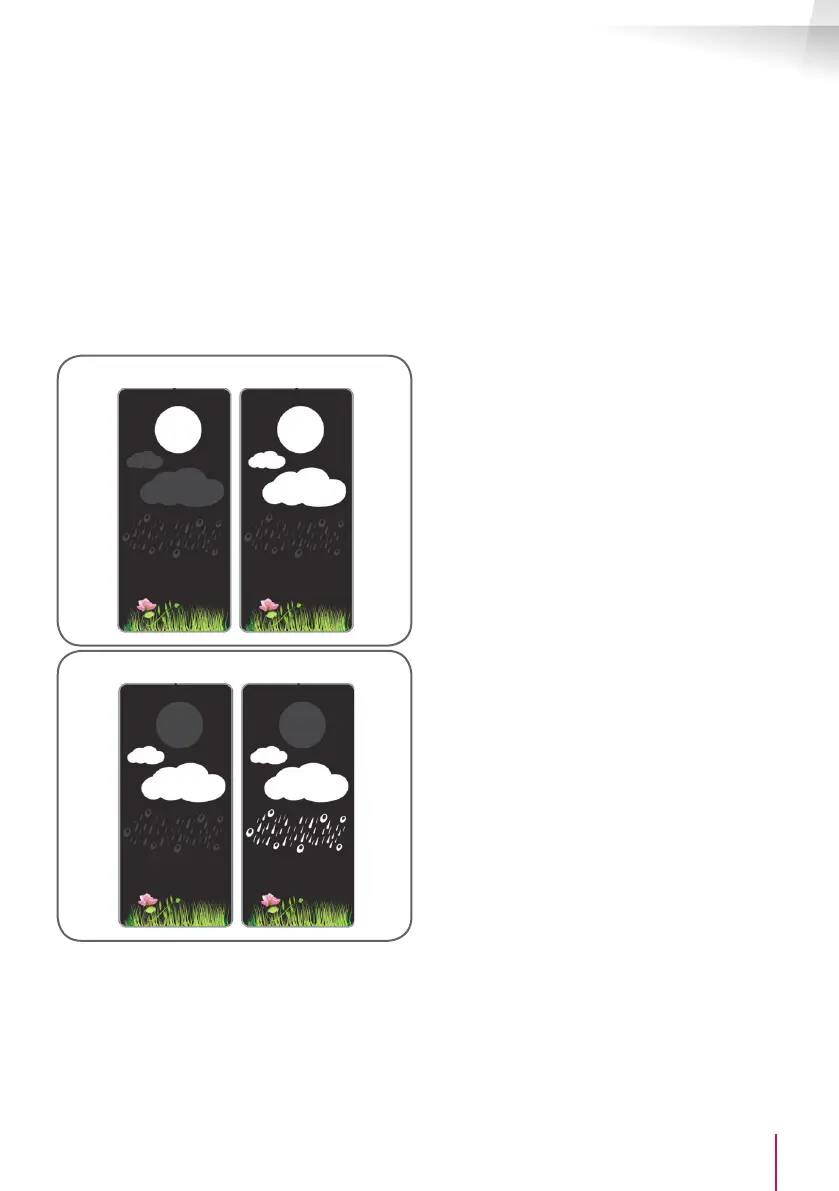
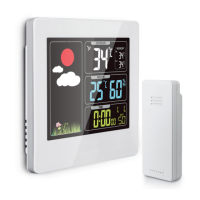
WEATHER FORECAST:
The weather station displays the weather using an
integrated atmospheric pressure sensor.
It can display 4 different statuses:
Sun Clouds/clearing
Very cloudy Rainy
Information: The weather forecast that measures
humidity and temperature may be distorted if the
weather station is installed in an area that is either
too hot or too cold, and the measured data is too
high compared to the current surrounding data.


 To Next Page