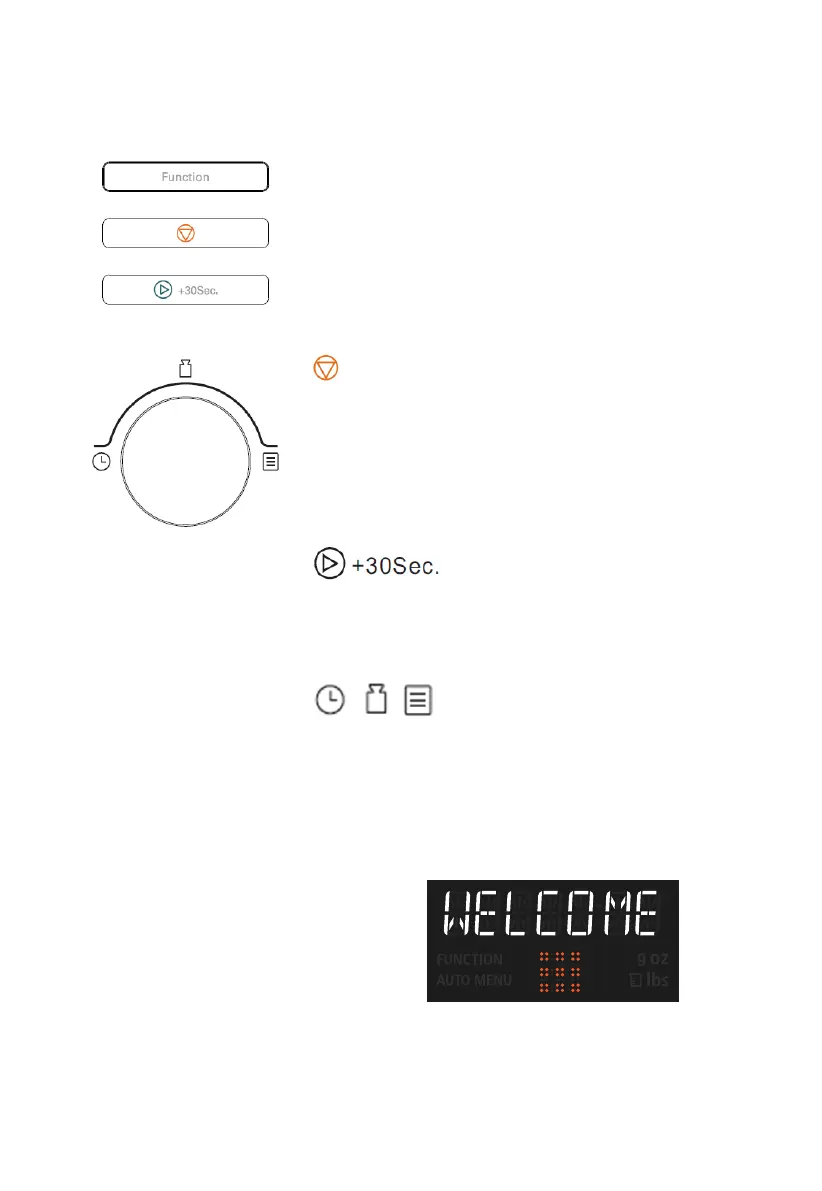
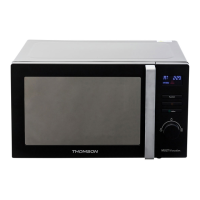
Function button
Use this button to set:
clock or kitchen timer,
microwave power level,
a grill cooking programme,
a convection cooking programme,
one of four microwave + grill + convection cooking
programmes,
weight and time defrost programmes
Stop/Clear button
Press to cancel setting or reset the oven before setting a
cooking programme.
Press once to temporarily stop cooking or press twice to
cancel cooking completely.
This button is also used to activate/deactivate child lock
function.
Start/+30Sec./Confirm button
Press to start a cooking programme or set speed cooking
programme.
Press to confirm the setting.
/ / Time/weight/auto menu dial
Rotate this dial to select auto menus or select time or
weight.
When the oven is plugged in, the display
will show “WELCOME” and a beep will be
heard. If there is no operation in 5
minutes, the oven will enter the standby
state and the display will show “0:00.”


 To Next Page