21
Player menus
EN
Using the player’s menus
The player’s main menu is displayed when there is no disc in the player or when the disc has been
interrupted during playback by pressing the
STOP button. Select a menu option using the , ,
and buttons. Press
OK to confirm your selection. Return to a previous menu using the button.
Play
When a disc and/or one or several memory cards are inserted at the same time, select the disc or
card you want to play with the and buttons and press
OK.
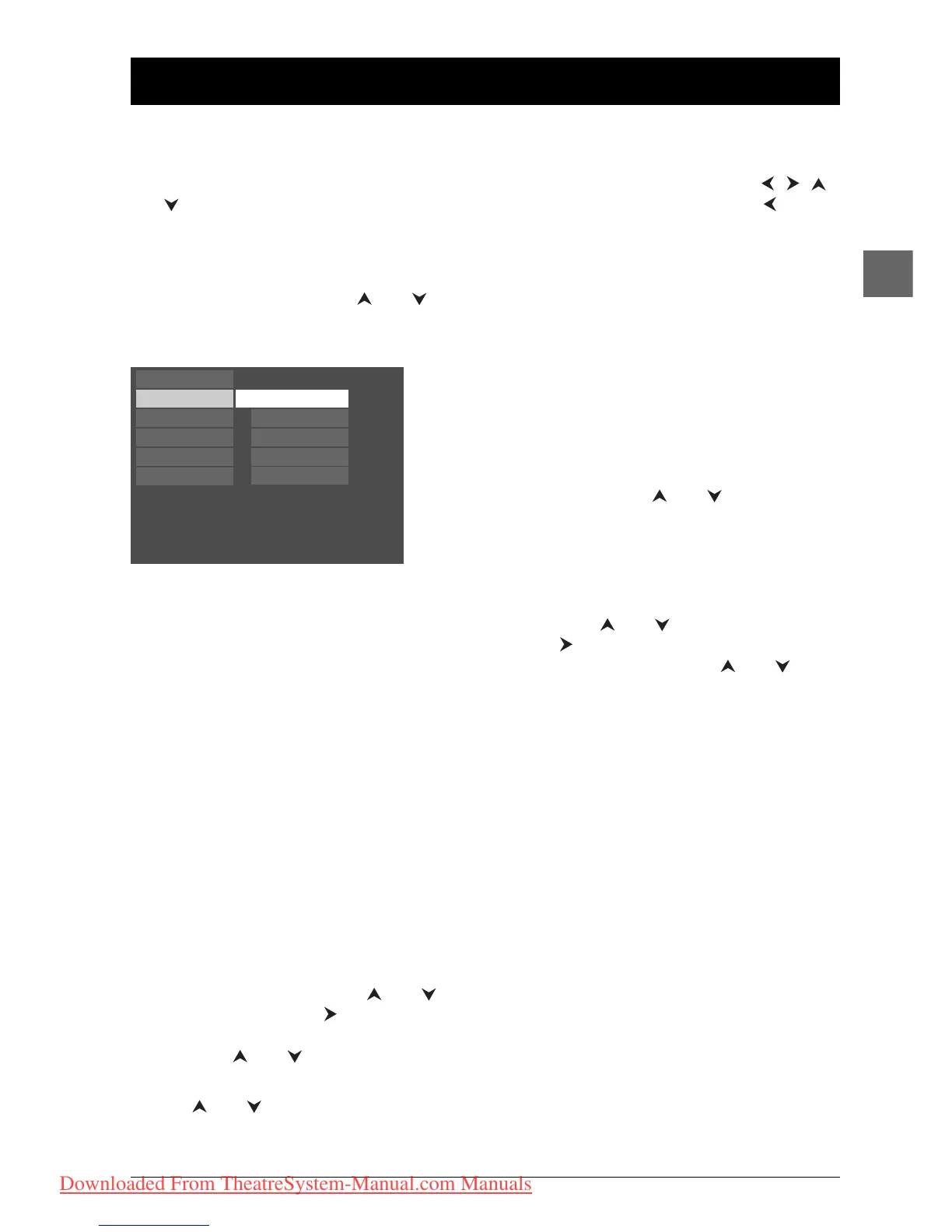
Play Mode selection
1. Load a disc and press STOP.
2. Select the Play Mode option and press OK to
confirm.
Note:The contents of the Play Mode menu varies depending
on the type of disc.
3. Select a play mode with the and buttons, and
press
OK to confirm.
Play
Play Mode
Parental Control
Display
Sound
Languages
Standard
Random
Program
IntroScan
DivX(R) VOD
Standard
Press OK or the PLAY button to begin the
disc’s standard playback.
Random (all discs except DVD)
You can listen to all the tracks on the disc in a
random order (chosen by the player) by
choosing the Random option.
Press
OK to start random playback. Press
STOP to stop random playback. Press PLAY
to resume normal playback.
Program (all discs except mp3+JPEG
discs and JPEG)
With this option, you choose and programme
the playback order. Lists vary according to the
type of disc.
1a. DVD: select a title using the and
buttons and press the button to access
the list of chapters and select a chapter
using the and buttons.
1b. Audio CD and VCD: select a track using
the and buttons, or select All to
start playing all the tracks.
1c. mp3,WMA and DivX CD: select a folder
using the and buttons, then press
the button to access the list of files,
then select a file using the and
buttons.
2. Press OK to add the title, chapter (DVD),
track (audio CD and VCD) or file (mp3,
WMA and DivX) selected to the list.
Press the
CLEAR button to remove the
last title/chapter/track/file from the list.
Press
PLAY to start programme play or
select Done and press
OK.
Repeat steps 1 and 2 as often as necessary.
IntroScan (Audio CD only)
This option plays the first ten seconds of each
track.
Press
OK to start the IntroScan, press STOP
to stop it and PLAY to continue playing the
current track.
DivX(R) VOD (DivX only)
Please refer to page 19.
DPL933_EN 11/03/05 10:47 Page 21
Downloaded From TheatreSystem-Manual.com Manuals



 To Next Page