value,press confirm the modification
USB mode
Connect the device with a computer by USB Cable, press “power on” button, the device will
automatically show USB menu, there is 1 mode available:
USB-Disk: In this mode you can access video files and photo files
Battery instruction
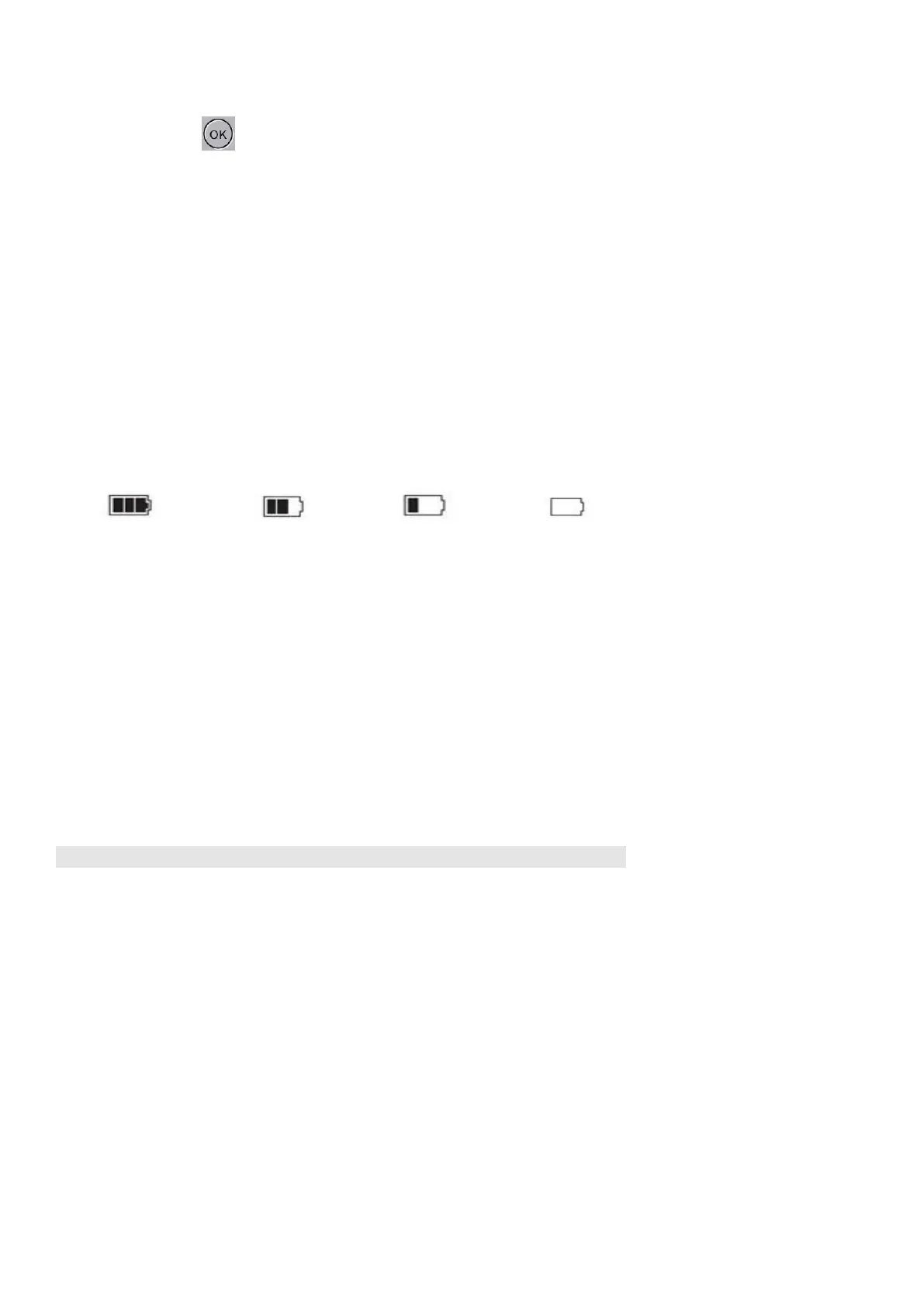
⚫ Battery indication image:
Full battery slightly low battery low battery battery empty
⚫ There are three methods to charge, the red indicator will light up when charging, the charging
time is approximately 180 minutes, the red indicator light will turn off when charging is
completed.
1. Use power adapter to charge
2. Use PC-USB to charge
3. Use vehicle power to charge
Remark: In the event that the device freezes, try to restart the device.


 To Next Page