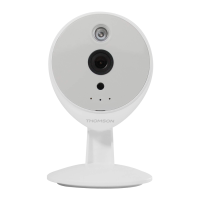
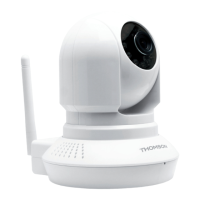
MOTORISED 720P HD WIFI IP CAMERA
9
EN
d - CONFigurATiON ANd uSE
1 - CONFIGURATION USING A SMARTPHONE
OR TABLET
When you connect your camera to the ThomView
appforthersttime,youareimmediatelyaskedto
change the user name and password for camera
connection,forincreasedsecurity:
WARNING: if the application asks you to choose
a WiFi network for your camera instead of asking
youtochangetheusernameandpasswordforthe
application,thenyourcamerahasissuesaccessing
theInternet.Waitamomentorchecktheconnection
settings for your camera and your smartphone or
tabletbeforecontinuing.
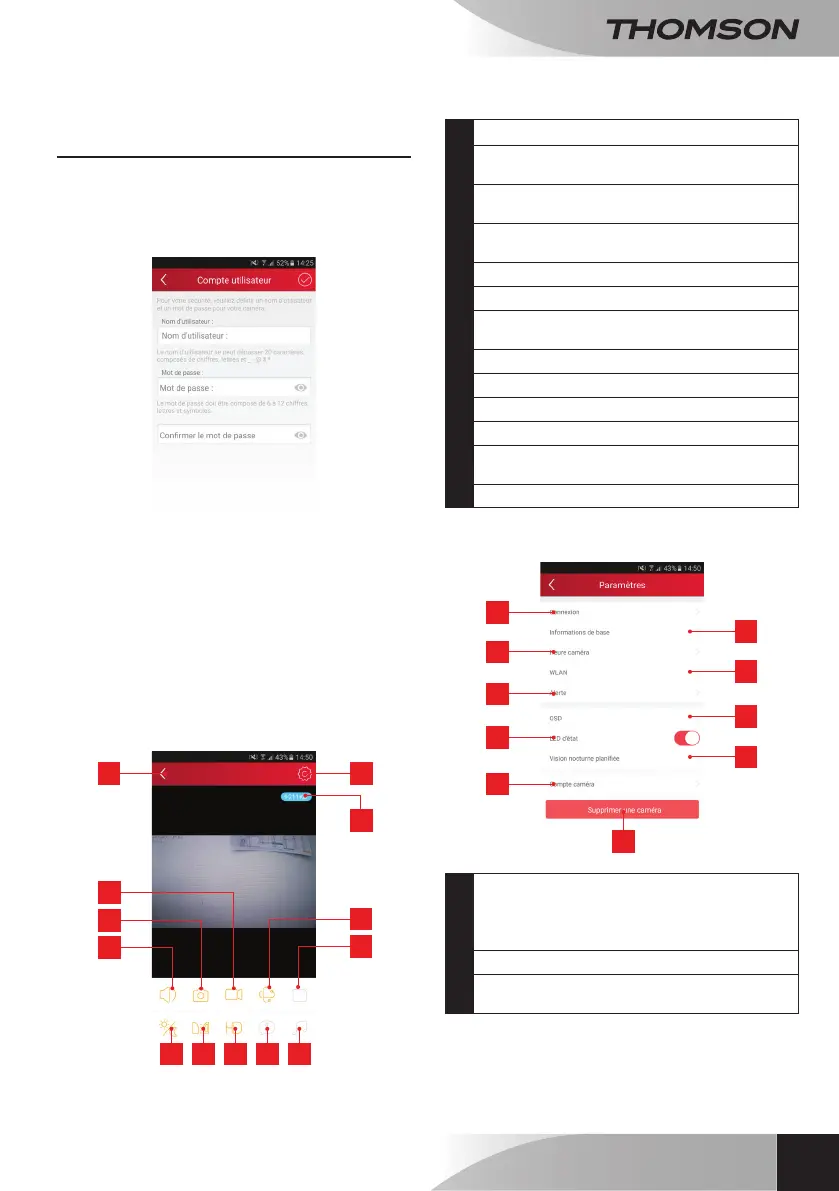
Once you have modied the user name and
password,theimageonyourcameradisplays:
1 5
9 10 11 12 13
4
8
3
7
2
6
1
Returntothelistofsavedcameras
2
Start/stopsave(storedonthetelephoneor
tablet)
3
Takeaphoto(storedonthetelephone
ortablet)
4
Activationofthecameramicrophoneand/or
speaker(compatiblecamerasonly)
5
Accesstocamerasettings
6
Currentowrate
7
Accesstomotor,opticalzoomanddigital
zoomcontrols(compatiblecamerasonly)
8
Launchapatrol(compatiblecamerasonly)
9
Congurationandtriggeringofnightvision)
10
Flipping/invertingtheimage
11
Imagequalitysetting
12
Accesstothelistofevents(compatible
camerasonly)
13
Playalullaby(compatiblecamerasonly)
The camera settings icon enables you to remotely
accessthecongurationofthecamera:
6
7
8
9
1
2
3
4
5
10
1
User name and password saved in the
smartphoneortablet(ifaccesstothecamera
isnotpossiblefollowingaloginerror,itcanbe
correctedhere)
2
Cameratimesetting
3
Motion detection settings, sound detection
settings(compatiblecamerasonly)


 To Next Page