Need help?
Do you have a question about the THOMSON NEO 14 and is the answer not in the manual?
Essential guidelines for safe operation, handling, and environmental conditions to prevent damage or injury.
Instructions for connecting the AC adapter to charge the device battery before first use.
Procedure for powering the device on and off using the power button.
Guide to using the touchpad for cursor movement, clicking, scrolling, drag-and-drop, and zooming.
Explanation of function (Fn) key combinations for performing actions or settings.
Guide to restoring the device to factory settings, including options to keep or delete files.
 General
| Resolution | 1366 x 768 pixels |
|---|---|
| Processor | Intel Celeron N3350 |
| RAM | 4 GB |
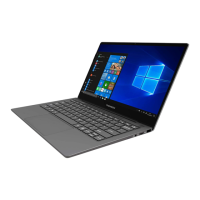
| Operating System | Windows 10 |
| Graphics | Intel HD Graphics 500 |
| Connectivity | Bluetooth |
| Ports | 2 x USB 3.0 |

 To Next Page