EN - 19
mythomson.com
Find your notications
Note : The interface may vary by country, model or version of Windows® 11
Windows 11 puts notications in Notication Center—right on the taskbar—
where you can get to them instantly.
Notications at a glance
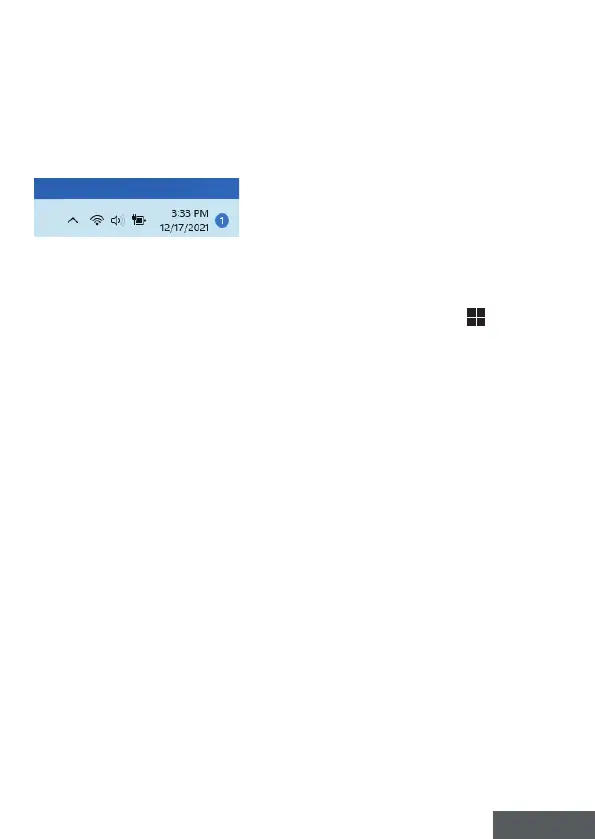
Select the date and time in the taskbar to open the Notication Center. (You
can also swipe in from the right edge of your screen, or press
+ N.)
Select the notication to read more or take action. Don’t want to take any
action? Clear a specic notication by selecting the X next to the notication
you want to clear. If you want to clear all your notications, select the Clear
all button.


 To Next Page