3
1. S witch on the COMBO you want to control.
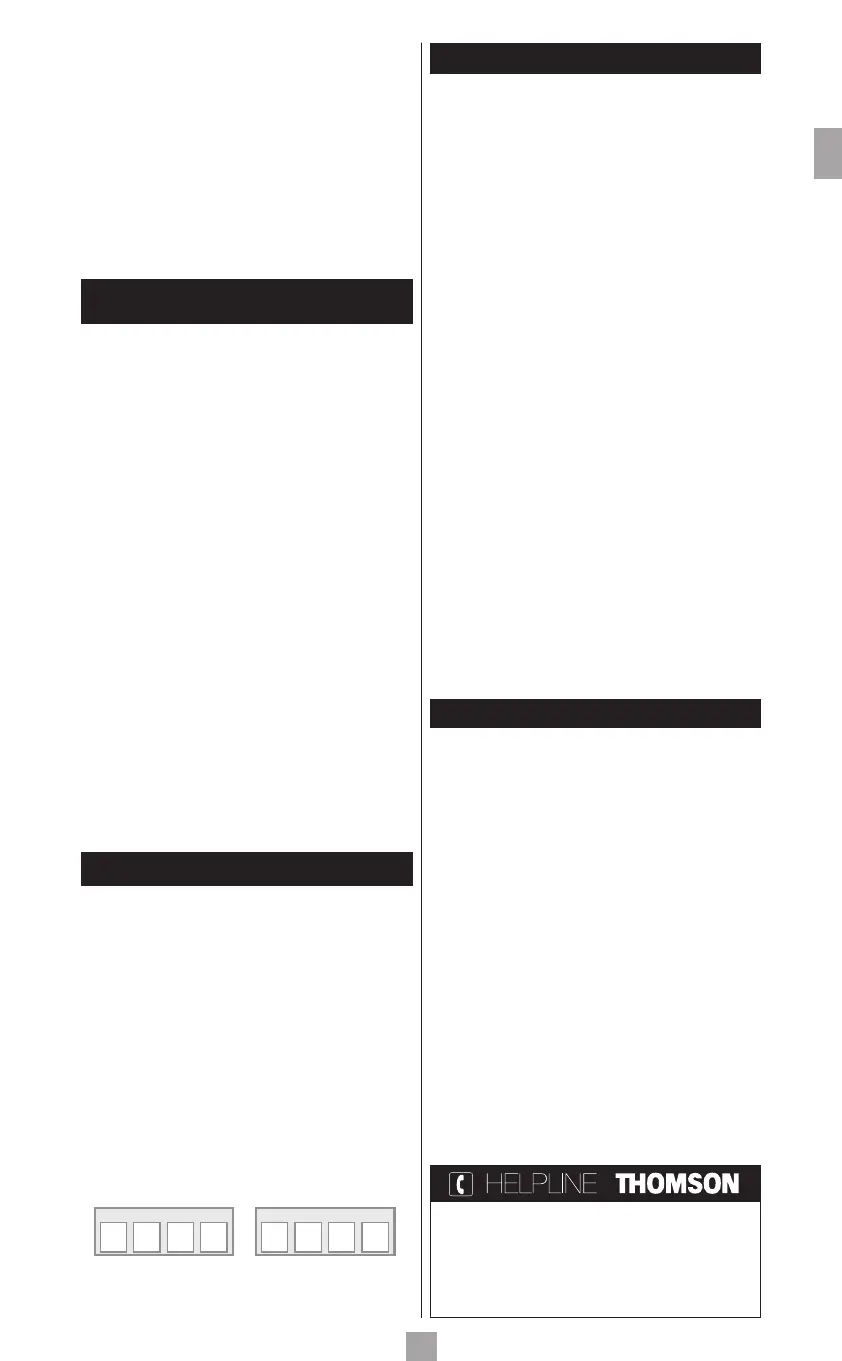
2. Hold down the S (4) until the indicator lamp (1)
remains lit (the indicator light remains on for a few
seconds to give you the time to proceed with the
following steps. The indicator lamp flashes when this
time is almost up, and then goes off).
3. Press the TV (3) key, then follow one of the
programming methods (A, B, C or D) described
earlier.
4. I f a second code programming is required, then repeat
steps 2 and 3 above.
4 - How to retrieve
a programmed code
It may be useful to retrieve the code programmed in the
remote control.
1. Hold down the S (4) key until the indicator lamp (1)
remains lit (the indicator light remains on for a few
seconds to give you the time to proceed with the
following steps. The indicator lamp flashes when this
time is almost up, and then goes off).
2. P ress the key (3) that corresponds to the type of
equipment you want to control:
TV: television set,
VCR/DVD: video cassette recorder, DVD player.
3. Press S (4) again briefly. The indicator lamp (1)
flashes once.
4. Press the number keys (0 to 9) in ascending order
until the indicator lamp (1) flashes once.
5. The digit which made the indicator lamp (1) flash, is
the first number of the 4-digit code. Please make note
of it.
6. R epeat step 4 to find out the other numbers of
the code.
7. When the fourth number is found, the red indicator
lamp (1) goes off.
5 - Check of the programming
- F or a television or a satellite receiver: switch on and, for
example, press (18) to change channels.
- D VD player: load a DVD and then press PLAY (10).
Tr y other remote control keys to find out the range of
functions you can control. If you think that not all of the
keys are active, try the programming Method B or C.
When you have retrieved the code of your set, jot
it down so that you can use it whenever needed.
After battery replacement, you may have to
programme the remote control again.
6 - Other functions
Adjustment of ALL volume controls under a
specific mode.
Yo u can allocate the volume control to one of the modes
of the remote control on condition that the volume
control exists on the corresponding device (e.g. control of
TV sound in VCR/TV mode).
1. H old down the S (4) key until the indicator
lamp (1) remains lit.
2. Release the S (4) key.
3. P ress the c (6) key. The indicator lamp (1)
flashes once.
4. P ress once on the mode key (TV, VCR/DVD…)
corresponding to the device whose volume will always
be controlled by the VOL (7) and c (6) keys.
5. Press the c (6) key once.
Adjustment of the volume controls for EACH
mode.
Yo u can decide that the volume control is functional for
each mode selected on condition that the volume control
exists on the corresponding device (e.g. control of the
television set sound in TV mode, the control of the sound
of the SAT receiver in SAT mode, ...).
1. Hold down the S (4) key until the indicator
lamp (1) remains lit.
2. Release the S (4) key.
3. Press the c (6) key. The indicator lamp (1)
flashes once.
4. Press once on the mode key (TV, VCR/DVD…)
corresponding to the device whose volume will always
be controlled by the VOL (7) and c (6) keys.
5. Press the VOL - (7) key once.
6. Press the c (6) key once.
7 - The NAVILIGHT system
The THOMSON NAVILIGHT navigation system allows you
easy access to the settings of your television set (TV) or your
video recorder (VCR) fitted with the THOMSON NAVILIGHT
system provided that you have allocated the VCR/DVD key
to the video recorder.
1. S witch on the set you want to control.
2. P ress the key corresponding to the type of set you
want to use (TV or VCR/DVD). In the VCR/DVD
position, make sure that the AV mode is activated for
the TV set (the SCART socket must be selected).
3. Press the S (4) key once and then press the a (19)
key.
4. N avigate through the setting menus with the play keys
p, q, t and u (18 and 7).
5. Validate with OK (6).
6. T o leave the menus, press key EXIT (5) once.
Note: The S (4) key remains on as long as light I is lit. If this
light goes out, you have to press the S (4) key again before
using the navigation keys. To exit this mode, press S (4) a
second time.
ROC 2206 / EN / aws - rst / 11-2006
GB
TV CODE VCR/DVD CODE
Yo u can contact THOMSON by dialling:
0871 500 0520
(call to this number
will be charged at 10 pence per minute)
www.thomsonlink.com
01_ROC2206_GB.indd 3 30/11/06 16:56:22


 To Previous Page
 Loading...