EN
4
Operating the Clock
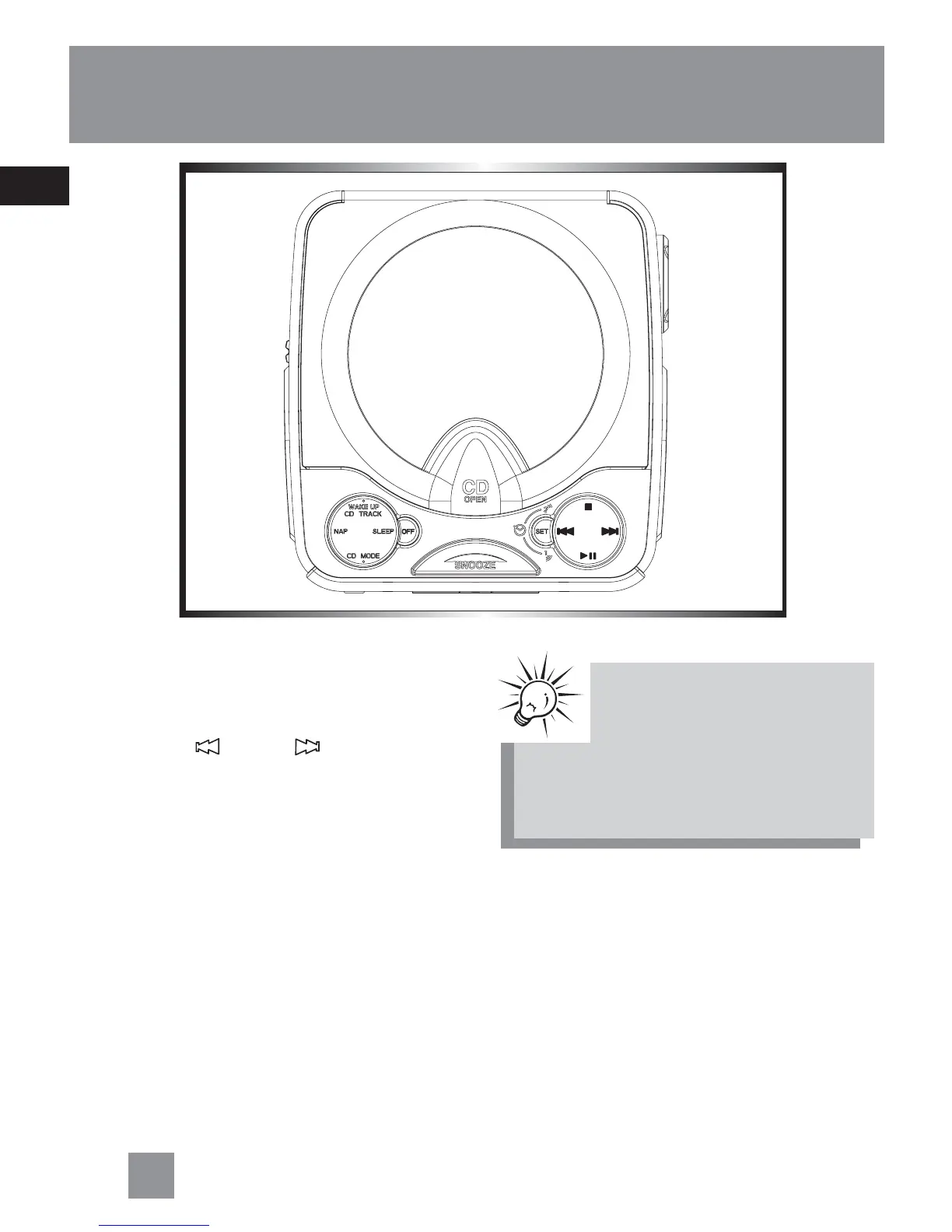
Setting time:
1. Press the SET button, the “ : “ will flash
on the display .
2. Press REV
or FWD to set the time.
TipTip
TipTip
Tip:
No icon will be flashing if all
selectors are set, if you see any
icon flashing on display, press
the SET button repeatedly to confirm
everything is set correctly.



 To Next Page