EN
4
Operating the clock
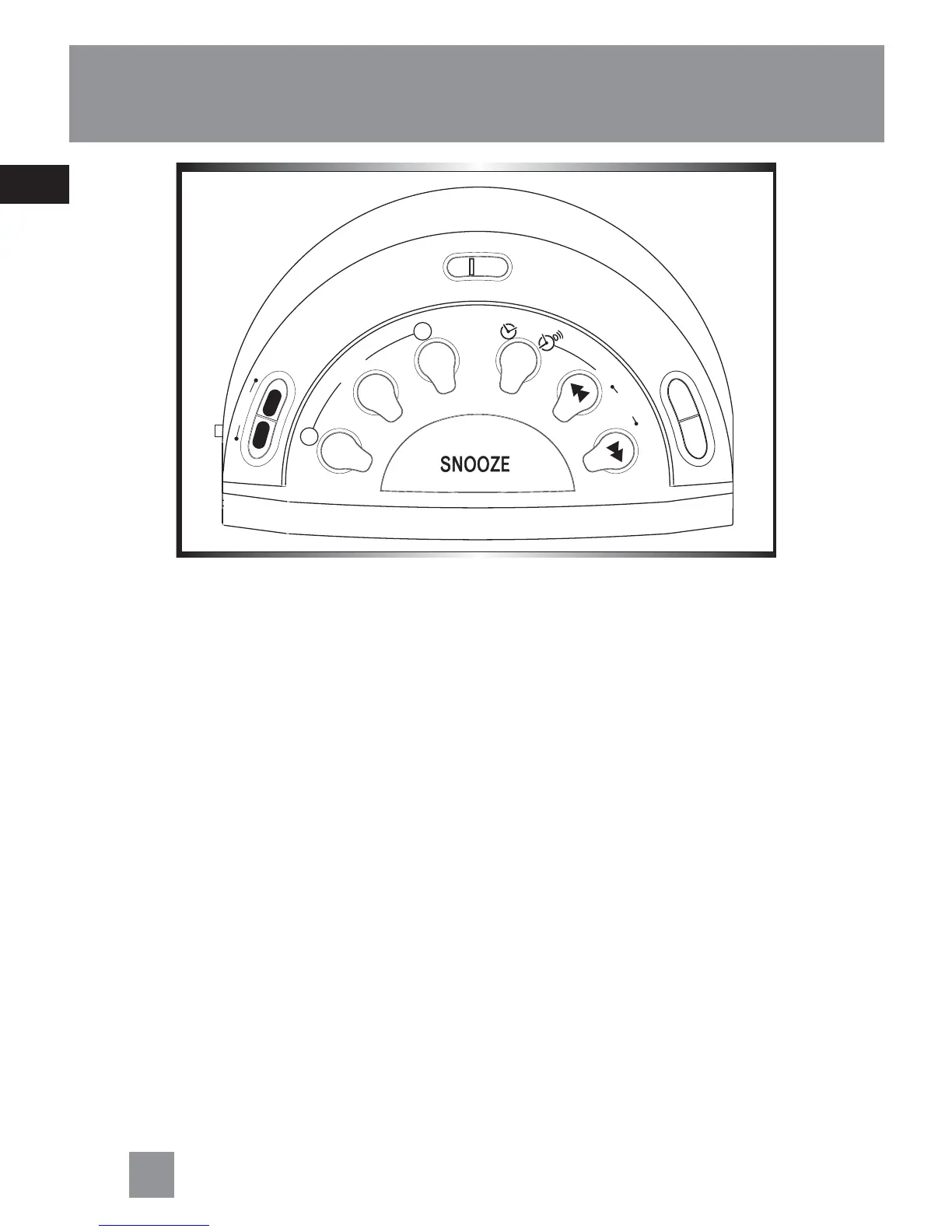
Setting the Wake Time
1. Press the SET button once to set
ALARM 1 (1 will flash on display),
twice to set ALARM 2 (2 will flash on
display).
2. Press REV or FWD to set wake time.
3. When wake time is set. You can exit
set mode by pressing SET button until
no flashing sign or clock icon is dis-
played.
Setting Clock Time
Your digital clock operates on a 24-hour
standard mechanism.
1. Press the SET button until a clock icon
is shown on display.
2. Press REV or FWD to set the clock time.
When you press and hold REV or FWD,
the time decrements or increments will
follow by a faster rate. No adjustment
can be made when LOCK mode is se-
lected.
S
L
E
E
P
N
A
P
Set
1
2
Memory
Recall
A
L
A
R
M
Cancel
B
A
N
D
A
L
A
R
M
R
A
D
I
O
R
e
w
T
U
N
E
F
w
d
T
I
M
E
S
E
T
OFF
O
N



 To Next Page