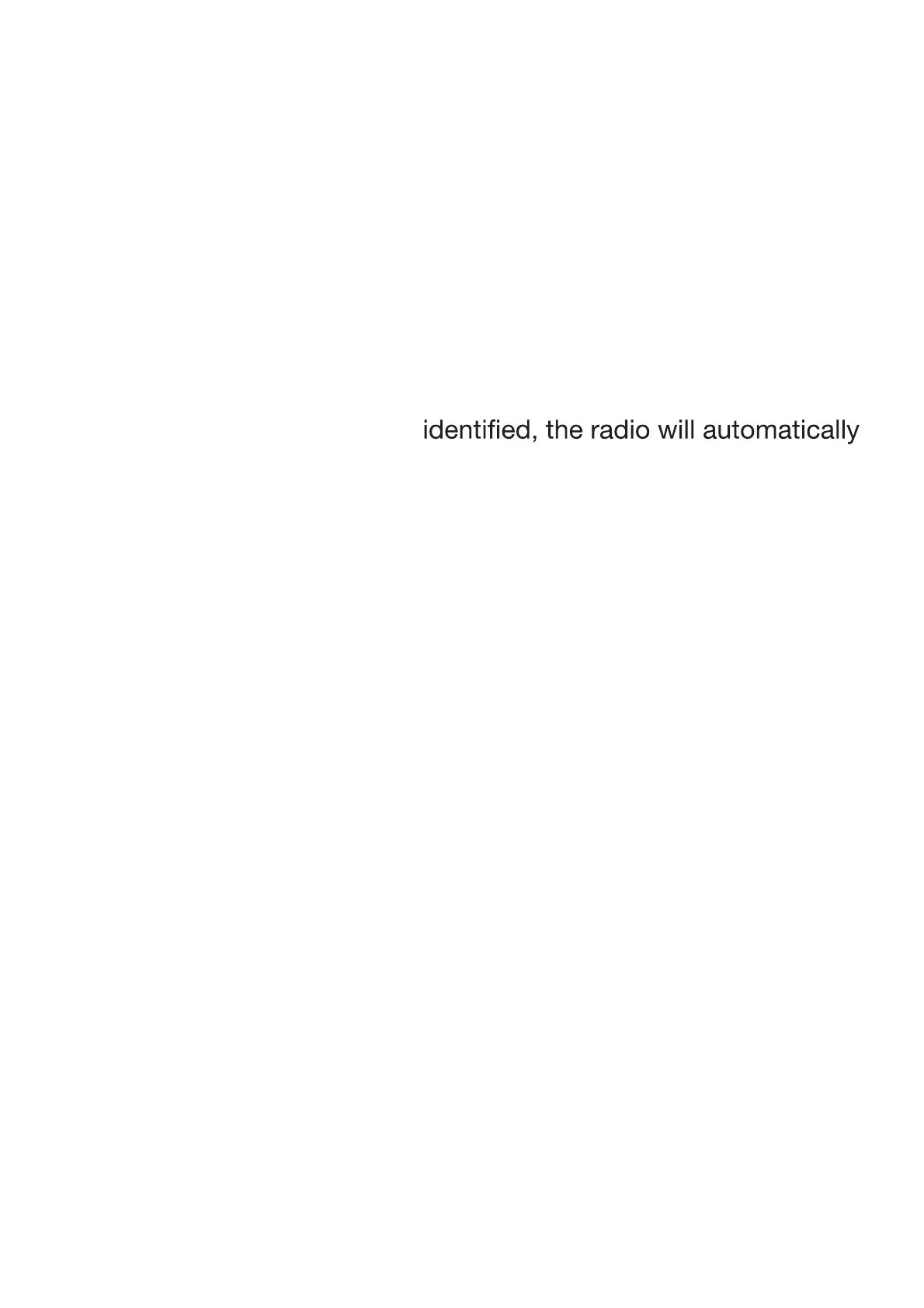
MEMORY (up to 10 radio stations per frequency band)
Manual storage:
p4FMFDUBGrequency by turning the TUNING dial then press and
hold a number from 1 to 10 on the keypad (8).
p3FQFBUUIFQrocedure to store up to 10 radio stations per
frequency band.
Automatic storage:
p1ress PRESET. The frequency search will begin automatically
and up to 10 radio stations will be stored per frequency band.
USING THE RADIO
pTurn the OFF/VOLUME dial clockwise to switch on the radio.
ͻ Press BAND to select the frequency range.
p4FMFDUUIFEFTJred radio station by turning the TUNING (spring)
knob until you hear a click. Frequency steps arFPG.)[
pTurn the TUNING knob (left / right) until you hear a click and
hold for 2 seconds, then release to tune in to the nearest station.
When a station is correctly
stop searching
p"EKVTUUIFWPMVNFCZUVrning the OFF/VOLUME dial.
pTurn the OFF/VOLUME dial anti-clockwise to switch off the radio.
To improve radio reception:
p*O'.NPEFFYUFOEUIFUFMFTDPQJDBFSJBM4). Adjust its position,
length and angle to get the best reception quality.
p*O.848LW mode, turn the unit to orientate the internal aerial
and get the best possible reception.


 To Next Page