ACCESSING THE STORED STATIONS
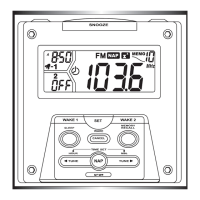
p1ress a number from 1 to 10 on the keypad to switch from one
stored station to another.
Note: Press and hold to change the preset number of the station.
HEADPHONE SOCKET
exceeding 100dB can be connected to the appliance.
p$POOFDUUIFIFBEQIPOFTUPUIFTPDLFU
Note: When the headphones are connected, the loud speakers are
automatically inactive.
Use the appliance at a comfortable volume to preserve user health.


 To Next Page