E-DOC-
E-DOC-CTC-2009CTC-20090708-0000708-00011 v1.0v1.0
33
11InstallationInstallation
1
1 IInnssttaallllaattiioonn
IntroductionIntroduction
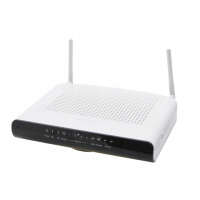
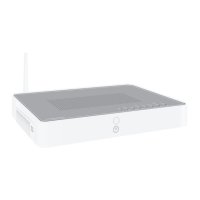
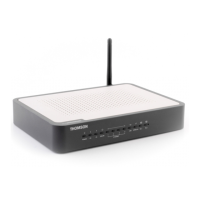
In a few minutes In a few minutes you will be able to you will be able to access the Internet using your Thomson Gateway.access the Internet using your Thomson Gateway.
This Setup and User Guide will show you This Setup and User Guide will show you how to set up your Thomson Gateway and how to set up your Thomson Gateway and how to connect yourhow to connect your
computer(s) to the Internet.computer(s) to the Internet.
Main featuresMain features
As soon as you As soon as you have completed the installation of your Thomson Gateway you will have completed the installation of your Thomson Gateway you will be able to benefit be able to benefit from allfrom all
the services offered by your Thomson Gateway. This Setup and the services offered by your Thomson Gateway. This Setup and User Guide will focus on the User Guide will focus on the followingfollowing
features:features:
Broadband InternetBroadband Internet
connection.connection.
The first chapter describes how to connect your The first chapter describes how to connect your Thomson Gateway to the Internet.Thomson Gateway to the Internet.
Wired and wireless accessWired and wireless access
to your local network devices.to your local network devices.
For more information, seeFor more information, see “1.4
“1.4 Connecting a Connecting a Computer Computer Using the Using the Ethernet Cable” Ethernet Cable” on pageon page 1212andand
“3
“3 WirelWireless ess AccessAccess” on ” on pagepage 2323..
Useful networking toolsUseful networking tools likelike UPnPUPnP,, Dynamic DNSDynamic DNSand many more.and many more.
For more information, seeFor more information, see “4
“4 ThomThomson Gatson Gateway Teway Tools” on pools” on pageage 3131..
Internet Security:Internet Security:
For more information, seeFor more information, see “5“5 InterInternet net SecurSecurity” ity” on paon pagege 4141..
Before you can start to use Before you can start to use these features, we will first these features, we will first set up your Thomson Gateway.set up your Thomson Gateway.



 To Next Page