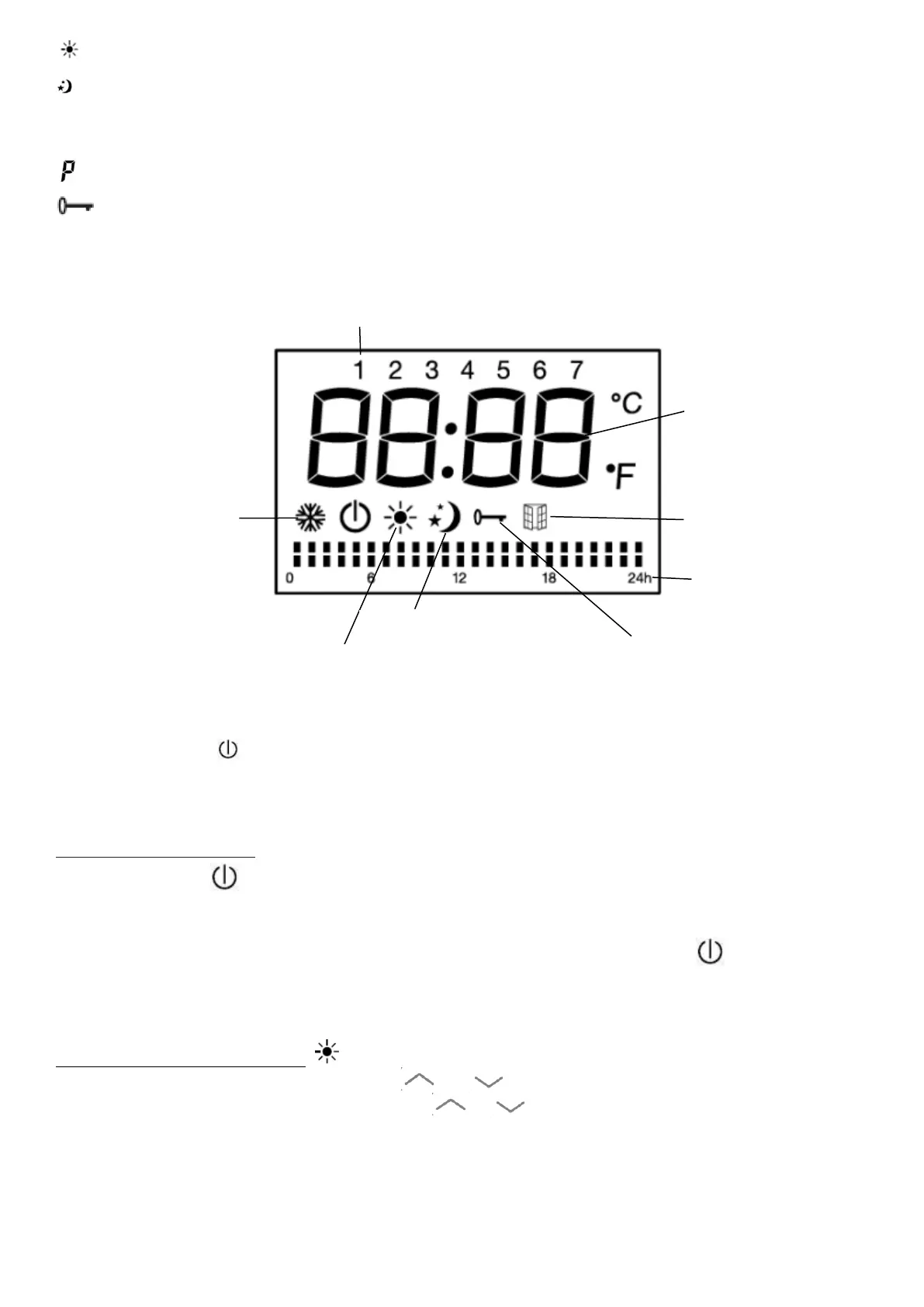
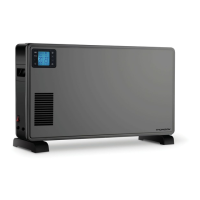
Comfort mode (Setting the desired temperature)
Eco mode (ECO Maintains temperature which is equal to the comfort temperature
lowered by 3.5 ° C. This mode reduces the temperature without disturbing the desired
comfort mode temperature)
Program mode (Set the daily timer programs by pilot wire)
Child lock (Lock the control panel by pressing the M button for 3 seconds to activate
and deactivate)
Press the button to turn the device into Standby Mode or Comfort mode.
Press the M key to select desired mode.
Note on the child lock
Stand by button is still available when the child lock is activated.
The keypad is unlocked if:
1) The heater is put into standby mode by pressing the button standby .
2) The heater is disconnected from the electric power supply.
Operation in comfort mode
In comfort mode, press on the button or to adjust the temperature between 5 ℃
and 30 ℃. Press the other buttons except / to confirm the setting or adjustment
will be confirmed automatically after 5 seconds.
The room thermostat can control the temperature. When the ambient temperature is
above the set temperature, the unit stops heating.
GB-9


 To Next Page