EN
3
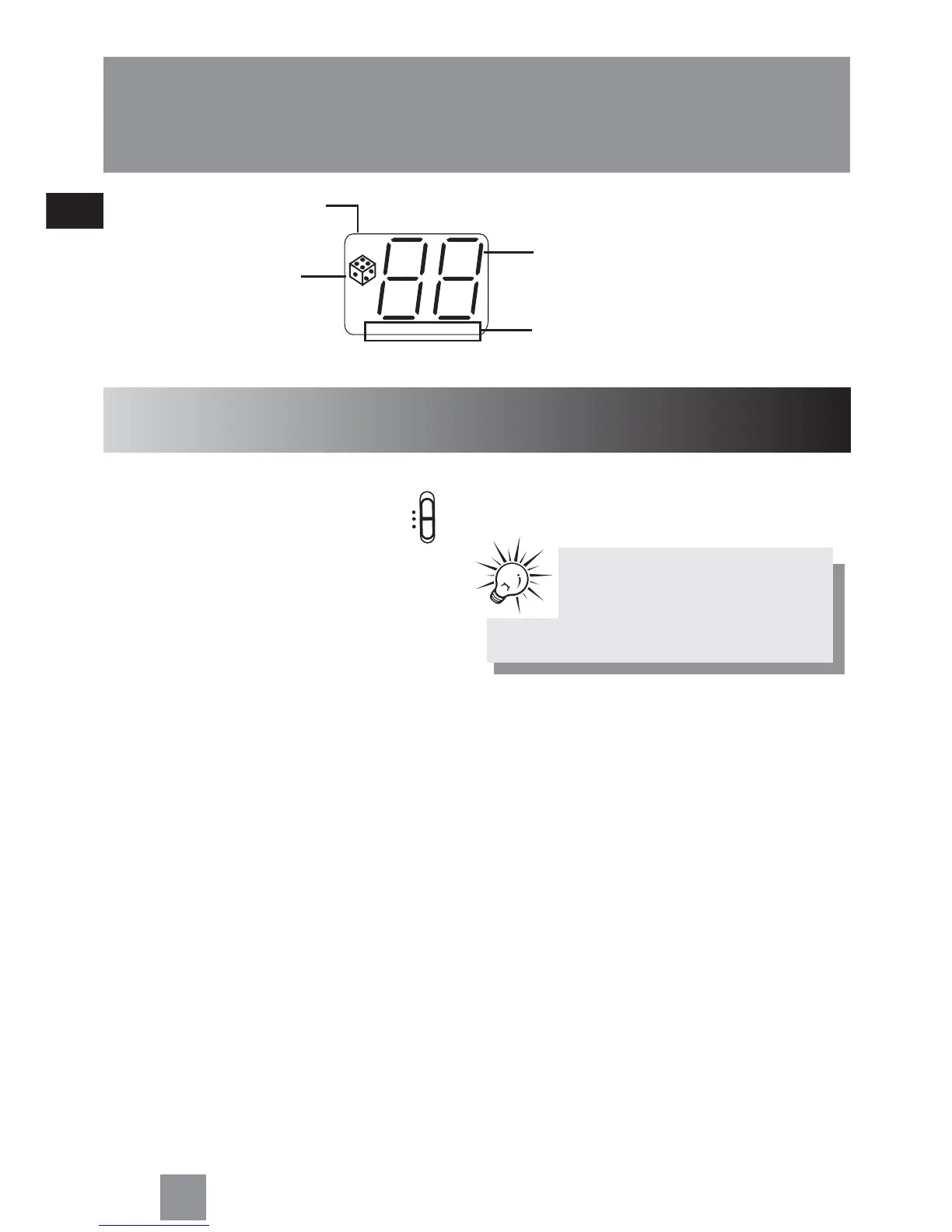
Display
Radio
Tuning to a station
1. Select RADIO from the SELECT
switch.
2. Slide BAND to select between MW/LW/FM
band.
3. Rotate < TUNING > to select radio station.
Track number (shows during
disc playback)
Mix play
Repeat mode (REPEAT 1 - repeat
current track, REPEAT ALL - repeat
entire disc)
Program mode
REPEAT 1 ALL
PROG.
SELECT
CD
RADIO
TAPE
(OFF)
4. Adjust MIN. VOLUME MAX. to your desired
listening level.
TipTip
TipTip
Tip:
Extend or reposition the antenna for
better FM reception. Move the unit
for better MW/LW receptions



 To Next Page