- EN 21 -
Anti-skating adjument:
To adju the anti-skating mechanism, you can turn the anti-skating knob anti-clockwise to
reach 0 grams of tracking force. You can turn the anti-skating knob clockwise to achieve up to
4 grams of tracking force. You can adju the anti-skating knob if the cartridge slips.
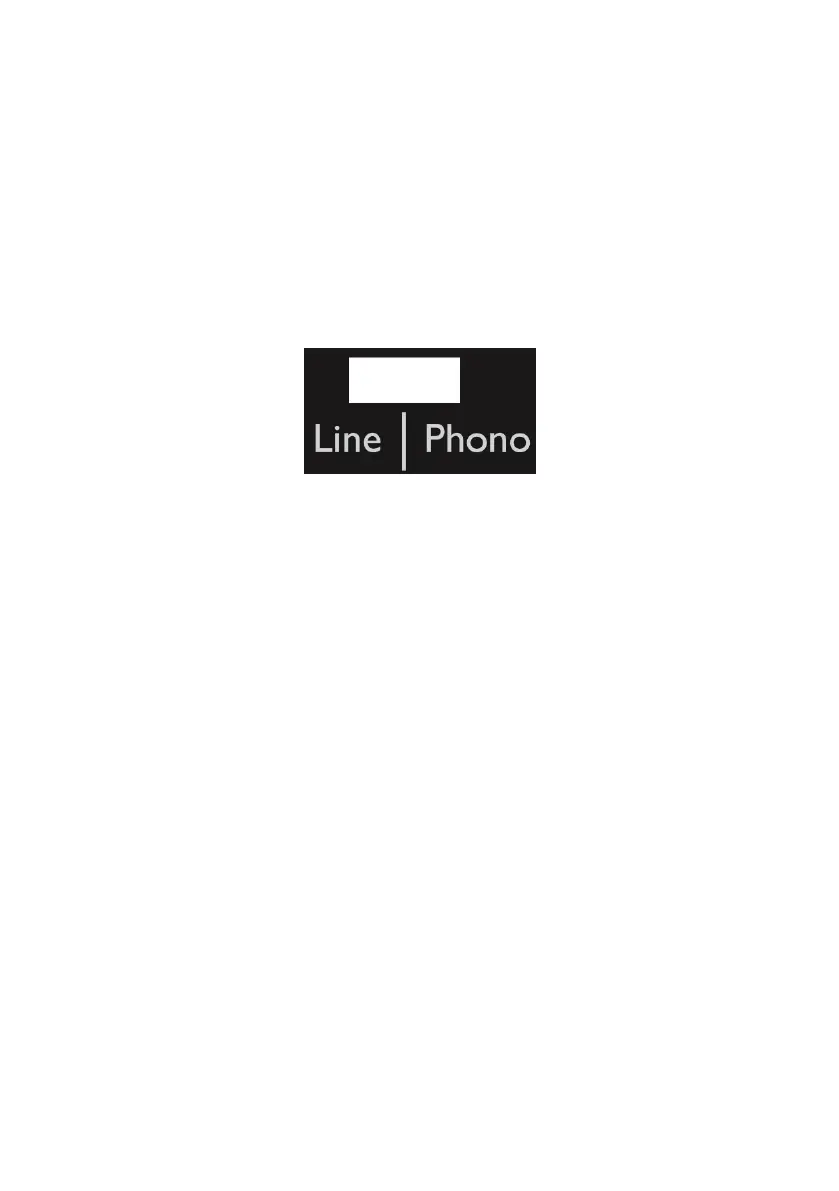
Phono/line choice:
• The phono/line selector is located on the rear of the device.
• If you select "phono", the audio signal will bypass the internal preamplier, and the
turntable needs to be connected to an external preamplier to play your music.
• If you select “line”, the audio signal will be processed by the internal preamplier. The
turntable can be connected directly to active speakers to play music.
Playing a record:
• Remove the protector from the ylus.
• Make sure the arm is fully detached from the arm re before playing and placed back
securely afterwards.
• Push the lift lever up to raise the arm, and carefully move it towards the record: the platter
will begin to turn.
• Push the lift lever down to lower the arm and gently re it on the record. The record arts
playing.
• Push the lift lever up to raise the arm: the turntable continues to turn but the sound ops.
To continue playing, lower the lift lever.
• Changing speed - 33/45 rpm: depending on the record, choose 45 or 33 rpm playing.
• Use the 45 rpm adapter if necessary.
• Start / op button: ops or resumes platter rotation.
• An Auto-return on/o button is located on the back of the device to activate/deactivate the
automatic return function of the arm. If the auto-return function is enabled, the arm will
automatically return back into place when the record is nished playing.
NB: If one of your vinyl records does not play to the end due to the auto-return function, you
can turn it o using the button on the back of the T700. Please note that the turntable will
continue to turn even if the record is nished, so you need to manually lift and replace the
tone arm.


 To Next Page