EasyManua.ls Logo

THORLABS FW212C - User Manual

THORLABS FW212C
21 pages
Print Icon
To Next Page IconTo Next Page
Loading...
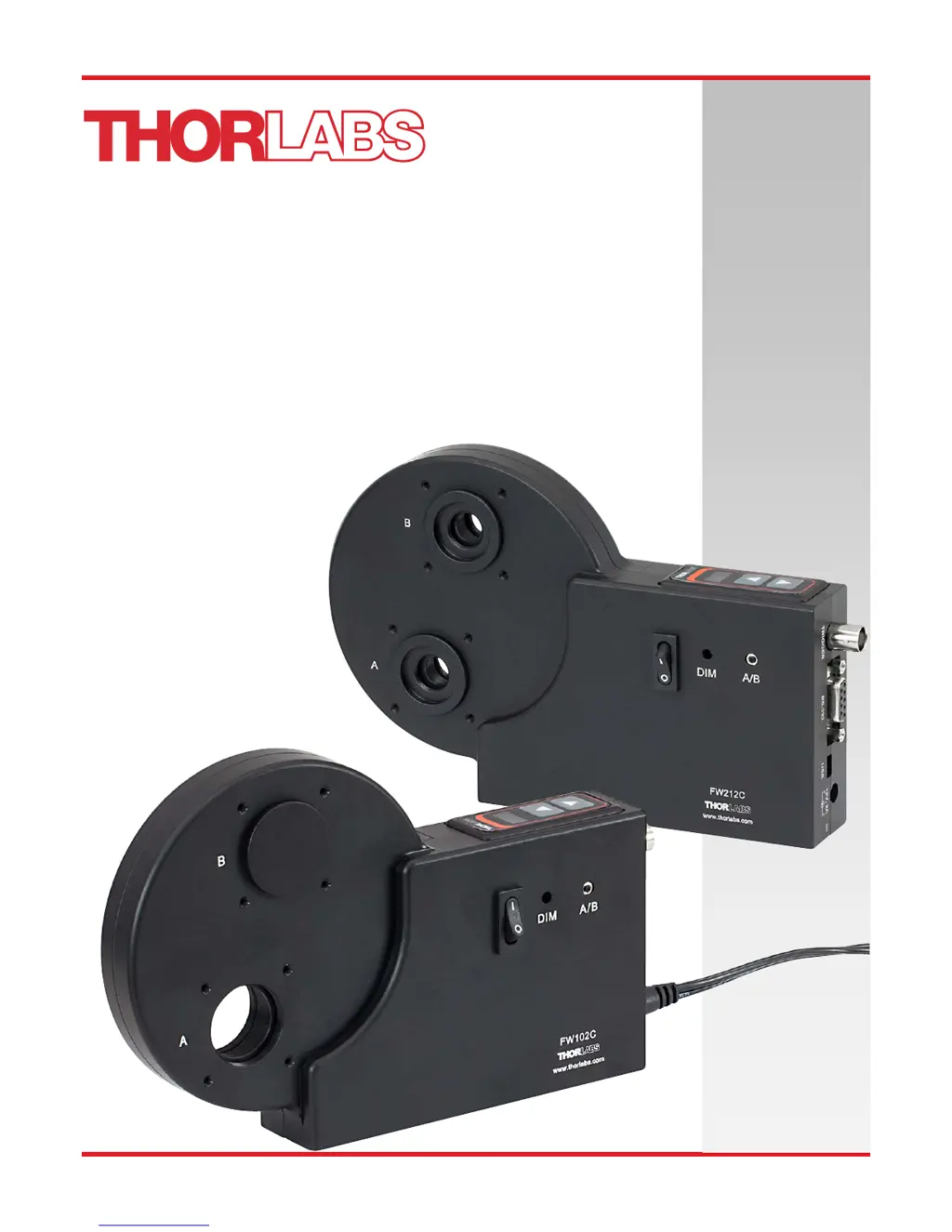
FW102C, FW102CNEB,
FW212C, FW212CNEB
Motorized Filter Wheel
User Guide

Questions and Answers

  • C
    chenalexisAug 9, 2025
    What to do if I can't connect to THORLABS Tools FW102C/FW212C over USB?
    • G
      ghudsonAug 9, 2025
      If you're having trouble connecting to the THORLABS Tools FW102C/FW212C via USB, here are a few things to try: * First, ensure that the unit is powered on before you plug in the USB cable. * If that doesn't work, power off the unit, disconnect the AC cord and USB cable. Then, reconnect the AC cord, power on the unit, and reattach the USB cable. * Also, verify that the necessary USB drivers are installed on your computer.
  • R
    roy92Aug 18, 2025
    How to fix error code E# on THORLABS Tools?
    • T
      Tom BeasleyAug 18, 2025
      If you're seeing error code E# on your THORLABS Tools device, it could be due to a few reasons: * Make sure the filter wheel is correctly installed, the housing is properly seated, and the thumbscrew is tightened. * Dust or debris might be blocking the sensors. Remove the housing cover and filter wheel, then use compressed air to clean any dust or debris from inside the housing and the green circuit board. * Inspect the blunt crenulated patterns on the inner rim of the wheel. If any are bent or broken, the wheel will need to be replaced.
  • J
    Jennifer HartmanAug 28, 2025
    Why THORLABS FW212C unit does not turn on?
    • B
      Brian SkinnerAug 28, 2025
      If your THORLABS Tools unit isn't turning on, ensure that the AC power cord is fully plugged into the AC input receptacle on the unit and that it's connected to a working outlet providing 100 to 240 VAC.

Summary

Safety

General Safety Warnings

Essential safety precautions for operating the filter wheel in various environments and during maintenance.

Basic Operation

Changing and Removing Filters

Instructions for safely removing and inserting filters into the filter wheel, including securing mechanisms.

Mounting Procedures

Details on how to mount the filter wheel unit using various threaded holes and cage systems.

Powering the Unit

Information on connecting the AC adapter, power switch location, and initial power-up behavior.

Software Control

Troubleshooting and Maintenance

Removing the Filter Holder

Step-by-step guide on how to safely remove and reinsert the filter holder, including troubleshooting tips.

Changing Filter Wheel Types

Procedure to convert the unit between 6-position and 12-position wheel operation.

Error Codes and Solutions

Common problems like connection issues or error codes with their respective solutions.

Technical Specifications

Mechanical Drawings

THORLABS FW212C Specifications

General IconGeneral
BrandTHORLABS
ModelFW212C
CategoryTools
LanguageEnglish

Related product manuals