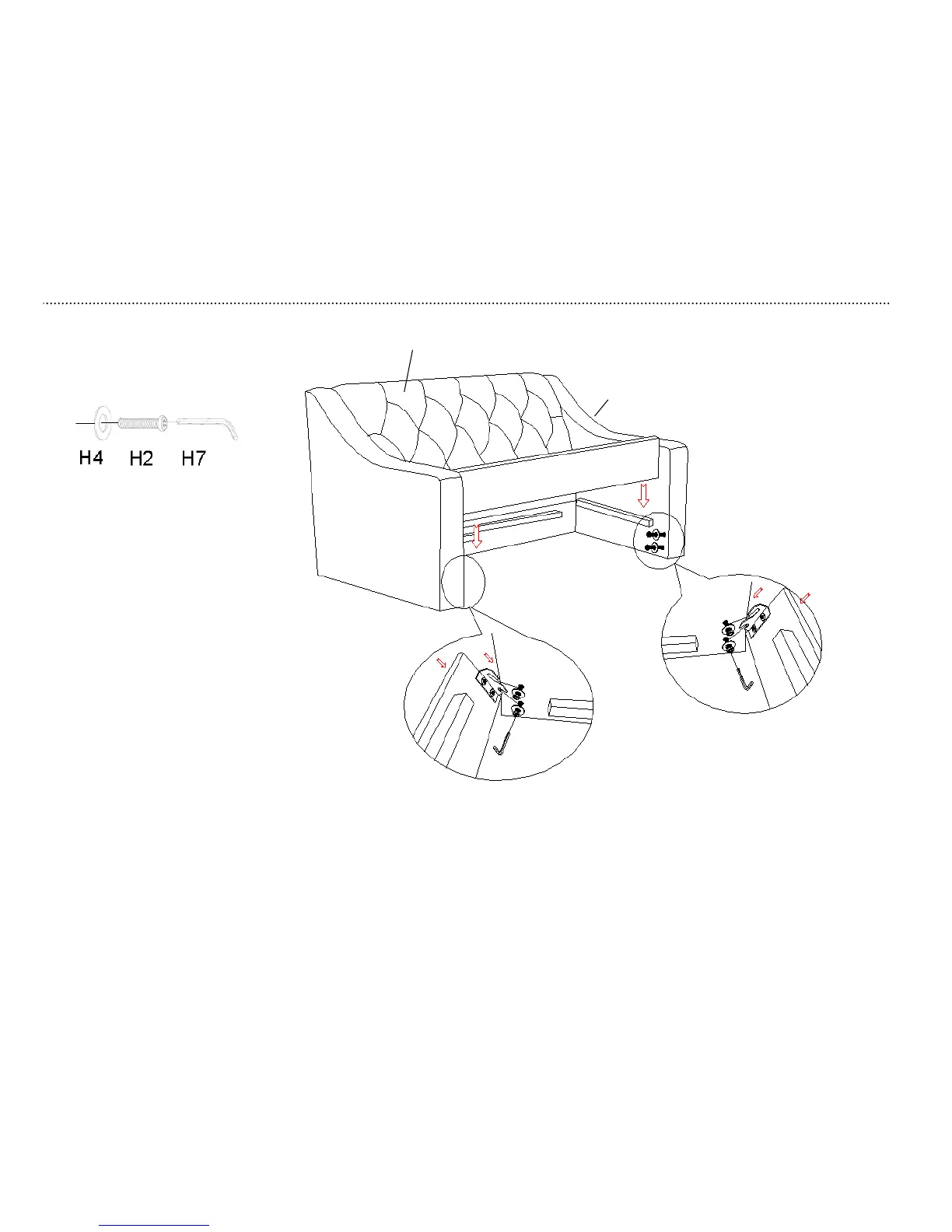
1. Hook front panel (D1) to left arm (A) & right
arm (B) as shown below. Push front panel
(D1) with a downward force to lock it into
place.
2. Secure front panel (D1) to arms (A & B) by
tightening the hex socket head bolts (H2)
inserted in step 3 with Allen key (H7).

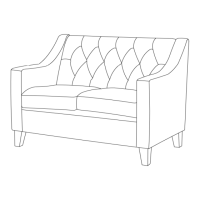

 To Next Page