16
5. Installation on PC
1. Please visit:
https://support.thrustmaster.com/product/ava/.
2. Download and install the PC driver and its
customized interface for the Windows control
panel.
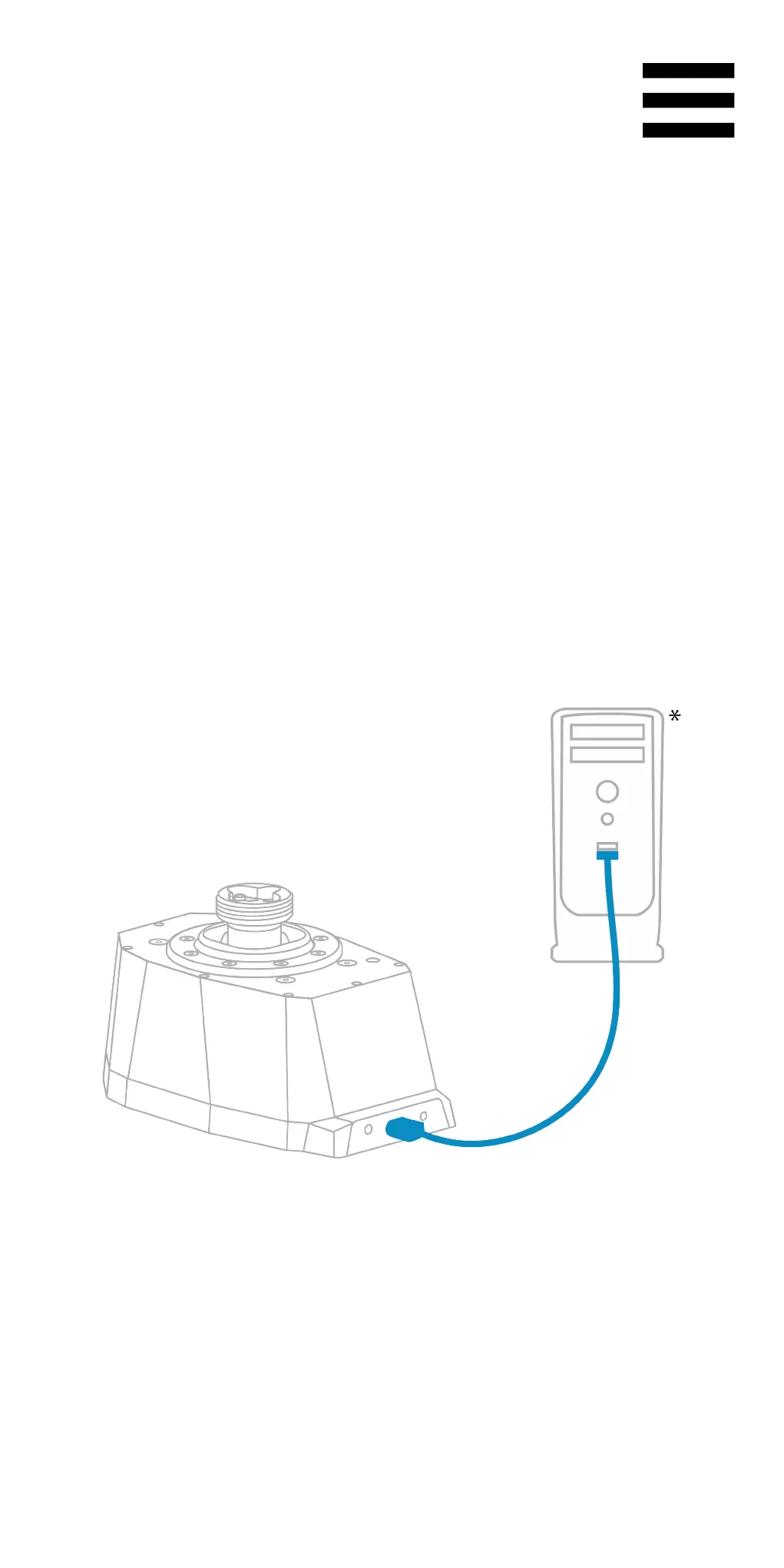
3. Once the PC driver has been installed, connect
the AVA base to one of your PC’s USB ports,
using the USB-A – USB-C cable.
*Not included


 To Next Page
 Loading...