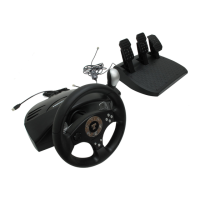
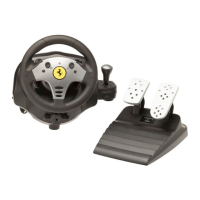
Thrustmaster Force Feedback Racing Wheel – User Manual
3
I.
INTRODUCTION
U
SING
T
HIS
M
ANUAL
To begin with, this manual assumes you are familiar with frequently used terms, such
as click on, right-click on and double-click on.
Further to this, the following list of conventions has been drawn up to help you get
situated:
!
BOLD CAPITALS
for all directory, file and path names; and also all text that
you will have to manually type in (e.g.
INSTALL.EXE
).
!
Italics
for interface messages or on-screen information.
!
Keyboard keys in square brackets, with a plus sign separating keys that you have
to press simultaneously (e.g. Press [Ctrl]+[Alt]+[Del]).
!
Designates a caution or warning that can steer you away from risky
situations.
!
Offers you an on-the-spot definition or explanation.
!
Indicates information of particular importance that should be taken into
consideration before proceeding.







 To Next Page