Update : February 2024
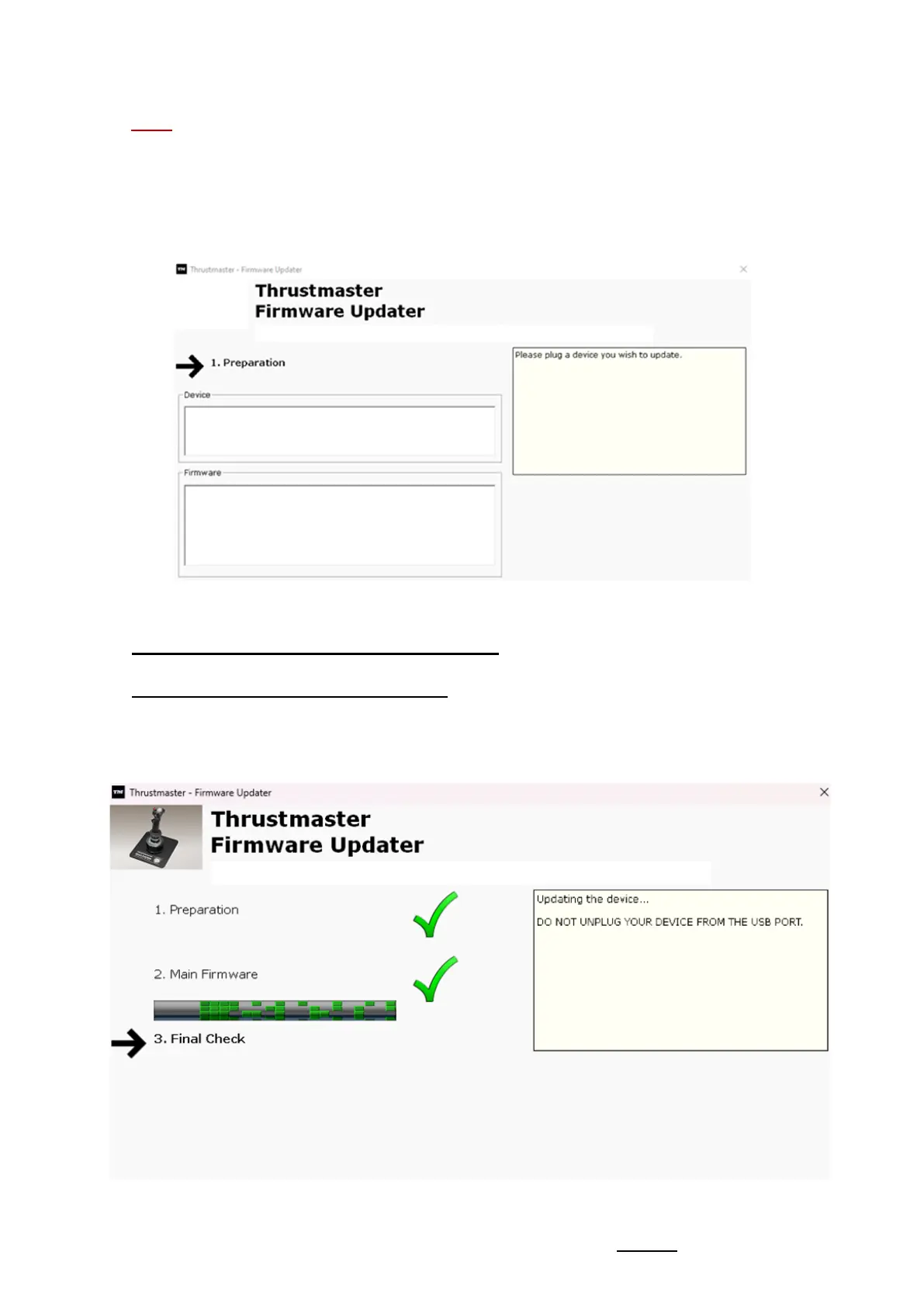
Note: If nothing is displayed in the Device or Firmware sections, repeat the
entire procedure from the beginning — but this time connecting the USB
connector to another USB port on your computer (or perform the procedure on
a different computer).
Also, if you have a desktop PC, we recommend using a USB port located on
the back of the central unit.
6) Click OK to carry out the firmware update
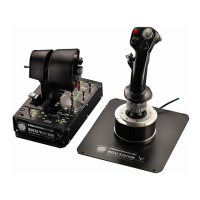
7) Wait while the Firmware is updating
- Wait for the Firmware to load.
o DO NOT DISCONNECT the HOTAS Warthog Flight Stick from the
PC's USB port.










 To Next Page