Update : February 2024
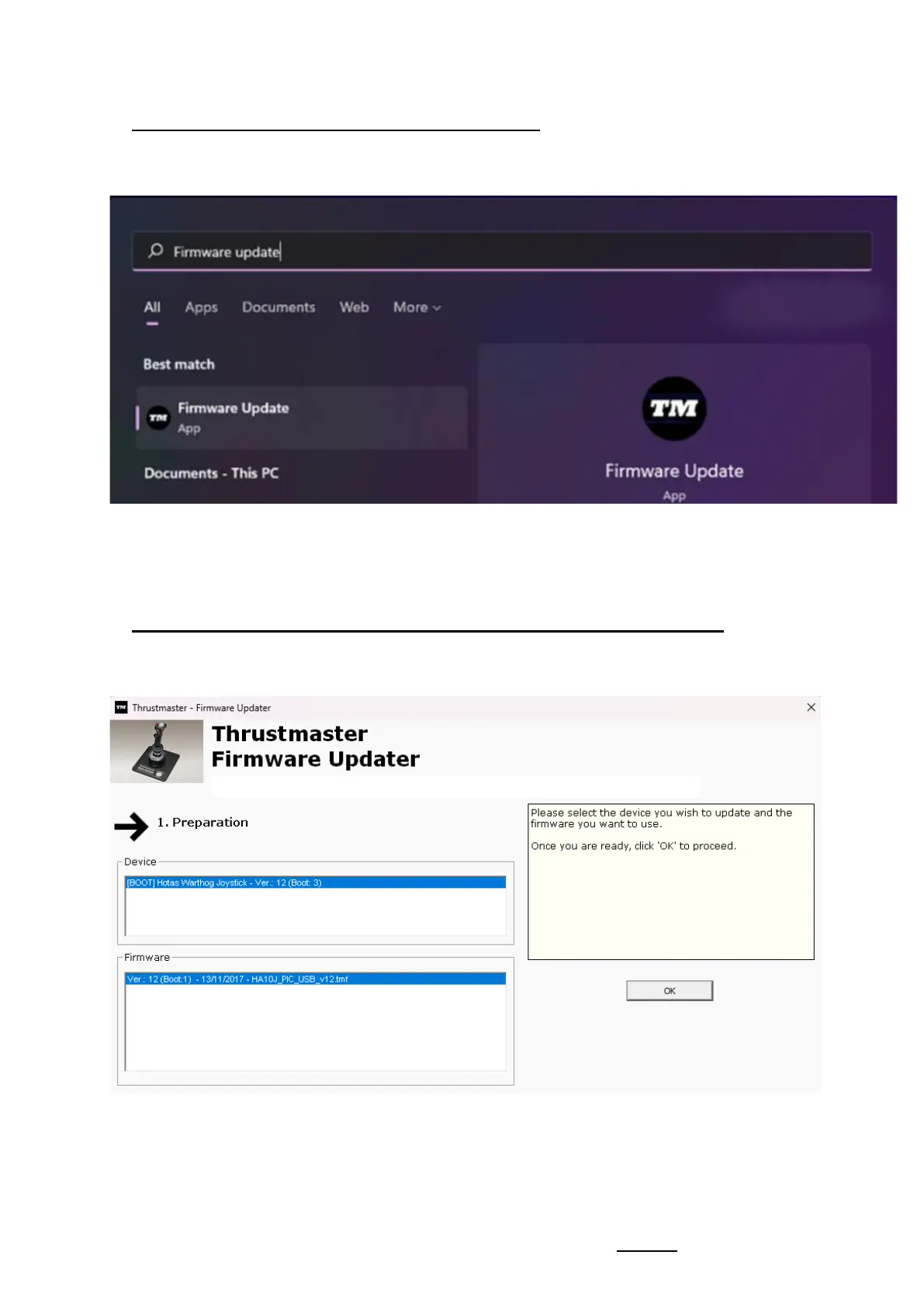
4) Launch the firmware updating app on your PC
Click in the Windows search magnifying glass field (located on your PC’s taskbar),
type Firmware Update and then click to launch the app.
5) The "Thrustmaster – Firmware Updater" window appears onscreen
- Device: shows the device in [Boot] mode
- Firmware: displays the firmware version that will be applied to the device










 To Next Page