Update: January 2024
My T300 RS will not power on and is not detected or recognized by my
PC or games console - Wake-up method (Bootloader)
.
System requirements: PC running Windows® 10 or more recent
In this article we give you the procedure to follow to try to wake up your T300 RS
racing wheel.
Important note:
The wake-up procedure only applies in the specific case whereby the racing wheel
base will not power on
- The racing wheel does not self-calibrate (automatic movements of the
wheel rim from left to right).
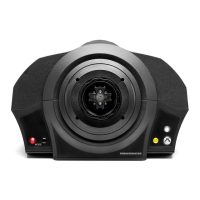
- No LEDs light up on the racing wheel’s servo base.
Things to verify before getting started
- It is imperative that a Thrustmaster wheel be mounted on the servo base
of the T300 RS.
- It is imperative to follow the connection instructions.
o The power plug must be properly plugged into a wall outlet
▪ We recommend that you avoid using an extension cord,
power strip or current transformer
o The racing wheel base will have be directly connected to a USB
port on the PC
▪ We recommend that you avoid using a USB hub, a USB
extension, or any other type of connection extension
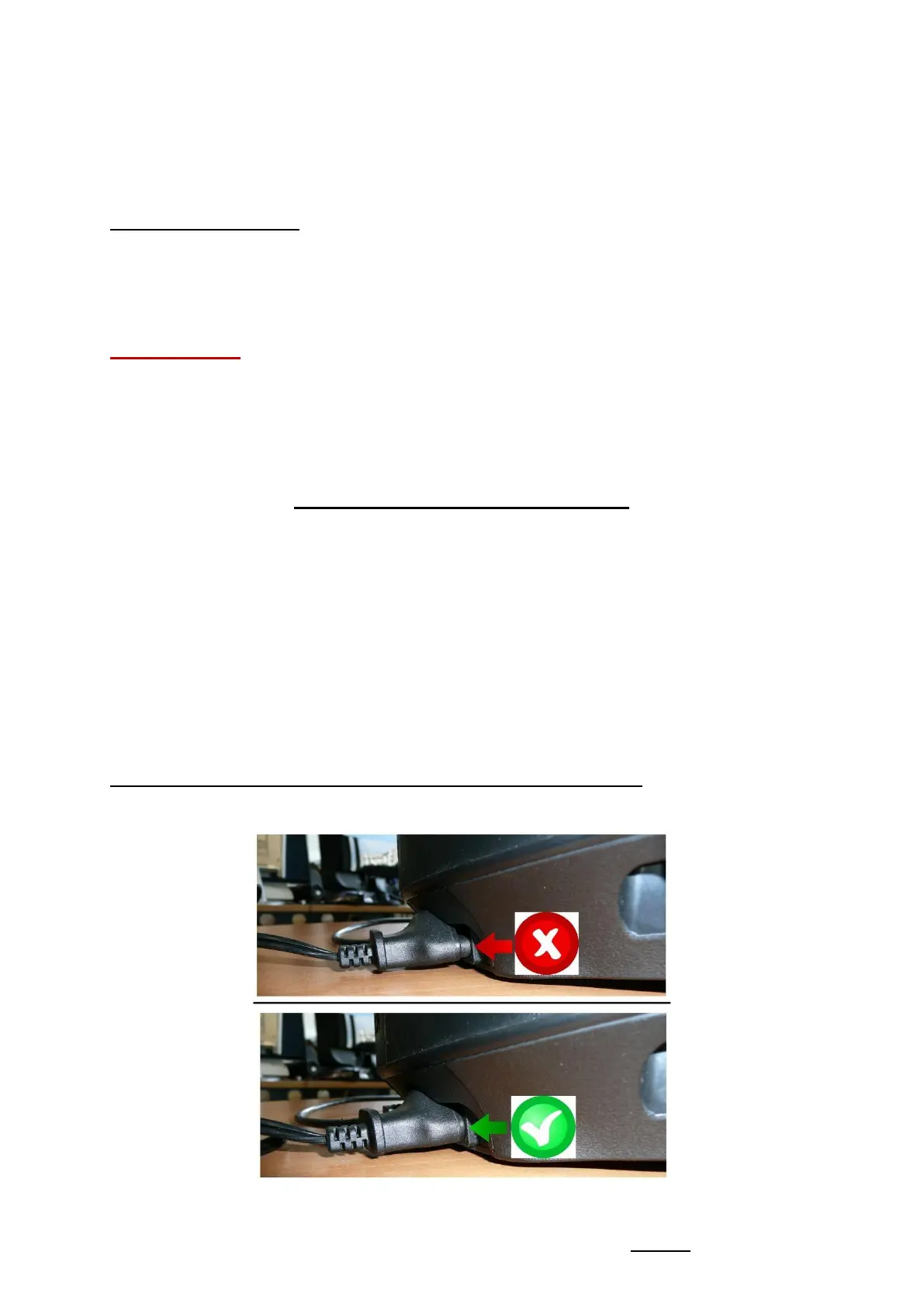
Tip on connecting the power cable to the back of the servo base.
- Make sure the plug is firmly inserted.








 To Next Page